
Table of Contents
Cortex CLI: The Infrastructure-Native Agent Orchestrator
Cortex is a developer-centric AI agent orchestrator launched on January 6, 2026, designed to replace fragile chat-based interactions with deterministic, multi-agent workflows. By treating agent configurations like infrastructure-as-code (IaC), Cortex allows engineering teams to define complex, multi-project AI behaviors within structured YAML files. This approach ensures that every execution is reproducible, scalable, and integrated directly into the developer’s existing CLI-based environment.
Unlike general-purpose AI frameworks that often prioritize conversational flexibility, Cortex focuses on operational reliability. It introduces specialized configuration files known as the Cortexfile and MasterCortex, which manage everything from parallel task execution to the intricate chaining of outputs between different specialized agents. This architecture is specifically built for developers who need to automate data pipelines, research workflows, or build-system integrations where consistency and speed are paramount.
Key Features
- Infrastructure-Style Cortexfiles: Define agents, tools, and models using a declarative YAML syntax that can be version-controlled and shared across teams.
- True Parallel Agent Execution: Run multiple independent agent tasks concurrently to maximize throughput and reduce the total time for complex workflows.
- Deterministic Output Chaining: Link the output of one agent directly to the input of another, creating a reliable and automated chain of reasoning or data processing.
- Session & State Tracking: Maintain persistent logs of agent interactions across multiple runs, enabling deep debugging and longitudinal performance monitoring.
- Real-Time Output Streaming: View agent progress and generated content live within the CLI, providing immediate feedback during long-running tasks.
- Task Dependency Mapping: Define specific orders of operation to ensure that complex multi-step goals are executed only once all prerequisites are met.
- Multi-Project Orchestration: Use a “MasterCortex” configuration to manage and coordinate agents across different codebases or project directories.
- CLI-Native Workflow Management: Execute, pause, or resume agent tasks directly from the terminal without the overhead of a graphical interface.
How It Works
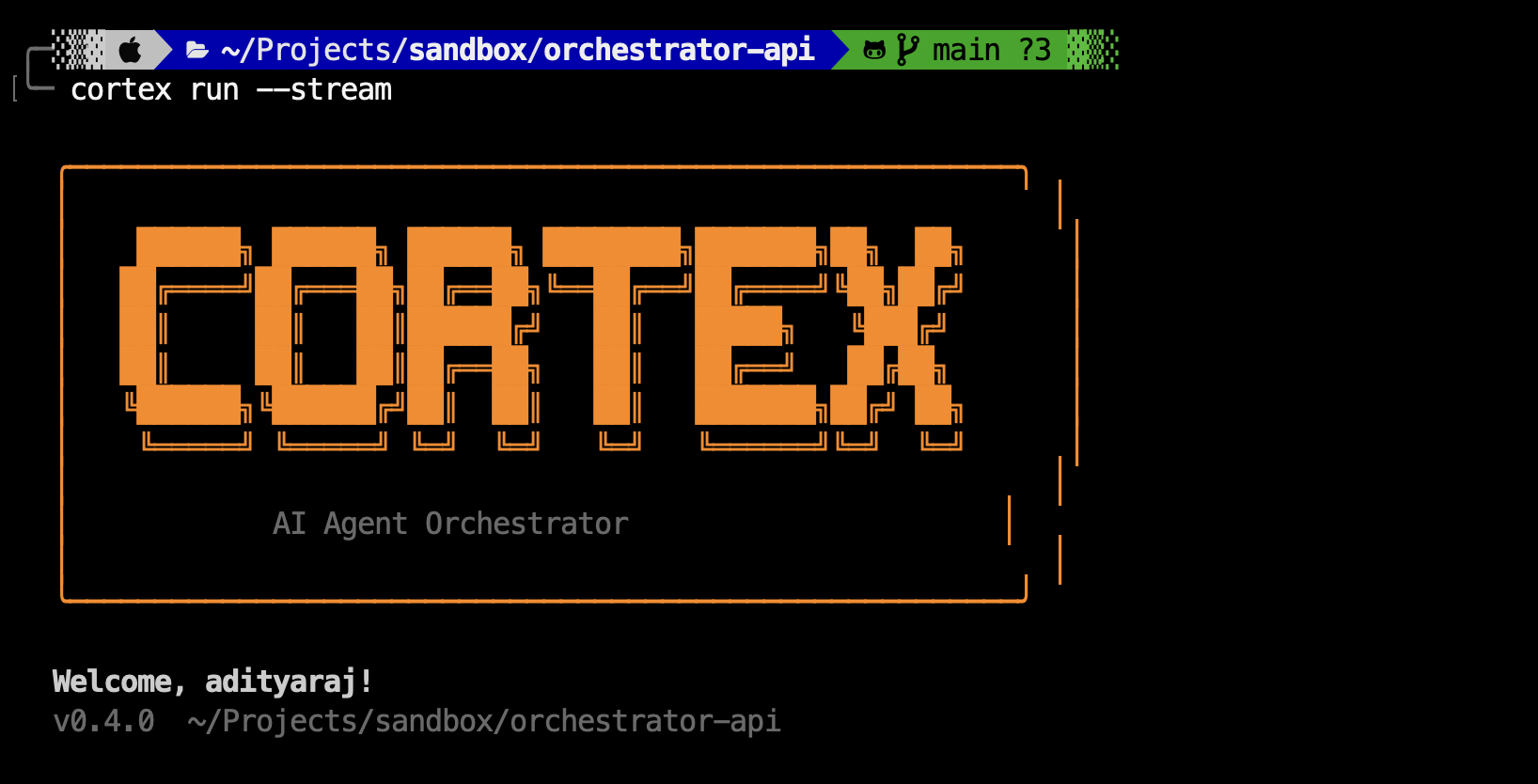
The Cortex workflow begins with the creation of a cortex.yaml or Cortexfile. In this file, the developer specifies the agents involved (e.g., a “Research Agent” and a “Summary Agent”), the LLM models they should use, and the specific tasks they must perform. The file also defines how data flows between them—for example, the Research Agent might fetch data from a set of URLs and pass the raw text to the Summary Agent. When the user runs the cortex run command, the CLI spawns the necessary agent instances in parallel where possible, manages their dependencies, and streams their progress back to the terminal. Each session is tracked, allowing the developer to revisit the exact state of a workflow if a task needs to be re-run or adjusted.
Use Cases
- Automated Research Pipelines: Coordinating a swarm of agents to scrape, analyze, and summarize news or academic papers based on a list of target topics.
- Code Maintenance Swarms: Orchestrating agents to scan multiple repositories for outdated dependencies, suggest fixes, and chain those fixes to a final pull request summary.
- Data Transformation & ETL: Using parallel agents to extract data from various unstructured sources (like PDFs or emails) and pipe the cleaned results into a structured database.
- Complex Build & CI/CD Logic: Integrating AI agents into the deployment process to perform automated sanity checks or generate changelogs from git history in parallel.
Pros and Cons
- Pros: High reliability through deterministic YAML configs; Parallel execution significantly increases speed for bulk tasks; Built-in session tracking is excellent for debugging.
- Cons: CLI-only focus may alienate non-technical users; Requires learning a specific YAML schema for complex orchestrations; Does not yet offer a visual “canvas” for workflow design.
Pricing
- Open Source CLI: The core Cortex CLI is available for free as an open-source tool for individual developers and community projects.
- Enterprise Solutions: Custom licensing and support packages are available for organizations requiring advanced orchestration at scale, team-wide session sharing, and secure on-premise deployments.
How Does It Compare?
- LangGraph: LangGraph is a powerful framework for building stateful agents with complex loops. Cortex differs by offering a more “infrastructure-like” experience where you define the final state in a config file rather than writing low-level Python or JS code.
- CrewAI: Focused on role-based agent teams. While CrewAI is great for conversational collaboration, Cortex emphasizes deterministic execution and output chaining in a CLI-first environment.
- AutoGen: Microsoft’s framework for multi-agent conversation. AutoGen is excellent for exploratory dialogue; Cortex is built for stable, automated production pipelines where the steps must follow a strict YAML blueprint.
- Swarm (OpenAI): An experimental, lightweight multi-agent orchestration pattern. Cortex takes this concept further by providing a production-ready CLI with full session tracking and parallelization support.
Final Thoughts
Cortex CLI is a foundational tool for the “AgentOps” era of 2026. By bridging the gap between DevOps practices and AI agent orchestration, it gives developers the control they need to build truly production-grade automation. The move toward deterministic YAML-based workflows is a necessary step away from the unpredictability of early chat-based AI, ensuring that agents can be integrated into high-stakes business processes with confidence. For teams looking to scale their AI agents from simple experiments into parallelized, multi-project workflows, Cortex is a highly compelling and technically robust solution.