
Table of Contents
Overview
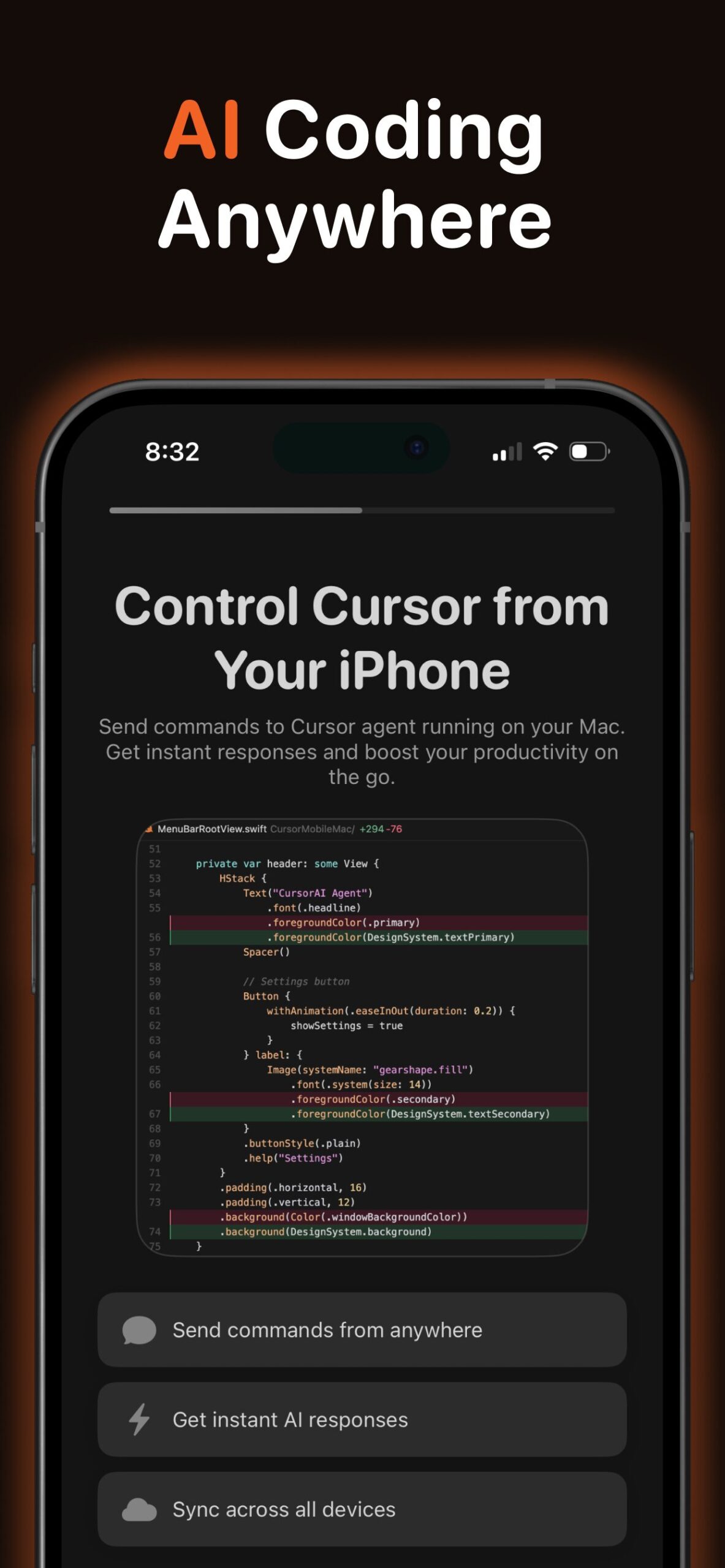
Cursor AI Mobile (unofficial) is a dedicated remote control app designed for users of the popular Cursor IDE. Developed by a third party to bridge the gap between desktop coding and mobile freedom, it allows developers to interact with their workstation’s AI context from their iPhone or iPad. By connecting to a lightweight agent running on your Mac, it lets you send prompts, review code, and execute terminal commands remotely. It serves as a “long-distance tether” to your main development environment, enabling you to keep architectural discussions and debugging sessions alive even when you step away from your desk.
Key Features
The app focuses on extending the desktop workflow to mobile via remote execution:
- Remote CLI Execution: Commands sent from your phone are executed instantly on your Mac via the Cursor CLI, allowing for real coding actions, not just text chat.
- Real-Time Sync: Utilizing Apple’s CloudKit, chat history and project context stay perfectly synchronized between your iOS device and your macOS desktop.
- Advanced Model Access: Supports the latest frontier models available in Cursor, including GPT-5 and Claude Opus 4.5, for high-level reasoning and planning.
- Offline Mode: Users can queue prompts while offline (e.g., on a subway), which automatically sync and execute once connectivity is restored.
Use Cases
This tool is best suited for “away-from-keyboard” management:
- Commuter Coding: deeply thinking through a complex refactor and asking the AI to plan the implementation while on the train home.
- Monitoring Long Tasks: checking the status of long-running tests or AI generation tasks without needing to be at your computer.
- Idea Capture: spontaneously fixing a bug logic or jotting down architectural ideas that are immediately synced to your actual codebase.
Pros & Cons
A balanced look at the tool’s strengths and limitations.
Advantages
- Deep Integration: Unlike a generic chat app, it has “project awareness” because it runs actual CLI commands inside your local project directory.
- Native Experience: Built with SwiftUI, it offers a fast, haptic-responsive interface that feels at home on iOS.
- Continuity: Allows you to pick up a conversation exactly where you left off on your desktop.
Disadvantages
- Third-Party Dependency: It is not an official product from the Cursor team; it requires installing a third-party agent on your Mac, which may concern security-conscious users.
- Hardware Requirement: It requires your Mac to be powered on and connected to the internet to function; it is not a standalone cloud IDE.
- Double Billing: You must pay for this app’s subscription ($9.99/mo) in addition to your standard Cursor IDE subscription.
How Does It Compare?
Cursor AI Mobile is a niche “Remote Control” rather than a full mobile IDE. Here is how it stacks up:
- Vs. Replit Mobile:
Replit is a true Cloud IDE. You can run and host code entirely in the cloud without owning a computer. Cursor AI Mobile is a Remote Desktop tool; it relies 100% on your Mac being awake. If your Mac sleeps, the app stops working. - Vs. GitHub Mobile:
GitHub’s official app is great for reading code and merging PRs, but it cannot generate code or run a terminal. Cursor AI Mobile allows for active creation and execution, giving it “write” capabilities that GitHub lacks. - Vs. Termius / SSH Clients:
You could achieve similar results by SSH-ing into your Mac and running CLI commands manually. However, Cursor AI Mobile wraps this in a chat interface specifically designed for LLM prompting, making it much more user-friendly than a raw terminal screen.
Final Thoughts
Cursor AI Mobile solves a specific pain point for hardcore Cursor users who feel tethered to their desks. While its status as a third-party tool and the requirement for a verified “always-on” Mac may limit its appeal to generalists, for the power user who wants to maintain a 24/7 connection to their codebase’s AI brain, it offers a unique workflow that no other app currently matches.
Disclaimer: This app is developed by Andrei Ramaniuk and is not affiliated with Anysphere (Cursor). Users should review privacy policies regarding third-party agents before installing software on their primary development machines.
https://apps.apple.com/us/app/cursor-ai-mobile-remote-ide/id6755931330