
Table of Contents
Overview
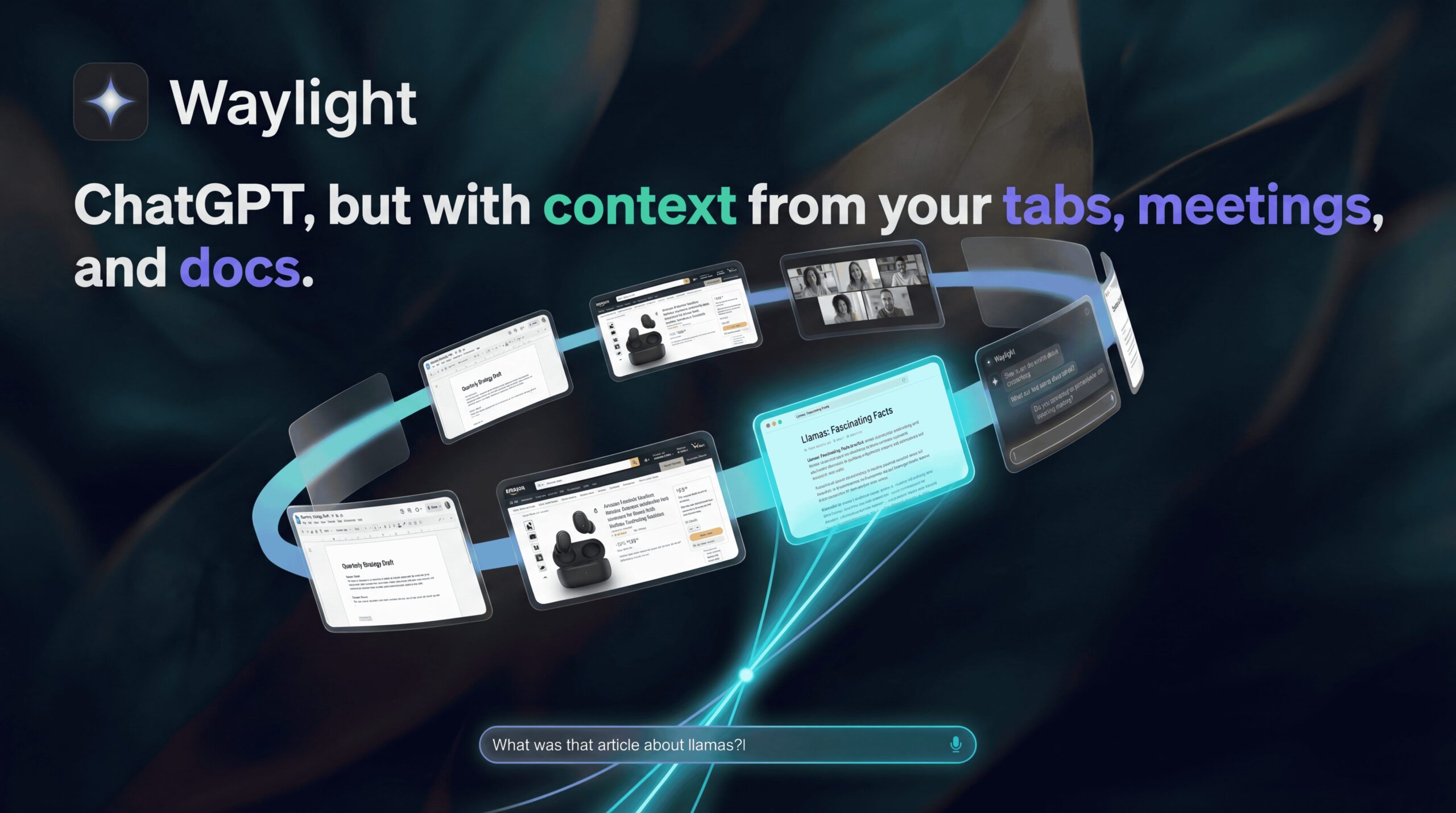
Waylight for macOS is an on-device AI assistant that acts as a secure “second brain” for your work life. Exclusively designed for Apple Silicon (M1/M2/M3) Macs, it runs locally in the background to capture and index your screen activity—meetings, documents, emails, and browser tabs—without sending a single pixel to the cloud. Unlike passive screen recorders, Waylight uses this data to be proactive: it automatically generates daily journals, compiles to-do lists from your scattered workflows, and answers complex questions about your past work history (e.g., “What did I promise the client in that Zoom call last Tuesday?”).
Key Features
Waylight transforms passive screen history into active intelligence:
- Contextual Memory: The AI indexes semantic information from everything you see on screen, allowing you to search for “the PDF about Q3 marketing” rather than needing the exact filename.
- Auto-Journaling: It automatically writes a summary of your workday, generating a “Daily Standup” report that highlights what you accomplished and what is pending.
- Task Extraction: By observing your Slack messages and meeting notes, it identifies commitments and populates a “To-Do” list automatically, ensuring nothing slips through the cracks.
- Privacy-First Architecture: All processing happens locally on your Mac using the Apple Neural Engine. Your data is encrypted on-device and never touches Waylight’s servers.
- Instant Recall: Chat with your history to retrieve specific details, such as finding a link you opened three days ago or recalling a specific slide from a presentation.
Use Cases
This tool is optimized for knowledge workers with fragmented workflows:
- Project Managers: Automatically compiling “end of day” status reports without manually reviewing every email and ticket.
- Developers & Designers: Recovering “lost” research tabs or referencing a specific design spec discussed in a meeting weeks ago.
- Client Services: Instantly recalling specific promises or deadlines mentioned during client calls to ensure compliance.
Pros & Cons
A balanced look at the tool’s strengths and limitations.
Advantages
- Zero Data Leakage: Because it is 100% local, it is safe for handling sensitive proprietary data that cannot be uploaded to ChatGPT.
- Proactive Utility: Unlike tools that just “record,” Waylight actually organizes your day by creating task lists and summaries.
- Low Overhead: Optimized for Apple Silicon, it captures screen context with minimal battery impact (<5% CPU impact).
Disadvantages
- Hardware Lock: Strictly limited to Macs with Apple Silicon (M1 or newer); Intel Mac and Windows users are completely excluded.
- Storage Usage: While text indexing is efficient, storing extensive history can eventually consume significant local disk space.
How Does It Compare?
Waylight sits in the “Memory Assistant” category but leans towards productivity. Here is how it stacks up:
- Vs. Rewind AI:
Rewind is a Search Engine for your past. It records everything and lets you “rewind” to see it. Waylight is an Assistant. It doesn’t just let you see the past; it summarizes it into journals and to-do lists. Rewind is passive; Waylight is active. - Vs. Limitless:
Limitless focuses heavily on Meeting Transcription (audio) and often uses cloud processing for its advanced features. Waylight focuses on Screen Context (pixels/text) and is strictly on-device, offering better privacy for visual workflows (docs, code, design). - Vs. Microsoft Recall:
Recall (for Windows) captures screenshots but faced severe security backlash for storing them insecurely. Waylight uses a privacy-first, encrypted approach built specifically for the stricter macOS sandbox environment.
Final Thoughts
Waylight is the productivity booster for the privacy-conscious Mac power user. By automating the drudgery of “remembering what you did today,” it frees up mental bandwidth for actual work. While its hardware exclusivity is a limitation, for those in the Apple ecosystem, it offers a compelling glimpse into the future of AI operating systems that know you better than you know yourself.
Disclaimer: Waylight requires a Mac with an Apple M1 chip or later. Features and pricing models (Free Tier vs. Pro) are subject to change; verify the latest details on the official site.