

Table of Contents
Sled
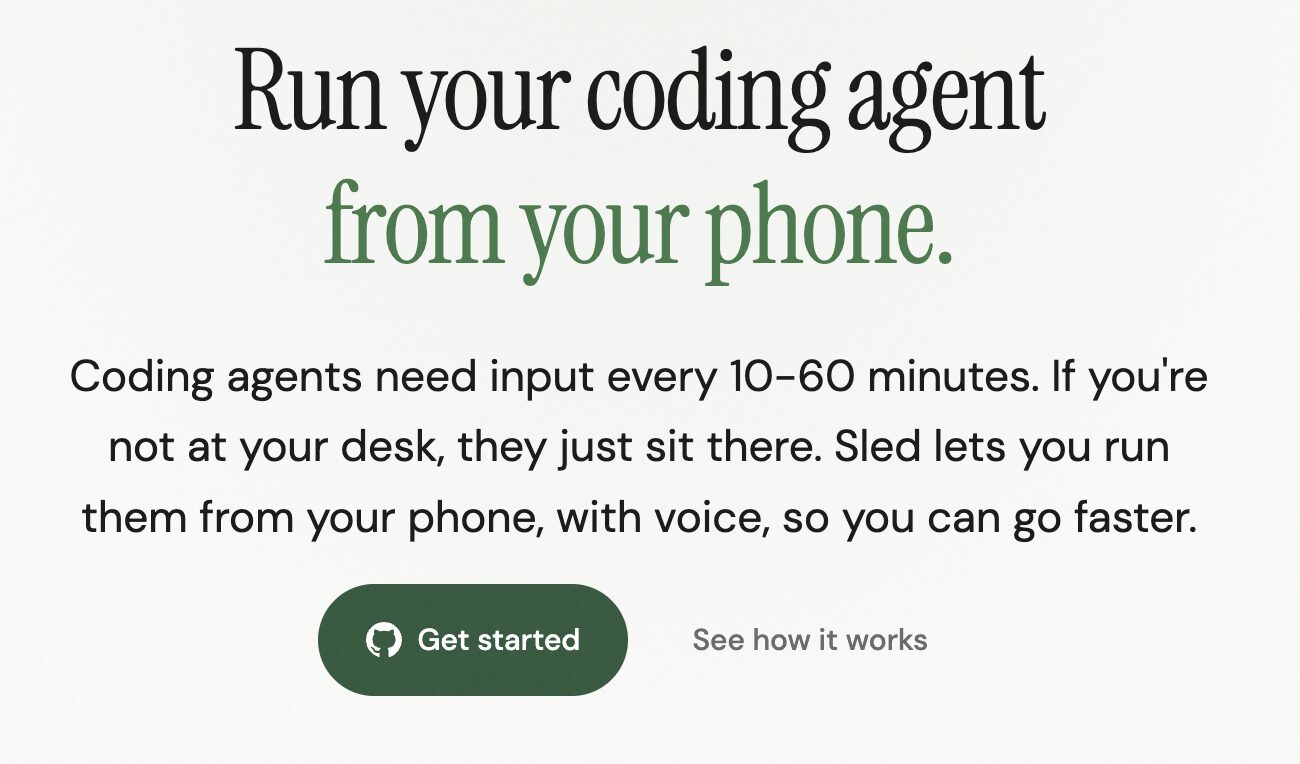
Sled enables developers to control their local coding agents remotely from mobile devices using voice commands. The tool addresses a common workflow interruption where coding agents require frequent human input every 10-60 minutes but remain idle when developers step away from their workstations. By providing secure voice-driven access through encrypted tunnels, Sled maintains productivity without requiring developers to remain at their desks while ensuring code never leaves the local machine.
What It Does
Sled connects mobile devices to locally running coding agents through secure tunneling protocols, allowing developers to interact with their development environments using voice commands. The system maintains local code execution while providing remote accessibility, eliminating the need for cloud-based processing of sensitive code.
Key Features
- Voice input and output: Browser-based speech recognition transcribes voice commands into text inputs for coding agents, handling technical syntax including camelCase and function names accurately. Responses convert to synthesized speech with over 300 voice options via Layercode processing, with audio discarded immediately after conversion
- Secure tunneling: Connects mobile devices to local machines via Tailscale or ngrok with optional basic authentication, ensuring encrypted communication channels
- Local code execution: All coding agents run exclusively on the user’s machine with code remaining on-device throughout the workflow
- Real-time notifications: Provides immediate feedback when agents complete tasks or require input
- Hands-free operation: Supports AirPods and headphones for completely hands-free coding workflows
- Multi-agent support: Compatible with Claude Code, OpenAI Codex, and Gemini CLI
- Open source: Fully open source implementation allowing community contributions and customization
How It Works
Install Sled and establish a secure tunnel connection to the local coding agent using Tailscale or ngrok. Access the browser-based interface from a mobile device and speak commands, which the system transcribes using speech recognition. The transcribed commands transmit over the encrypted tunnel to the coding agent running on the local computer. The agent executes code locally and sends responses back through the tunnel. Responses convert to synthesized speech and play back through the mobile device, creating a bidirectional voice workflow while maintaining complete local code execution.
Use Cases
- Remote development monitoring: Check agent progress and provide input during breaks or while away from the desk without interrupting long-running tasks
- Commute productivity: Continue development workflows during walks or commutes using hands-free voice interaction
- Debugging on the go: Troubleshoot code issues while away from the computer by providing verbal instructions to the local agent
- Multi-location workflows: Work flexibly from couches, beds, or outdoor locations while maintaining access to local development environments
- Continuous agent supervision: Prevent agent idle time by responding to prompts immediately regardless of physical location
Pros and Cons
Pros: Code remains entirely local and secure throughout the workflow. Voice input significantly faster than mobile typing for command entry. Remote accessibility maintains via secure encrypted tunnels without requiring complex remote desktop setups. Open source codebase enables customization and community contributions. Supports multiple major coding agents providing flexibility. Hands-free operation allows multitasking during development sessions.
Cons: Requires internet connectivity for voice processing functionality. Initial setup demands technical knowledge of tunneling protocols. Audio routes through Layercode servers for voice synthesis processing. Experimental software may present security risks if tunnels not configured properly. Voice recognition accuracy may vary with technical terminology and complex commands. Requires maintaining both mobile device and local development machine.
Pricing
Free and open source
How Does It Compare?
- Cursor Agent Mode: Offers autonomous coding with multi-file editing and terminal command execution within the IDE environment. Provides inline completions and chat-based assistance but lacks dedicated mobile voice interface. Operates primarily within desktop IDE requiring physical presence at workstation
- Windsurf Cascade: Features agentic AI with full codebase understanding, multi-step task execution, and autonomous coding capabilities. Includes deep contextual awareness and MCP integrations for external tools. Processes code at 950 tokens per second but requires desktop IDE access. No mobile voice control functionality
- Aider: Terminal-based AI coding assistant supporting voice-to-code via in-chat voice command. Uses speech recognition for voice input but remains terminal-bound requiring computer access. Integrates with Git for version control and supports multiple LLMs. Lacks mobile interface and remote access capabilities
- Cline: VS Code extension offering voice mode for hands-free interaction. Voice functionality requires VS Code environment and local machine access. Supports conversational AI but no remote mobile control. Can be extended with custom voice assistants using MCP servers
- GitHub Copilot: Provides inline code completion and chat assistance within supported IDEs. Offers Copilot Chat on GitHub website and mobile app but no voice-based coding agent control. Focuses on code suggestions rather than remote agent management
- Wispr Flow with Cursor: Combines voice dictation tool with Cursor IDE for voice-first coding. Requires desktop presence as dictation inputs into Cursor desktop application. Offers fast speech-to-text but no remote access functionality
- Replit AI Agent: Enables natural language app creation including mobile applications. Cloud-based platform with code stored on Replit servers rather than local execution. Focuses on rapid prototyping and deployment but lacks local code security
Sled differentiates through mobile-first voice interface combined with mandatory local code execution. Unlike cloud-based alternatives, Sled prioritizes on-device code residency with zero data retention policies. The secure tunneling approach provides unparalleled security alongside mobility for privacy-conscious developers.
Final Thoughts
Sled fills a specific niche for developers who require remote access to local coding agents while maintaining strict code security. The mobile voice interface addresses genuine workflow interruptions when agents require frequent input but developers need mobility. For teams prioritizing data sovereignty and local code execution, Sled offers a lightweight alternative to cloud-based development environments. The open source nature allows security auditing and customization for specific organizational requirements. However, the experimental status and technical setup requirements mean Sled currently suits technically proficient developers comfortable with tunneling protocols and command-line tools. As AI coding agents become more prevalent in development workflows, tools enabling flexible interaction patterns like Sled may become essential for maintaining productivity across diverse work environments.