
Table of Contents
Typeless for Android
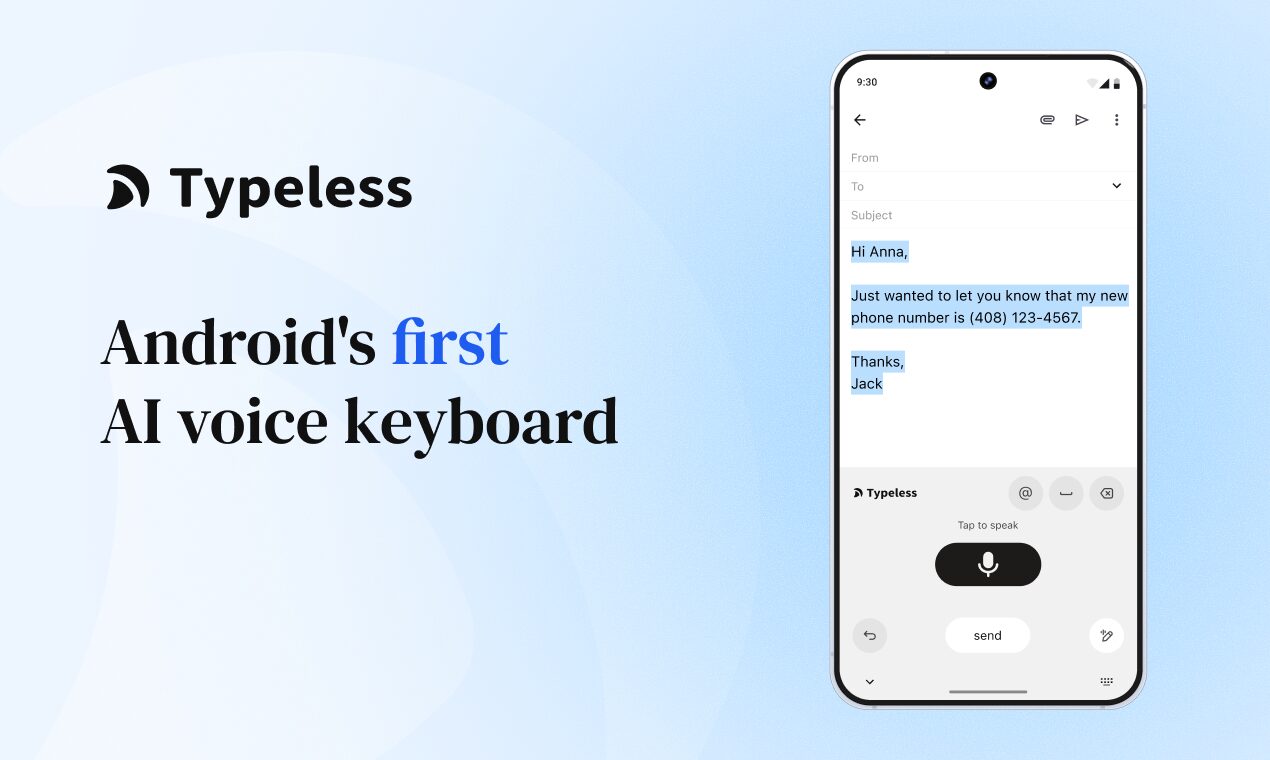
Typeless is an AI-powered voice keyboard that replaces the standard Android typing experience with intelligent dictation. Unlike basic speech-to-text tools that transcribe every “um” and stutter, Typeless uses advanced large language models (LLMs) to listen to your ramblings and instantly convert them into clear, structured, and professional text. It is designed for mobile-first users who need to draft high-quality emails or Slack messages while walking, driving, or multitasking.
Core Features
- System-Wide Keyboard Integration: Installs as a native Android keyboard, meaning you can use it inside WhatsApp, Gmail, Notion, or any other app without switching contexts.
- Intelligent Formatting: Automatically structures your spoken thoughts into bullet points, adds correct punctuation, and capitalizes proper nouns, turning stream-of-consciousness speech into readable drafts.
- Filler Word Removal: Actively filters out “ums,” “uhs,” and self-corrections (e.g., “let’s meet at 5, no, make that 6”) to produce clean final output.
- Tone Customization: Users can instruct the AI to rewrite their spoken input to sound more “Professional,” “Casual,” or “Concise” before it pastes the text.
How It Works
After installing the app, you enable Typeless in your Android settings. When you want to type, you switch to the Typeless keyboard and tap the record button. You speak naturally—at your normal speed—and when you finish, the audio is processed by Typeless’s AI engine. Within seconds, the refined text appears in your input field, ready to send.
Best Use Cases
- Mobile Email Triage: Executives and managers can clear their inboxes during commutes by dictating complex replies that sound like they were written at a desk.
- Field Reporting: Salespeople and contractors can dictate detailed site notes or client updates directly into their CRM apps immediately after a meeting.
- Multilingual Messaging: Users who speak multiple languages can switch between them seamlessly, with the AI handling the grammar and spelling for each.
Pros and Cons
- Pros: Significantly faster (up to 6x) than thumb typing; explicitly privacy-focused (zero data retention policy); eliminates the need to edit “dumb” dictation errors manually.
- Cons: Requires an active internet connection for the high-quality AI processing; the free plan has a weekly word limit (approx. 4,000 words); replaces your standard keyboard, which requires a mental switch for users used to Gboard.
Pricing
Freemium:
– Free Plan: Includes core dictation features with a limit of roughly 4,000 words per week.
– Pro Plan: Costs approximately $12–$15/month (when billed yearly), unlocking unlimited dictation, priority processing, and advanced tone settings.
How Does It Compare?
- Gboard Voice Typing: Gboard is free and processes offline, but it provides literal, verbatim transcription including mistakes. Typeless acts as an editor, rewriting your speech for clarity and grammar.
- Wispr Flow: A strong competitor with similar “auto-edit” features, but it has historically focused on desktop (Mac/Windows). Typeless is optimized specifically as a mobile Android keyboard.
- AudioPen: AudioPen is great for turning voice notes into summaries, but it typically requires a copy-paste workflow. Typeless inputs the text directly into your active app via the keyboard interface.
- ChatGPT Voice: Excellent for conversation, but you cannot use it to type directly into other apps like WhatsApp. Typeless bridges this gap by bringing LLM intelligence into the keyboard itself.
Final Thoughts
Typeless is a game-changer for anyone who finds typing on glass screens frustrating or slow. By treating voice input as a rough draft rather than a final product, it solves the biggest pain point of traditional dictation: the editing. For professionals who live on their phones, the ability to “speak” a perfect email while walking down the street is a productivity unlock worth the subscription price.
https://play.google.com/store/apps/details?id=com.typeless.mobile