

Table of Contents
Willow Voice
Writing hundreds of messages, emails, and prompts daily through typing creates unnecessary friction and fatigue. Willow is an AI-powered voice dictation tool that converts speech into text across your entire operating system, learning your personal writing style over time to produce output that matches how you naturally communicate.
What It Does
Willow provides system-wide voice dictation for Mac, iOS, and Windows with intelligent personalization that adapts to individual writing patterns. Unlike basic speech-to-text tools that transcribe words verbatim, Willow processes spoken input through AI models that remove filler words, apply appropriate formatting, correct grammar, and adjust tone based on the application context. The platform’s signature feature is its personalization engine, which analyzes small edits users make and progressively refines transcription to match their authentic voice across different communication contexts.
Platform Availability
Currently Available: Mac and iOS with full functionality including all personalization features, privacy controls, and team collaboration tools.
Coming Soon: Windows and Android support are in active development and expected to launch in coming months according to the company roadmap. Users interested in Windows or Android access should verify current availability directly with Willow before committing to subscriptions.
Core Features
Automatic Editing and Formatting: Willow corrects grammar, punctuation, and text structure in real-time as you speak, eliminating the need for manual cleanup after dictation. The system intelligently applies formatting appropriate to the context, whether drafting formal emails or casual messages.
Style-Matching Personalization: Introduced in July 2025 as Willow’s most significant update, this capability learns from the small corrections and adjustments users make to their dictated text. Over time, the system adapts to replicate individual tone, vocabulary preferences, punctuation habits, and formatting choices. This means dictated text increasingly sounds like your natural writing style without manual editing.
Context Awareness: The system recognizes unique terminology, proper nouns, and specialized vocabulary by analyzing contextual cues from the active application and your historical writing patterns. This reduces transcription errors for names, technical terms, and domain-specific language.
AI Mode: Converts brief spoken phrases into fully developed, polished messages by expanding ideas while maintaining your personal style. This feature helps users who prefer to speak key points and let AI handle sentence construction.
Voice Commands: Supports spoken formatting instructions including “dash,” “new line,” “bullet point,” and similar commands for instant formatting without keyboard input.
Quiet Mode and Whisper Detection: Optimized to accurately transcribe soft speech and whispers, making the tool practical in quiet environments like libraries, shared offices, or late-night work sessions without disturbing others.
Multi-Language Support: Functions across 100+ languages with seamless language switching, accommodating multilingual users who alternate between languages in their workflow.
Personal Dictionary and Custom Vocabulary: Automatically learns and remembers unique words, acronyms, brand names, and specialized terminology specific to your work, reducing the need for manual corrections over time.
Hey Willow Assistant: Desktop voice assistant feature available on Mac that enables hands-free interaction, allowing users to instruct Willow to compose email replies and perform other tasks using only voice commands.
How Does It Compare?
The voice dictation market has fragmented into several distinct categories based on platform support, privacy architecture, and feature focus. Willow positions itself as an enterprise-ready, personalization-focused solution in the cloud-based segment.
Cloud-Based Cross-Platform Tools:
Wispr Flow: The most well-funded competitor with over 56 million in venture capital raised. Offers voice dictation for Mac, Windows, and iPhone with AI auto-editing, tone matching, and support for 100+ languages. Features include a personal dictionary, snippet library for reusable text blocks, and command mode for voice-based editing. Processing latency is approximately 700 milliseconds. Requires internet connectivity and processes voice data through cloud servers. Best suited for users prioritizing mature cross-platform support and established reliability over privacy considerations.
Aqua Voice: Y Combinator-backed solution available for Mac and Windows with its proprietary Avalon transcription model. Claims 450-millisecond response time and startup latency under 50 milliseconds. Distinguishes itself through context awareness using system accessibility APIs rather than screenshots, providing understanding of on-screen content without capturing visual data. Supports custom dictionaries with up to 800 words and custom prompting for writing style preferences. Offers streaming mode for real-time processing and supports 49 languages. Privacy-focused architecture avoids storing transcripts on external servers. Well-suited for developers and technical users who value fast response times and contextual intelligence.
Privacy-First Offline Tools:
Superwhisper: macOS-only solution built on the whisper.cpp framework, operating entirely offline without internet connectivity. Offers tiered AI models from Nano to Ultra, with free access to smaller models and 15 minutes of monthly recording. Pro subscription at $8.49 per month or $84.99 annually unlocks unlimited prompts and larger models for enhanced accuracy. Standout feature is its sophisticated mode system with persistent settings, deep links for workflow automation, and the ability to reprocess previous dictations with different AI prompts. All recordings and transcriptions are stored locally as JSON files, enabling powerful automation through third-party tools like Macrowhisper. Ideal for privacy-conscious Mac users, automation enthusiasts, and those working in environments with unreliable or restricted internet access.
Voibe: Native Mac application emphasizing on-device processing at $4.90 per month, positioning itself as a more affordable privacy-focused alternative to cloud-based tools. Includes unlimited dictation, a free tier for daily use, and developer-friendly features. Provides 30-day money-back guarantee. Appeals to users who prioritize local processing and lower cost over enterprise features.
Free Context-Aware Options:
Talktastic: Free macOS application with 5.0-star rating and 1.2K followers on Product Hunt. Activated via F5 key, it analyzes screen content to understand personal context, enabling accurate spelling of names and relevant terminology based on what is visible on your display. Uses AI to rewrite speech for natural, humanlike output. Works universally across Mac applications including email clients, note-taking apps, and AI chat interfaces. Best for Mac users seeking no-cost context-aware dictation without subscription commitments.
Monologue by Every: Part of the Every subscription bundle at $30 per month, which includes multiple productivity tools, or available standalone at $10 per month during the early-bird period. Launched in September 2025 by Every entrepreneur-in-residence Naveen Naidu, the tool reports 7,000 daily uses and over 1 million words dictated weekly across its user base. Supports 100+ languages, smart app-aware formatting, personal dictionary that auto-learns, deep context using optional screen access, and flexible customizable modes for different use cases. Offers local model option for offline use without cloud processing. Activated by holding the right Option key. Well-suited for content creators and knowledge workers already invested in the Every ecosystem who value the bundle’s integrated productivity stack.
Legacy Desktop Software:
Dragon NaturallySpeaking and Dragon Professional Individual: Traditional on-premise speech recognition from Nuance, now owned by Microsoft. Pricing ranges from $200 for Dragon Home to $500 for Dragon Professional Individual and $700 for Dragon Legal, with one-time licensing plus additional charges for upgrades and support. While offering deep learning technology, custom vocabulary, voice commands, and accuracy tuning, Dragon suffers from poor compatibility with modern applications, forcing users into restrictive dictation boxes that require copy-pasting text into unsupported apps. Customer reviews consistently cite expensive upgrade costs, lack of included support, and compatibility issues with web browsers and contemporary productivity tools as major drawbacks. The software represents a legacy approach losing relevance as cloud-based AI alternatives deliver superior integration and user experience.
Built-In Operating System Options:
Apple Dictation and Google Docs Voice Typing: Free dictation capabilities included with operating systems and Google Workspace. Limited to basic transcription without intelligent editing, formatting, or cross-application support. Suitable for casual users with simple needs but inadequate for professional workflows requiring accuracy, customization, and seamless application integration.
Strengths and Limitations
Strengths: Willow’s personalization engine represents a meaningful advancement over word-for-word transcription, learning writing style over time to reduce manual editing. The platform delivers enterprise-grade security and compliance through SOC 2 Type 2 certification, HIPAA support, and zero data retention policies, making it viable for regulated industries. Support for 100+ languages accommodates international teams and multilingual professionals. Team collaboration features including shared dictionaries, centralized billing, and administrative controls address organizational needs that individual-focused competitors overlook. The system works universally across applications on supported platforms, eliminating the application compatibility issues that plague legacy tools like Dragon.
Limitations: Unlike offline competitors such as Superwhisper and Voibe, Willow requires internet connectivity and processes voice data through cloud infrastructure, which creates privacy considerations for users handling sensitive information despite the company’s security certifications. At $12-15 per month for individual plans, pricing is higher than alternatives like Superwhisper at $8.49, Voibe at $4.90, and free options like Talktastic. Windows and Android support remain in development rather than currently available, limiting platform choice despite marketing materials mentioning these platforms. Users report processing latency under 200 milliseconds, which is fast but not quite as responsive as Aqua’s sub-50ms startup time or offline tools with zero network latency. The personalization feature requires time and consistent usage to train effectively, meaning new users experience generic output initially before the system adapts to their style.
Best For
Willow is particularly well-suited for professionals who communicate extensively across email, messaging platforms, and documentation tools and want their dictated content to sound authentically like their natural writing voice. The platform addresses needs of remote workers, content creators, customer support teams, and others who produce high volumes of written communication daily and experience typing fatigue. Enterprise teams in regulated industries benefit from the compliance features and team collaboration capabilities, especially organizations needing HIPAA compliance for healthcare communication or SOC 2 certification for security-conscious clients. The multi-language support makes it valuable for international businesses and multilingual professionals who switch between languages throughout their workday. Users willing to accept cloud-based processing in exchange for cross-platform support and personalization capabilities will find the trade-offs acceptable, while those requiring absolute data privacy should consider offline alternatives.
Pricing and Value
Willow offers tiered pricing designed to scale from individual users to enterprise organizations.
Free Plan: Provides 2,000 words per week shared across Mac and iOS, including instant voice typing, personal dictionary, basic style matching, transcript history, and privacy mode. Suitable for evaluating the platform or light weekly usage.
Individual Plan: $15 per month or $12 per month billed annually with a 20% discount. Includes unlimited words, recording sessions up to 8 minutes, optimized speed and reliability, smart memory and full writing style personalization, early access to new features, and priority support. Designed for professionals using voice dictation daily who need unlimited capacity and full personalization capabilities.
Team Plan: $12 per user per month with a minimum of 3 seats, or $10 per user per month billed annually with a 20% discount. Includes all Individual plan features plus centralized billing, shared team dictionary for consistent terminology across the organization, team management dashboard, team-level context settings, and priority support.
Enterprise Plan: Custom pricing based on seat count with bulk discounts for larger deployments. Includes all Team features plus enforced privacy mode, SOC 2 Type 2 compliance, HIPAA support, enforced zero data retention, signed Master Service Agreement and Data Processing Agreement, SSO and SAML integration for secure authentication, advanced administrative privacy and security controls, and dedicated one-on-one support.
No credit card is required to start with the free plan, allowing users to evaluate accuracy and personalization quality before committing to paid tiers.
Performance Considerations
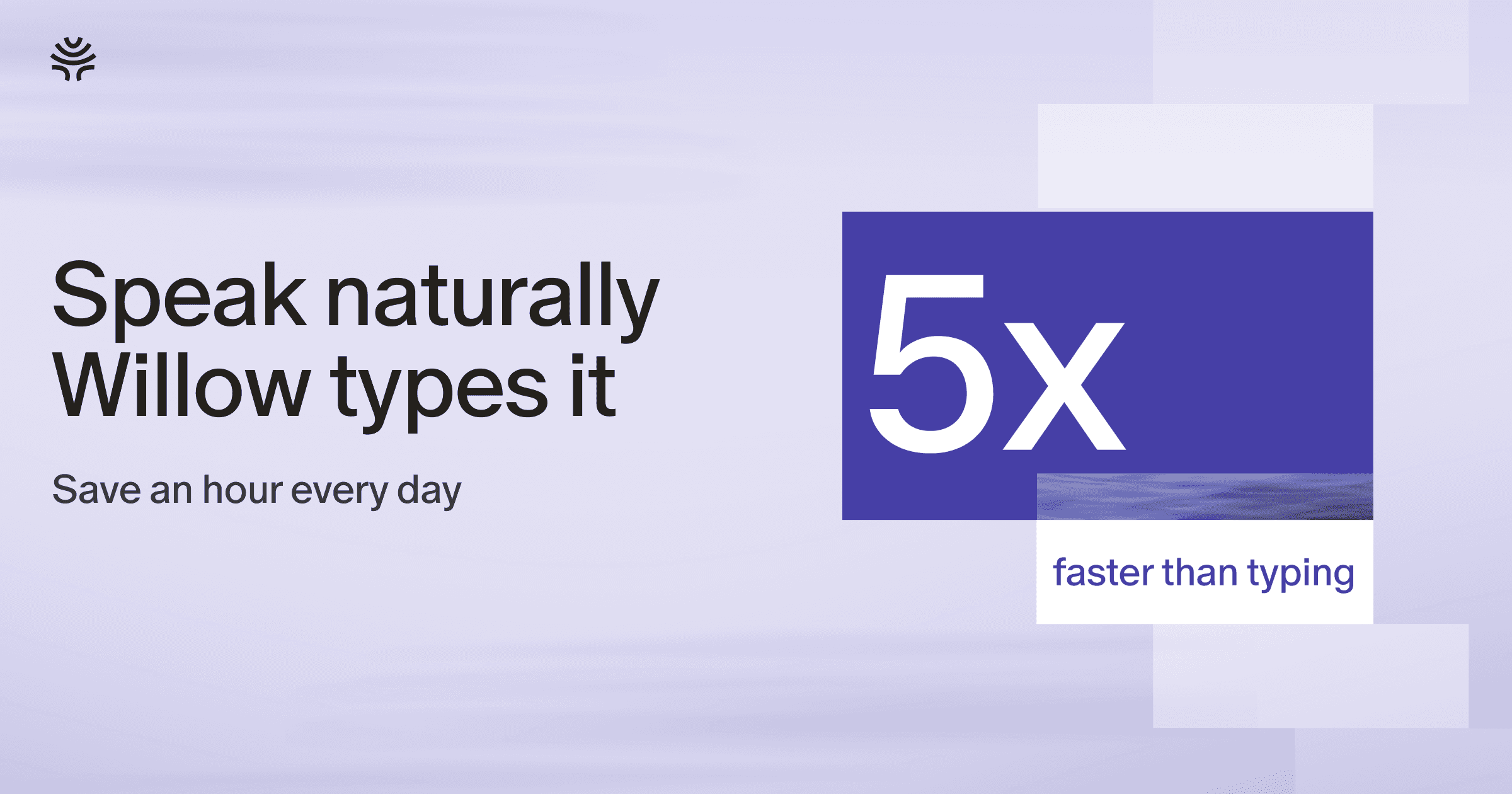
Willow markets itself as delivering 95%+ accuracy with sub-200 millisecond processing latency and claims 3x better accuracy than built-in operating system dictation. The company states users can work 4x faster than typing, based on average speaking speeds of 150 words per minute versus typing speeds of 40 words per minute. These figures are self-reported by the company in marketing materials and competitive comparison blog posts. Independent user reviews generally report positive experiences with accuracy, though actual performance varies based on accent, audio quality, ambient noise, and specialized vocabulary in different professional domains.
The personalization system requires usage over time to train effectively. Initial dictation accuracy will be comparable to other AI transcription tools, with the personalization advantage emerging after the system observes your editing patterns across multiple sessions.
Technology and Privacy
Willow uses Meta’s Llama language models for text formatting and personalization, with a heavily tuned text processing pipeline designed to clean up spoken input. The system analyzes contextual cues from the active application and user history to improve terminology recognition.
Privacy architecture includes optional privacy mode, SOC 2 Type 2 compliance, HIPAA support for healthcare applications, and zero data retention policies for enterprise customers. However, standard operation requires cloud processing, meaning voice data is transmitted to Willow’s servers for transcription and AI enhancement. Users in highly sensitive environments or those who prefer complete data isolation should evaluate whether the cloud-based architecture aligns with their security requirements, potentially considering offline alternatives for the most sensitive work.
Final Thoughts
Willow addresses a genuine productivity pain point for professionals who spend significant time writing repetitive communications. The personalization capability represents meaningful innovation beyond basic transcription, as dictated text that naturally matches individual writing style reduces the editing friction that makes many dictation tools frustrating to use long-term.
For teams in enterprises, the combination of compliance certifications, team collaboration features, and administrative controls makes Willow one of the few voice dictation platforms designed for organizational deployment rather than just individual use. The ability to maintain consistent terminology through shared team dictionaries and enforce security policies through administrative controls differentiates it from consumer-focused alternatives.
However, the cloud-based architecture and subscription pricing create trade-offs that won’t suit every user. Privacy-conscious professionals, those working with confidential information in offline environments, and budget-sensitive users may find better alignment with offline alternatives like Superwhisper or free options like Talktastic. The Windows and Android platforms remain unavailable despite being mentioned in marketing materials, which is a significant limitation for users who need cross-platform consistency today rather than in a future release.
The voice dictation market has matured rapidly with strong competition across different segments. Willow’s bet on personalization and enterprise features positions it distinctly from privacy-first offline tools and free context-aware alternatives. Whether that positioning justifies the higher subscription cost depends on how much value individual users derive from writing style adaptation and whether organizational needs require the enterprise-grade features.
For professionals experiencing typing fatigue, managing high message volumes, or seeking accessibility solutions, voice dictation tools like Willow deliver measurable time savings and reduced repetitive strain. The 4x speed advantage over typing compounds significantly across months of daily use. The critical question is which tool’s specific trade-offs around privacy, platform support, pricing, and feature set best align with individual workflow requirements and organizational constraints.