

Table of Contents
Relay.app
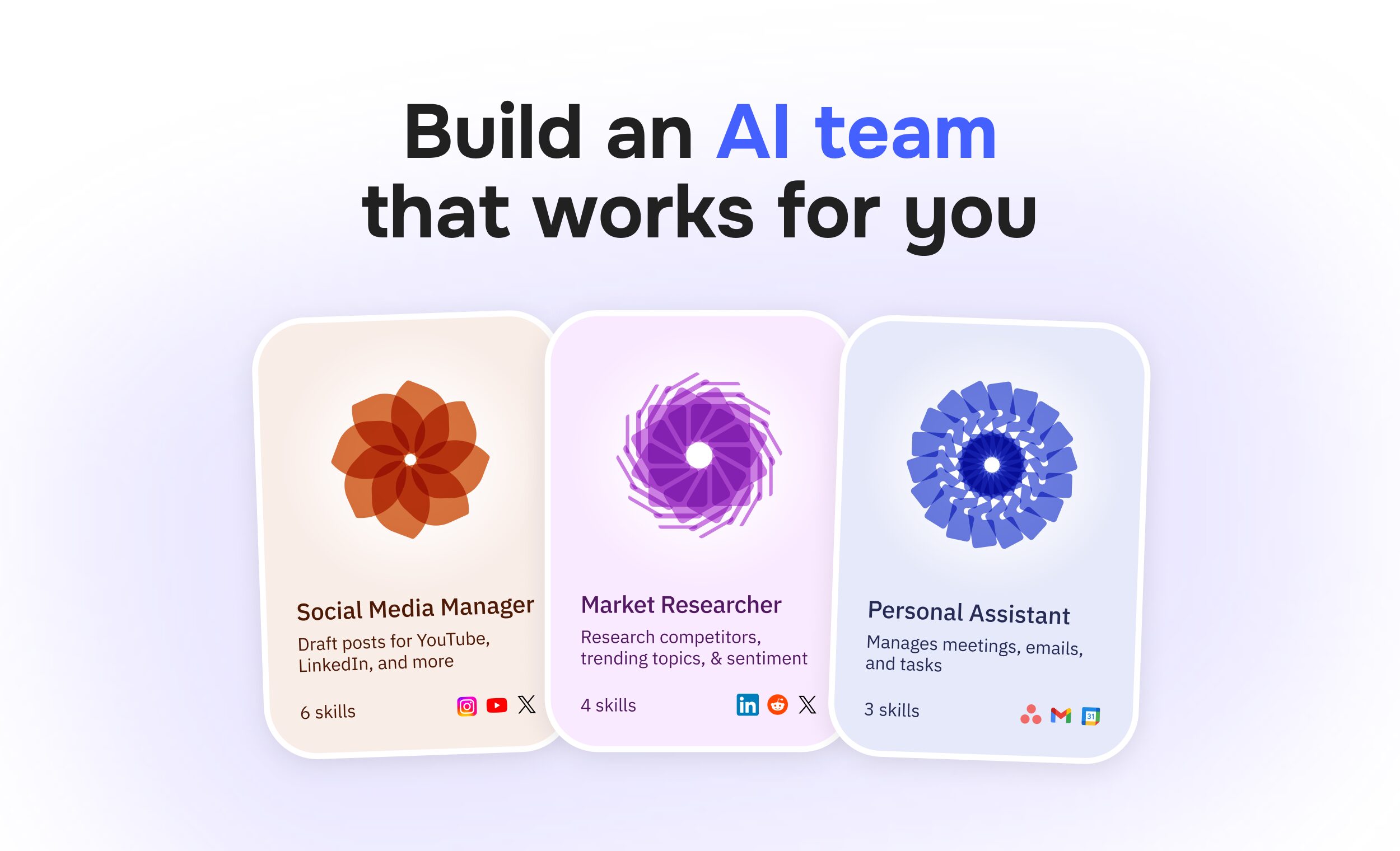
Relay.app is an automation platform designed to blend standard workflow automation (like Zapier) with “Human-in-the-Loop” AI assistance. Unlike traditional tools that just move data from A to B, Relay allows users to embed AI agents directly into workflows to handle qualitative tasks—such as summarizing emails, classifying leads, or drafting content—while explicitly pausing for human approval when judgment is required.
Core Features
- Human-in-the-Loop: Unique “wait for approval” steps that pause a workflow until a human reviews the AI’s output, allowing for safe automation of sensitive tasks.
- Visual Workflow Builder: A modern, drag-and-drop canvas that visualizes the entire process, including branches, loops, and human decision points.
- Embedded AI Agents: specialized AI steps (powered by OpenAI, Anthropic, or Google models) that can be prompted to perform specific cognitive tasks within a workflow.
- 150+ Deep Integrations: Native connections to major tools like Gmail, Notion, HubSpot, Slack, and Salesforce, often with deeper action capabilities than generic alternatives.
- One-Click AI Actions: Pre-built “skills” for common AI tasks like “Summarize,” “Extract Data,” and “Classify,” reducing the need for complex prompt engineering.
- Collaborative Workflows: Designed for teams, allowing multiple users to build, edit, and manage automations in a shared workspace (Team plan).
How It Works
Users select a Trigger (e.g., “New Email in Gmail” or “Row Added in Notion”). They then build a sequence of Steps. These can be standard API actions (e.g., “Create Jira Ticket”) or AI Steps (e.g., “Read the email attachment and extract the invoice number”). Crucially, users can insert a Human Review Step, which sends a notification (via Slack/Email) to a team member. The workflow pauses until that person clicks “Approve” or modifies the data, ensuring the AI never sends a hallucinated email to a client.
Use Cases
- Sales Hand-offs: AI researches a new lead, drafts a personalized outreach email, and pauses for the Account Executive to approve it before sending.
- Content Operations: An agent generates a blog post from a Loom transcript, creates a header image, and waits for the Marketing Manager to review before publishing to WordPress.
- Customer Support Triage: AI tags and drafts replies to incoming tickets; a human agent reviews the draft in one click, and the workflow automatically sends it and closes the ticket.
- Meeting Follow-ups: Automatically finding recording links, summarizing key points, and drafting action items for review before syncing to Notion.
Pros & Cons
- Pros: Best-in-class Human-in-the-Loop interface (solves the “trust” issue of AI); Extremely intuitive UI compared to the complexity of Make/n8n; Generous Free Tier for testing; Cost-effective for teams due to unique “50% off” annual pricing structure; Model Agnostic (choose between GPT-4o, Claude 3.5, etc.).
- Cons: Smaller Integration Library (~150 apps) compared to Zapier’s 6,000+; Not for complex ETL (Make is better for heavy data transformation); Polling Delays on lower tiers; Credit consumption can be high if workflows are inefficiently designed.
Pricing
- Free: $0/mo (200 steps, 500 AI credits).
- Professional: $38/mo billed monthly (or $19/mo billed annually). Includes 750 steps/5k AI credits.
- Team: $138/mo billed monthly (or $69/mo billed annually). Includes 2,000 steps/5k AI credits + shared workspace.
(Note: Relay offers a uniquely steep ~50% discount for annual billing).
How Does It Compare?
Relay.app sits in the “Smart Automation” middle ground—simpler than developer tools but smarter than legacy triggers.
- Zapier
The industry giant. Zapier connects to everything (6,000+ apps). However, Zapier’s “Tables” and “Interfaces” for human review are clunky add-ons. Relay was built from day one with “Human Review” as a core primitive. Zapier is better if you need a specific obscure app integration; Relay is better if you need AI to draft work for you to check. - Make (formerly Integromat)
The developer’s choice. Make allows for infinitely complex data manipulation (JSON parsing, arrays). It is powerful but has a steep learning curve (“visual coding”). Relay is designed for non-technical product/ops people who want to set up an AI workflow in 5 minutes without understanding API arrays. -
Bardeen
Bardeen runs locally in your browser as an extension, making it amazing for scraping websites or automating tabs. Relay runs in the cloud (server-side). If you want to automate things while your computer is off, use Relay. If you want to automate clicking buttons on a website, use Bardeen. -
Lindy / Relevance AI
These are “Autonomous Agent” builders. They focus on agents that go off and figure things out on their own. Relay is a “Workflow” builder. It is deterministic: Step A -> Step B -> Step C. Relay is better for structured business processes where you need consistency; Lindy is better for open-ended goals.
Final Thoughts
Relay.app is the “Goldilocks” solution for 2026’s AI workflow market. It acknowledges a truth that others ignore: people don’t fully trust AI yet. By making the “Human Approval” step so seamless, it allows teams to deploy AI in critical business paths (like invoicing or client emails) where they would never trust a fully autonomous “black box” agent. It is the best tool for Ops teams who want to multiply their output without losing control.