
Table of Contents
TalkToPost
Turn messy voice notes into viral LinkedIn and X carousels in seconds. TalkToPost understands your spoken ideas and instantly generates professional, visually designed social content, eliminating the need for manual typing or design tools like Canva and Figma.
Key Features
- Voice-to-Carousel Engine: Converts raw audio directly into swipeable visual carousels (PDF/Images) optimized for LinkedIn algorithms.
- 100+ Language Support: Automatically detects and transcribes content in over 100 languages, allowing you to speak naturally.
- AI Hook Extraction: Analyzes your ramble to find the “viral hook” and structures the rest of the post around it.
- Automated Design System: Applies professional visual themes to your content automatically—no dragging or dropping required.
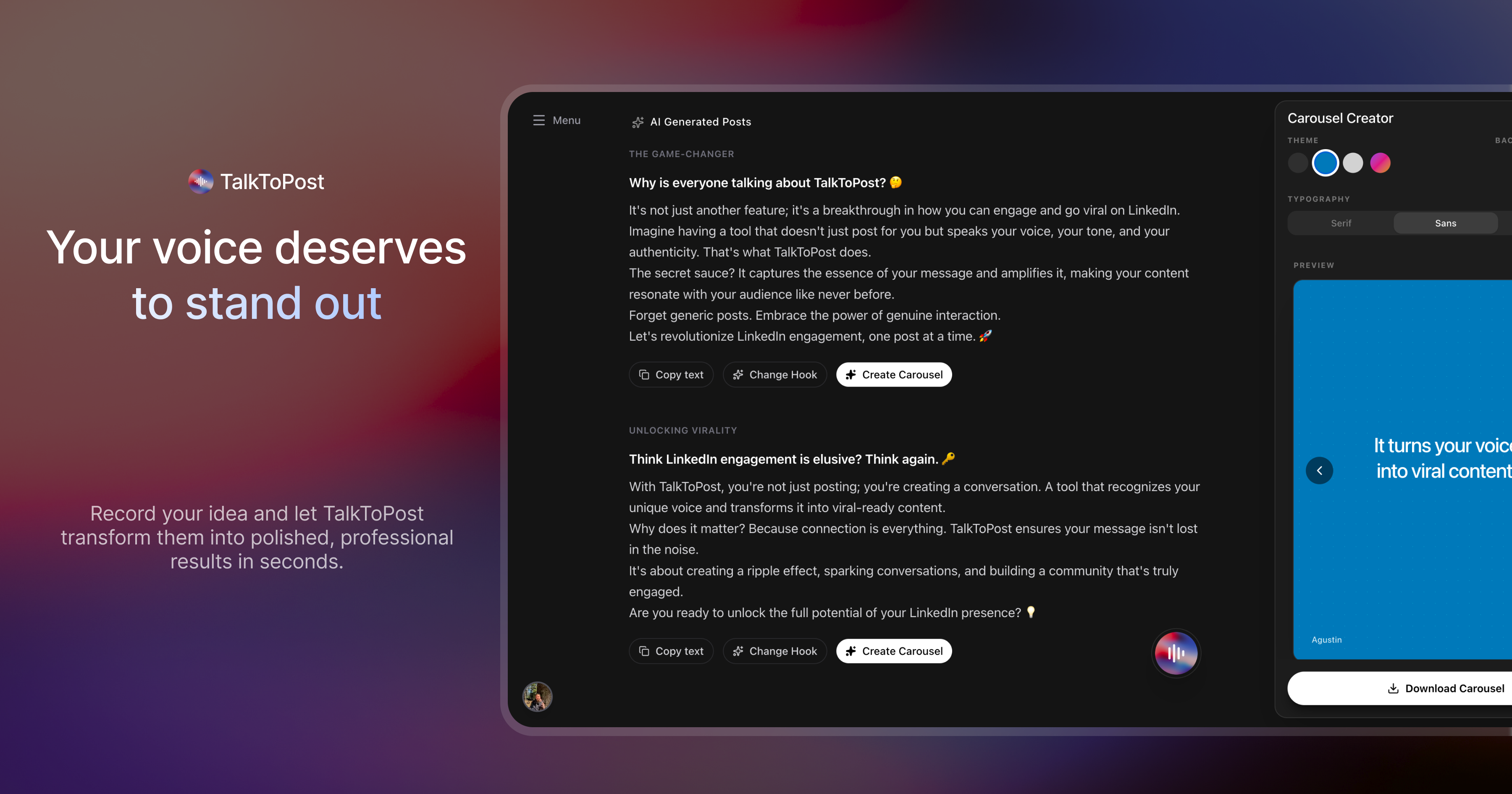
- Multi-Format Generation: Outputs a short text post, a structured long-form post, and a visual carousel from a single voice note.
- One-Click Export: Downloads assets ready for immediate upload to LinkedIn or X.
How It Works
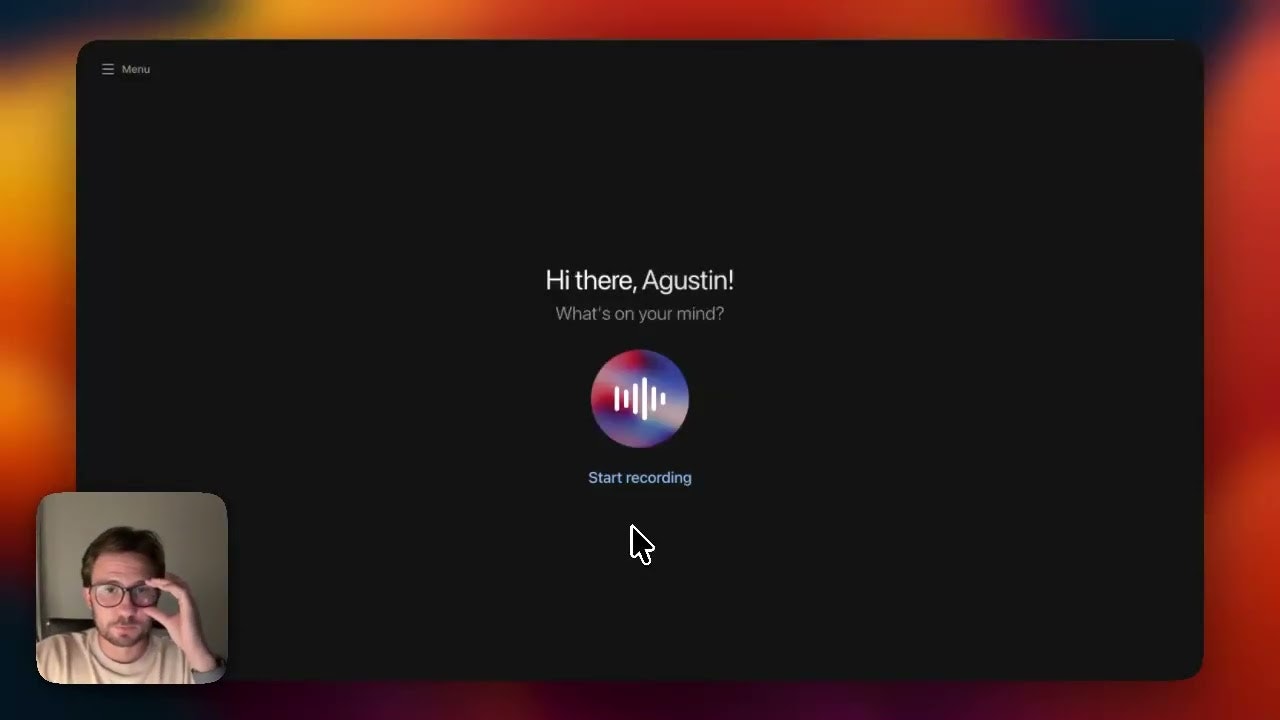
Users simply record a voice note (or upload an audio file) sharing an idea, insight, or story. TalkToPost’s AI transcribes the audio, cleans up grammar, and identifies the core message. It then repurposes this content into three formats: a punchy text post, a detailed structured post, and a fully designed visual carousel. Users can toggle between different visual themes (e.g., “Minimalist,” “Bold”) and edit the text if needed, then export the final assets instantly.
Use Cases
- Thought Leadership: Recording a quick thought while walking the dog and having it ready to post by the time you get home.
- Podcast Repurposing: Uploading a clip from a podcast and turning the key insights into a carousel.
- Multilingual Content: Creating posts in English even if you speak in Spanish (via translation capabilities) or vice versa.
- Event Recaps: Speaking your takeaways into the phone immediately after a conference session to share fresh insights.
Pros and Cons
- Pros: Zero Design Skills Needed (replaces Canva for simple carousels); Speed (Voice-to-Publish in <2 mins); Format Variety (gets text + visual from one input); Natural Workflow for verbal thinkers.
- Cons: Limited Design Customization compared to Figma; Audio Quality Dependent (background noise can affect transcript accuracy); Platform Limited (primarily optimized for LinkedIn/X style content); Template Variety may feel repetitive over time compared to custom design.
Pricing
- Starter: ~$12.99/month (Limited voice posts and carousel generations).
- Founder / Lifetime Deal: ~$89.99 one-time (Often available during launch windows, check site for availability).
- Free Trial: Likely available for first few generations.
How Does It Compare?
TalkToPost bridges the gap between “Voice Recorders” and “Design Tools.”
- VoicePost / ChatPost: These tools focus on Voice → Text. They are great for writing captions but leave you empty-handed if you want a visual asset. TalkToPost adds the Carousel layer, which typically performs better on LinkedIn.
- Taplio / Supergrow: The heavyweights of LinkedIn growth. They have “Carousel Generators” (Text → Carousel) and “Post Generators,” but they aren’t Voice-First. You usually have to type or paste a URL. TalkToPost is faster for capturing raw thoughts on the go.
- Canva / Figma: The design standards. They offer infinite creative freedom but require Manual Effort (moving boxes, typing text, aligning images). TalkToPost is “rigid” but Automatic.
- AudioPen: Excellent for Voice → Notes/Blog, but it doesn’t format for social media or create visuals.
Final Thoughts
TalkToPost is the perfect tool for the “Busy Executive” or “Verbal Creator” who has high-value insights but zero patience for the mechanics of content creation. If you often find yourself saying, “I know what I want to post, I just don’t have time to make the graphics,” this tool solves that exact friction point. It trades design flexibility for sheer speed, making it an essential utility for maintaining a consistent personal brand with minimal friction.