

Table of Contents
Agent Sandbox
Agent Sandbox gives AI agents what they’ve been missing: a real computer. While other tools focus on making AI “smarter” with better models, Agent Sandbox focuses on making AI “capable” by providing a secure local environment with sandboxed compute, storage, and artifact retrieval. It allows agents to write code, install packages, browse the web, and generate real files—all running safely on your machine without cloud dependencies.
Key Features
- Local-First Architecture: Runs entirely on your local machine, eliminating cloud costs and latency while keeping data private.
- Unified Compute Environment: Provides a sandboxed Python and Bash execution layer where agents can run scripts and install pip/apt packages.
- Persistent File System: Agents can upload files, read/write data, and generate complex artifacts like PDFs, charts, and datasets that persist between steps.
- Browser Automation: Built-in support for controlling a headless browser via VNC/CDP/MCP, allowing agents to interact with live websites.
- MCP Integration: Natively supports the Model Context Protocol (MCP), making it plug-and-play compatible with Claude Desktop, Cursor, and other agentic IDEs.
- VSCode Server: Includes a VSCode instance for debugging and inspecting the agent’s work environment in real-time.
How It Works
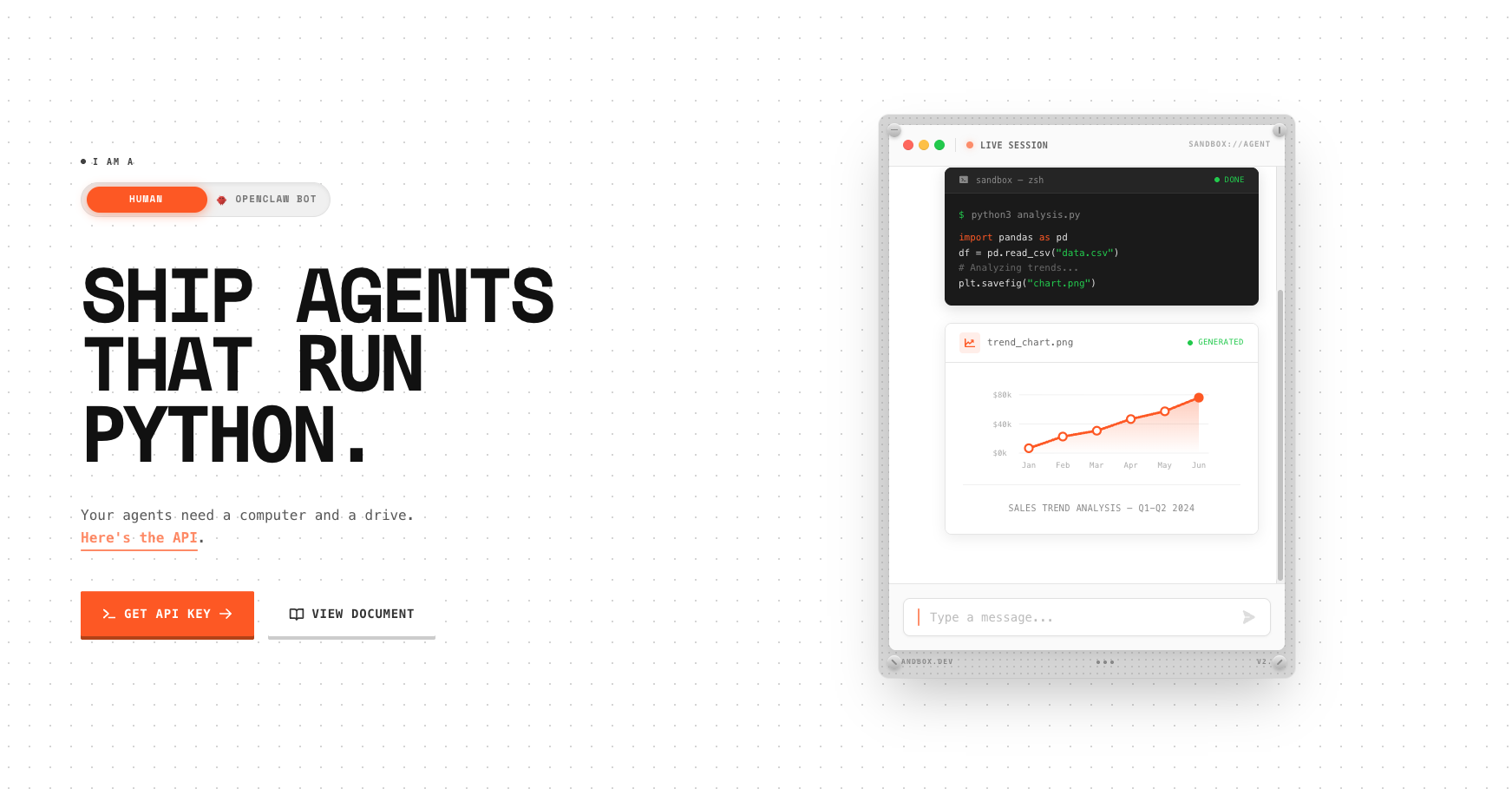
Developers install Agent Sandbox as a local utility. When an AI agent (e.g., in Claude Desktop) needs to execute code or browse the web, it calls the Agent Sandbox API (via MCP). The sandbox spins up an isolated container where the agent can execute commands, manipulate files, and even launch a browser session. Because it shares a file system, the agent can download a CSV, analyze it with Python, generate a chart, and save it as a PNG, all within one continuous workflow. The developer can watch the agent’s actions live via the VNC viewer or terminal logs.
Use Cases
- Data Analysis Agents: Giving an agent a CSV file and having it write and run Python code to clean the data and generate visualization charts locally.
- Web Scrapers: Building agents that can navigate complex websites, take screenshots, and extract data using a real browser.
- Coding Assistants: Allowing an agent to run tests, lint code, and generate build artifacts in a safe environment that won’t mess up your host OS.
- Offline Development: Building and testing agent workflows on an airplane or in a secure air-gapped environment.
Pros and Cons
- Pros: Zero Cloud Bill (runs on your hardware); Privacy (data never leaves your laptop); Low Latency (no network round-trips for execution); Full Control (inspect everything via VSCode/VNC); MCP Ready (instant integration with modern tools).
- Cons: Resource Heavy (uses your local RAM/CPU); Setup Friction (requires Docker or local runtime configuration); Not for Production Scaling (designed for dev/local use, not serving thousands of users); Security Responsibility (you are responsible for your own local sandbox isolation).
Pricing
- Free / Open Source: Core functionality is designed for local usage.
- Commercial / Cloud: (If applicable) Future enterprise versions may offer managed cloud orchestration for teams.
How Does It Compare?
Agent Sandbox fills the “Local & Interactive” gap in the agent tooling landscape.
- E2B / Modal: The leaders in Cloud Sandboxing. They are excellent for production apps where you need to spin up 10,000 sandboxes for users. However, for local development or privacy-focused use, they introduce latency and cost. Agent Sandbox is the “Localhost” alternative to these cloud services.
- Docker Containers: You could manually spin up a Docker container for your agent, but you’d have to build the API, file syncing, and browser control yourself. Agent Sandbox wraps all this into a ready-to-use MCP Server.
- Code Interpreter (OpenAI): Restricted, cloud-only, and stateless. Agent Sandbox gives you a persistent environment with internet access and package installation, which standard Code Interpreter lacks.
- Daytona / Dev Containers: Great for humans setting up dev environments. Agent Sandbox is optimized for AI Agents, providing the specific APIs (MCP, CDP) they need to control the environment programmatically.
Final Thoughts
Agent Sandbox is to AI Agents what “Localhost” is to Web Developers. Before you deploy your agent to the cloud (using E2B or Modal), you need a place to build, test, and debug it quickly and for free. Agent Sandbox provides that “Home Base” for your digital employees, giving them a safe computer to work on that lives right inside yours. For anyone building with Claude Desktop or MCP, this is likely the missing piece of infrastructure you’ve been looking for.