Table of Contents
Overview
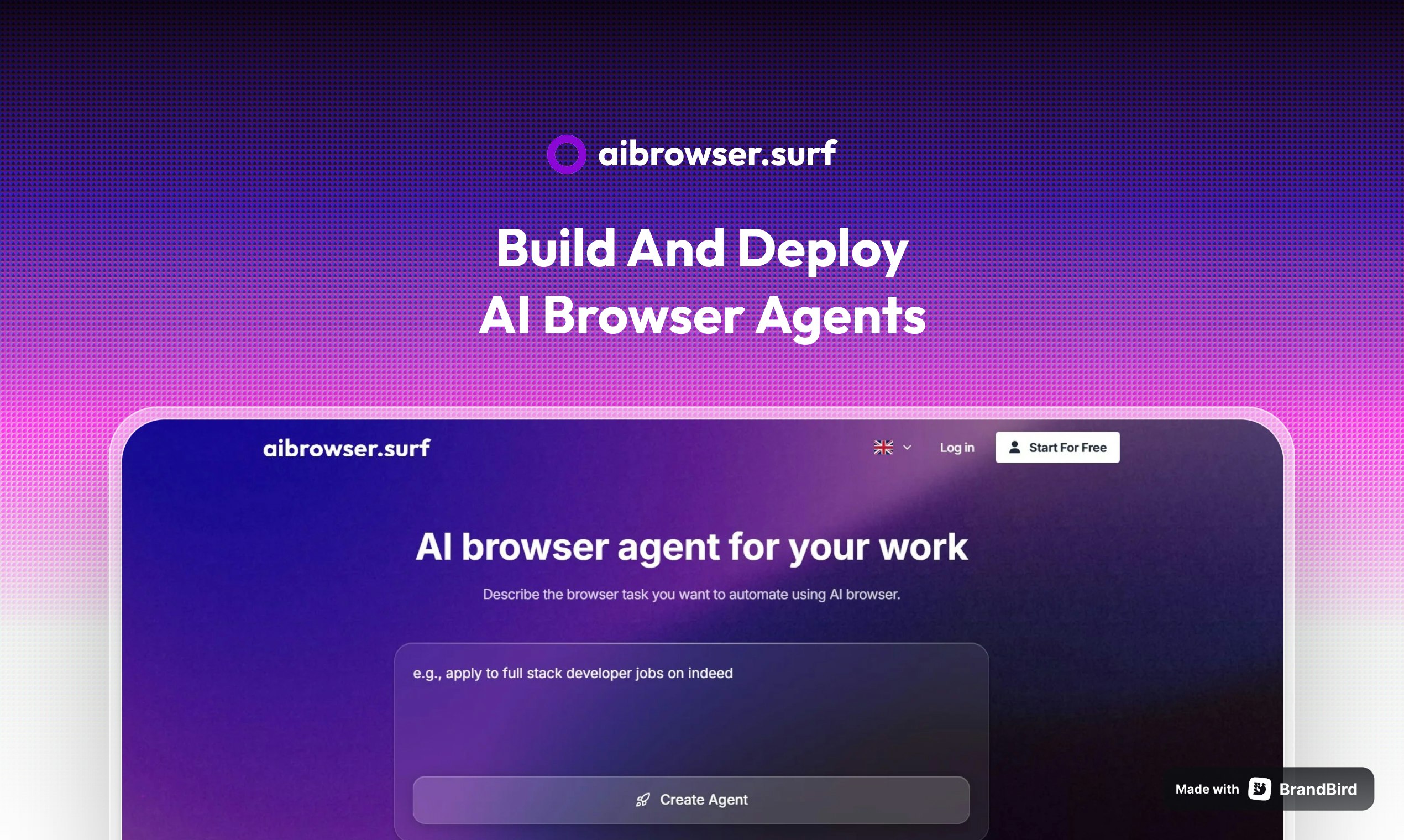
Repetitive browser tasks consume valuable time across every industry. Logging into accounts, clicking through menus, filling forms, and collecting data from websites drain hours that could be spent on meaningful work. AI Browser addresses this challenge by enabling users to create AI-powered browser agents through simple natural language prompts. The platform translates plain English instructions into automated browser actions, executing workflows on cloud-based infrastructure without requiring any coding knowledge. Tasks run on remote servers, allowing users to close their local browser while automation continues in the background.
Key Features
AI Browser combines natural language processing with browser automation to simplify complex workflows:
- Natural Language Prompts: Describe tasks in everyday language rather than code. Instructions like “log into my account, find the latest invoice, and download it” translate directly into executable automation sequences.
- Full Browser Automation: The AI handles complete browser interactions including account authentication, multi-page navigation, form completion, button clicks, and data extraction from dynamic web pages.
- Cloud-Based Execution: Automations run on remote cloud browsers rather than local machines. This allows tasks to continue executing after closing the browser window and prevents interference with local browsing sessions.
- Multi-Step Task Handling: Complex workflows requiring sequential actions across multiple pages or sites execute as unified automation chains rather than disconnected individual steps.
- No-Code Interface: Technical knowledge and programming skills are not required. The natural language approach makes browser automation accessible to marketers, researchers, and business professionals without development backgrounds.
How It Works
The platform operates through a straightforward three-step process designed for users at any technical level:
- Describe the Workflow: Input a plain language description of the complete task. For example, “Go to LinkedIn, search for marketing directors in San Francisco, and save their profile links to a spreadsheet.”
- AI Translation: The platform’s AI analyzes the prompt and generates a precise sequence of browser actions required to complete the objective. It identifies which pages to visit, what elements to interact with, and how to handle authentication or dynamic content.
- Cloud Execution: The generated workflow executes on a remote browser instance. The system completes all steps automatically, handling page loads, element detection, and interaction timing without manual intervention.
Use Cases
AI Browser serves diverse automation needs across professional and personal contexts:
- Repetitive Task Automation: Eliminate manual execution of daily routines like checking dashboards, downloading reports, posting updates, or managing data entry across multiple web applications.
- Login and Authentication Testing: Development and QA teams can automate testing of login flows, password reset sequences, and multi-factor authentication across different user scenarios and edge cases.
- Web Scraping and Data Collection: Extract structured information from websites for market research, competitive analysis, price monitoring, or lead generation by describing the data needed rather than building custom scrapers.
- Social Media and Platform Management: Automate interactions on LinkedIn, Twitter, internal company tools, or other web platforms to maintain presence and execute routine engagement without manual clicking.
- Form Submission and Data Entry: Handle bulk form submissions, application processes, or data transfer between systems that lack API integrations by automating the browser interactions directly.
Pros and Cons
Advantages
- Time Recovery: Eliminates hours spent on manual repetitive browser tasks, freeing time for higher-value activities.
- Universal Compatibility: Works with most modern websites and web applications regardless of their underlying technology or structure.
- Zero Technical Requirements: Natural language interface removes the coding barrier that traditionally limited browser automation to developers.
- Background Operation: Cloud execution continues working independently of local browser sessions or computer state.
Disadvantages
- Cloud Trust Requirement: Running automations on remote servers requires comfort with third-party handling of tasks and potentially sensitive login credentials.
- Edge Case Limitations: Highly complex or unconventional website designs may present challenges that AI cannot navigate perfectly in every instance.
- Newer Service: As a recently launched platform, long-term reliability and feature development remain to be established compared to mature alternatives.
How Does It Compare?
AI Browser operates within a competitive landscape of browser automation tools, each with distinct approaches:
- OpenAI Operator
- Full browser automation powered by GPT-4o vision model
- Runs on remote OpenAI servers with screenshot-based interaction
- Requires ChatGPT Pro subscription at \$200 per month
- Limited to US availability during initial rollout
- Can handle multiple simultaneous tasks in cloud
- Browserbase Director
- No-code tool converting natural language to Stagehand automation scripts
- Starting price of \$20 per month with SOC 2 certification
- Generates reusable code that developers can customize further
- Backed by notable investors including Perplexity and Vercel
- Supports over 1,000 enterprise customers
- Browser-Use
- Open-source Python library with 50,000 GitHub stars
- Free to use with any LLM provider (OpenAI, Anthropic, local models)
- Combines visual recognition with DOM analysis
- Cloud hosting available through browser-use.com
- MIT license allows full customization
- Skyvern
- Uses LLMs and computer vision for adaptive automation
- Resists website layout changes through visual element detection
- Open-source core with cloud option at \$0.05 per step
- Achieved 85.8% on WebVoyager benchmark
- Multi-agent architecture with planning, acting, and validation
- Axiom.ai
- Chrome extension with visual workflow builder
- Backed by Y Combinator and SAP
- Starting price of \$15 per month after free trial
- Record-and-replay functionality for building bots
- Integrates with Zapier, Google Sheets, and ChatGPT
- MultiOn
- Consumer-focused browser agent for personal productivity
- Handles tasks like booking flights, ordering food, and calendar management
- Chrome extension for local browser interaction
- API available for developers
- Focused on individual users rather than enterprise
- Selenium and Playwright
- Traditional open-source automation frameworks
- Require programming knowledge in Python, JavaScript, or other languages
- Brittle XPath selectors break when websites change layouts
- No AI adaptation or natural language interface
- Free but demand significant technical expertise
AI Browser positions itself within the emerging category of prompt-based automation tools that prioritize accessibility over technical depth. Its core differentiation lies in removing the traditional barrier between non-technical users and browser automation capabilities.
Final Thoughts
AI Browser represents a practical approach to browser automation for users who want to eliminate repetitive digital tasks without learning to code. By accepting natural language instructions and executing workflows on cloud infrastructure, the platform makes automation accessible to marketers, researchers, operations teams, and business owners who previously lacked the technical skills required for traditional tools. The trade-off involves trusting cloud execution with potentially sensitive workflows, a consideration common across AI automation platforms. For users prioritizing simplicity and immediate productivity gains over technical control, AI Browser offers a straightforward entry point into the expanding world of AI-powered browser agents.