Table of Contents
Overview
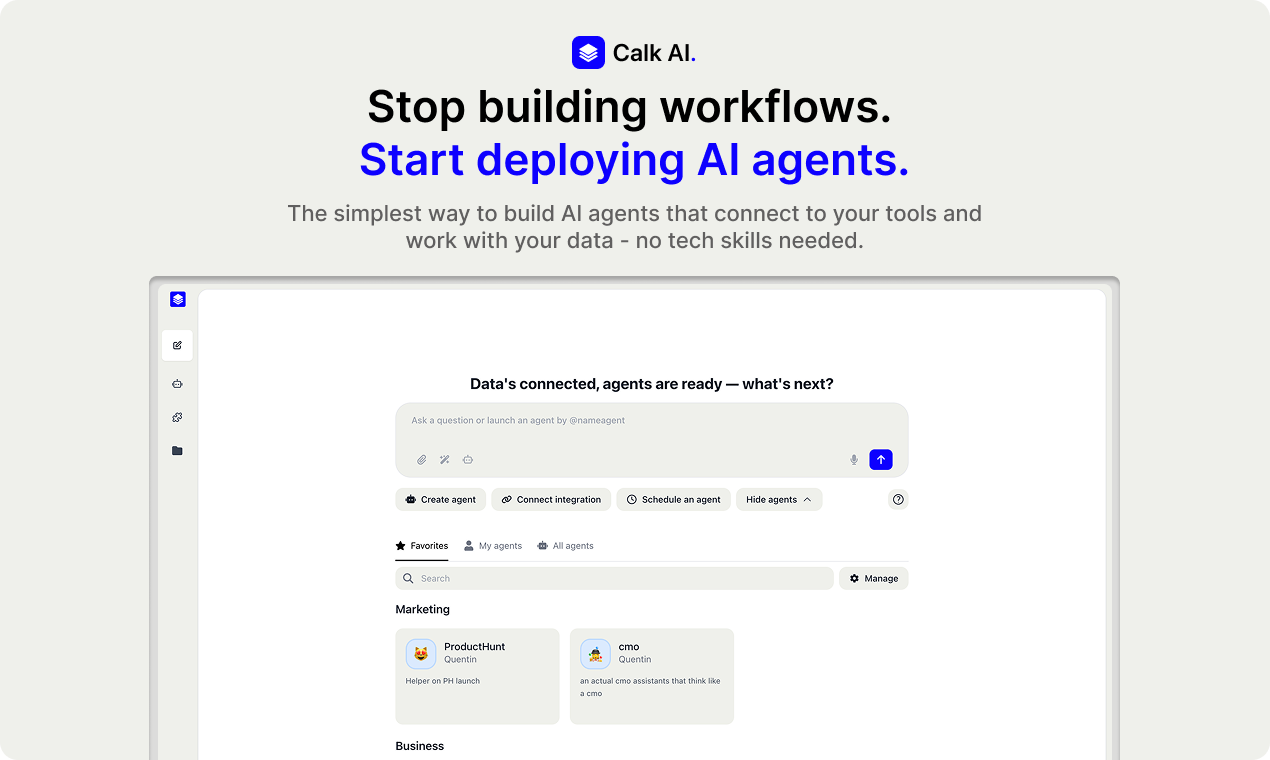
In the ever-expanding universe of AI, the promise of automation often comes with a steep learning curve, requiring users to build complex node-based workflows and string together triggers and actions. Calk AI 1.0 enters the scene with a refreshingly simple proposition: what if you could just tell an AI what to do?
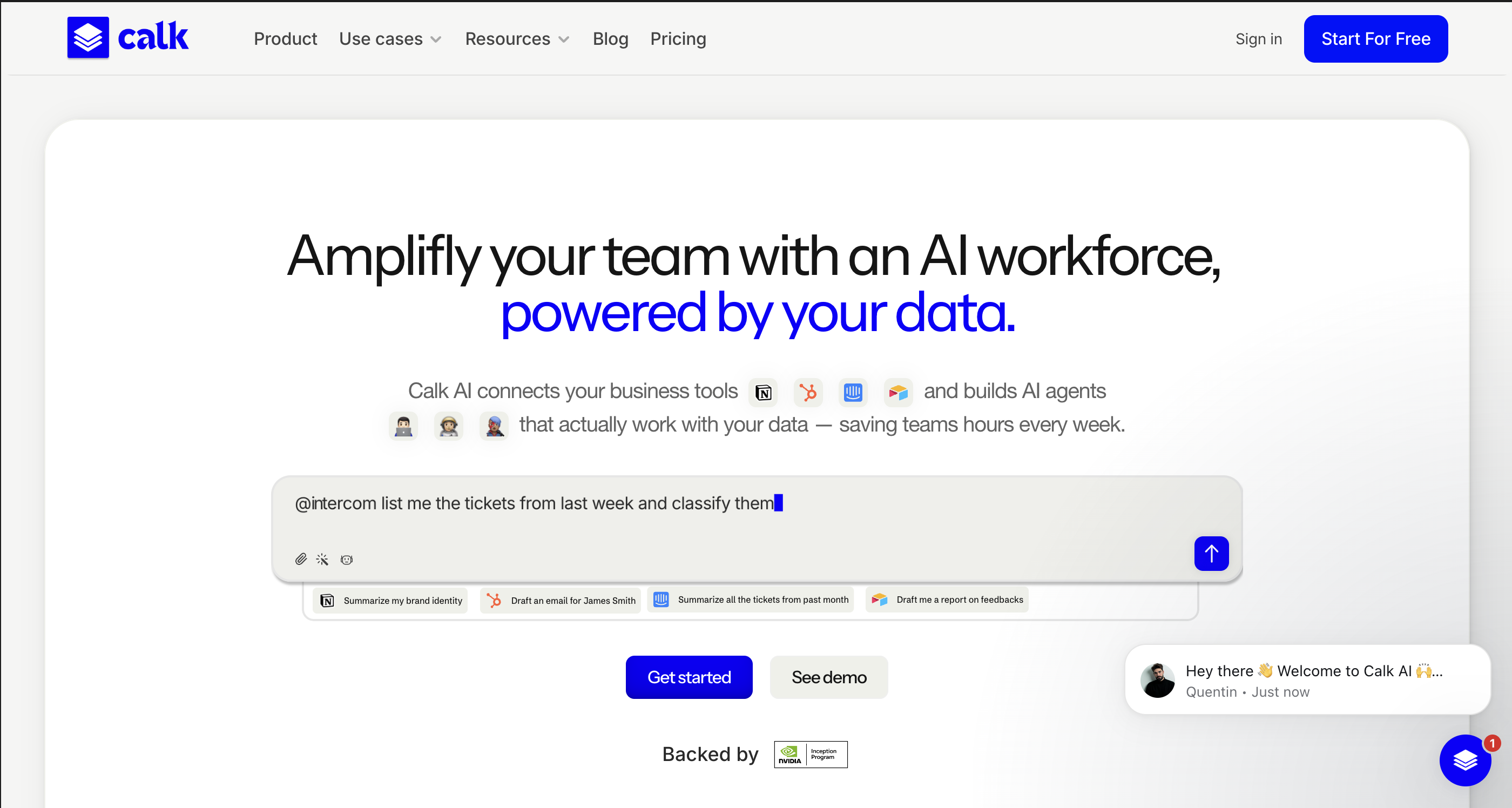
Calk is a new breed of “No-Workflow” automation tool, offering AI agents that can automate your work using your own data. Unlike traditional tools that require engineering logic, Calk is built to help humans move faster by connecting to your existing tools (like HubSpot, Notion, and Slack), understanding plain English commands, and doing the heavy lifting of reporting, cleaning, writing, and updating for you. No nodes. No complex logic blocks. Just agents.
Key Features
Calk’s power lies in its straightforward and effective feature set, designed to get you from task to completion with minimal friction.
- No-Node Agent Builder: You don’t need to be a developer or learn “logic flows” to get started. Calk allows you to set up powerful agents simply by describing their purpose in natural language, completely bypassing the complexity of tools like n8n or Zapier.
- Multi-Model Intelligence: Uniquely, Calk is model-agnostic. It allows you to switch between top-tier models—including GPT-5, Claude 4.5, and Mistral—to ensure you have the best “brain” for each specific task, whether it’s creative writing or data analysis.
- Direct SaaS “Write-Back” Integration: Seamlessly connect the apps you rely on. Calk doesn’t just read your data; it can write back to your systems—updating CRM fields, creating Notion pages, or sending Slack notifications automatically.
- Automated Data Hygiene: Say goodbye to tedious data wrangling. Agents can be tasked with finding inconsistencies across platforms (e.g., “Match HubSpot industries with Airtable”) and cleaning them up autonomously.
- Collaborative “Human-in-the-Loop”: Calk avoids the “black box” problem. For sensitive tasks, agents operate on a “Propose \& Approve” model, drafting emails or reports for your review before final execution.
How It Works
Getting started with Calk is designed to be an intuitive process that delivers value almost immediately. Here’s a breakdown of the simple steps involved:
First, you connect your existing software tools—like your CRM, document repositories, and databases—to the Calk platform. This gives your agents secure, unified access to your business context. Next, you select your model (e.g., Claude for reasoning, GPT for creative tasks) and describe a task in natural language.
For example, you might type: “Every Monday, scan our HubSpot for new leads, research their company on LinkedIn, and draft a personalized outreach email.” The AI agent interprets this command, plans the steps, and executes them. Finally, it presents the drafts in a shared workspace for your review, allowing you to approve the actions or tweak the instructions on the fly.
Use Cases
The true value of Calk becomes clear when you see how it can be applied to real-world business challenges. Here are just a few examples:
- RevOps Automation: Instruct an agent to normalize job titles and country codes across your HubSpot and Airtable databases every night to ensure reporting accuracy.
- Smart Customer Support: Automatically classify incoming Intercom tickets by theme and urgency, then draft structured replies based on your internal knowledge base for agent approval.
- Competitive Analysis: Task an agent with monitoring competitor pricing pages and generating a weekly digest comparing their changes against your own product features.
- Meeting Follow-Ups: Connect your call recorder and CRM to automatically summarize sales calls, update the deal status, and draft the follow-up email to the client immediately after the meeting.
Pros \& Cons
No tool is perfect for every job. Calk excels in simplicity and speed, but it’s important to understand its trade-offs.
Advantages
- Zero Learning Curve: The “no node” approach means non-technical teams (Sales, Marketing) can build their own automation agents in minutes without IT support.
- Context-Aware: Unlike generic chatbots, Calk agents have deep access to your live company data, making their outputs significantly more relevant and accurate.
- Model Flexibility: The ability to swap between GPT, Claude, and open-source models prevents vendor lock-in and optimizes costs.
Disadvantages
- Less Granular Control: Power users who need to build intricate, multi-path workflows with complex conditional logic (if/then/else loops) may find Calk’s linear agent approach less flexible than Zapier or Make.
- Integration Maturity: As a newer platform (v1.0), its library of native integrations is growing but may not yet cover every niche tool found in established competitors like Zapier.
How Does It Compare?
Calk is carving out a unique space in the crowded automation market. Here’s how it stacks up against the competition:
- Vs. Zapier Central:
- Zapier is the king of connectivity with 6,000+ apps but often requires building complex “Zaps” (logic trees).
- Calk AI focuses on “Agentic” behavior—you give a goal, not a workflow. It is faster to set up for broad tasks but offers less granular control over specific triggers.
- Vs. Bardeen:
- Bardeen lives in your browser and excels at web scraping and frontend automation (e.g., “scrape this LinkedIn profile”).
- Calk AI lives in the backend, connecting directly to your SaaS databases (API-to-API) for deeper, more reliable data processing that runs even when your browser is closed.
- Vs. SmythOS / Lindy:
- SmythOS is a powerful but complex OS for agents, often requiring a steeper learning curve.
- Calk AI prioritizes UX and simplicity above all else, targeting business users rather than AI engineers.
Final Thoughts
Calk AI 1.0 represents a significant shift from “Automation” to “Delegation.” By removing the need to design complex flowcharts, it democratizes access to powerful AI agents. While it may not replace heavy-duty logic tools like Make.com for complex IT orchestration, its speed, ease of use, and “human-centric” design make it the perfect tool for business teams looking to offload repetitive digital work immediately. If you want to hire an AI intern rather than build a robot, Calk is the tool to try.