Table of Contents
Overview
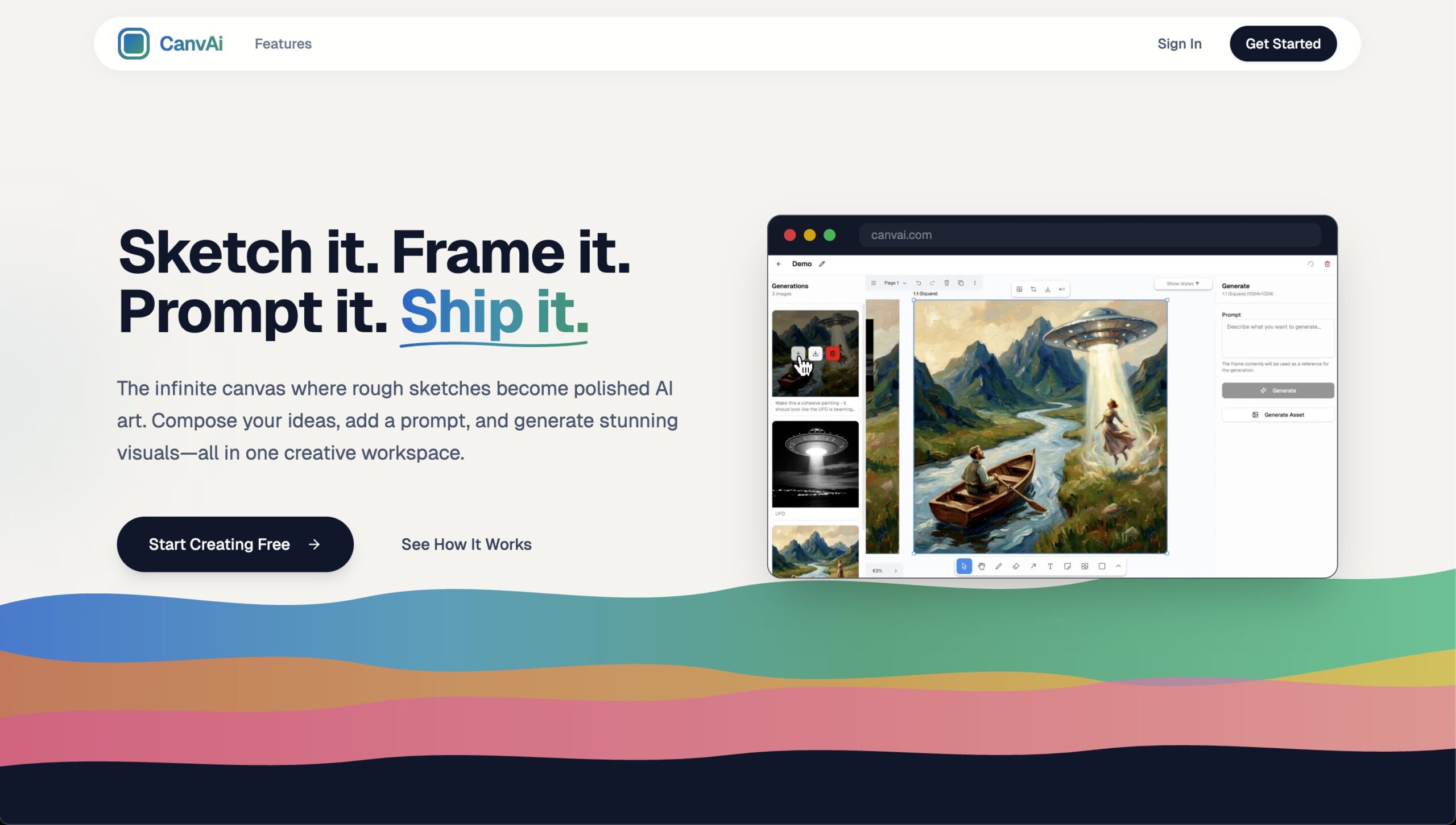
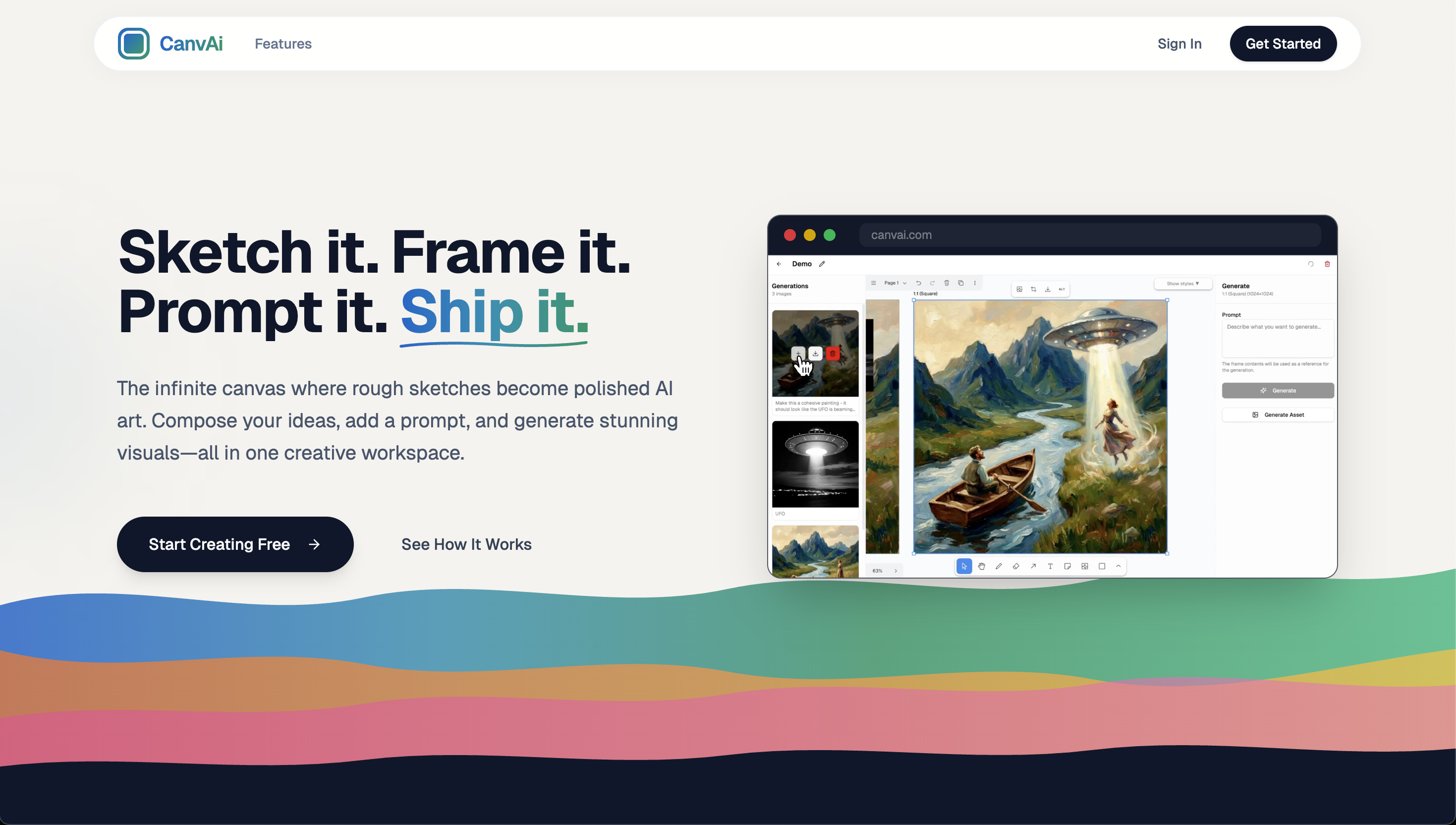
CanvAi is a creative workspace that bridges sketching and AI-generated art through an infinite canvas interface. Users sketch rough ideas, compose them into frames, add style presets, and use Nano Banana Pro (Google’s Imagen 3) to transform sketches into polished, production-ready artwork. The platform emphasizes accessibility for non-artists while maintaining flexibility for experienced creators who want to leverage AI as a creative tool.
Key Features
- Infinite Canvas: Boundless workspace for experimentation with seamless pan, zoom, and arrangement capabilities
- Sketch-to-Art Transformation: Convert rough sketches and compositions into high-quality images using Nano Banana Pro AI model
- Frame Composition: Organize sketches, shapes, and imported images into frames ready for AI rendering
- Asset Generation: Create standalone elements like characters, objects, and backgrounds for reuse across canvas
- Style Presets: One-click artistic style application including Cinematic, Anime, Oil Painting, Pixel Art, and more
- 4K Resolution Output: Native 4K image generation with perfect text rendering across multiple languages
- Web Search Grounding: Contextually accurate generation with web search integration for reference accuracy
- Reference Image Support: Integration of up to 14 reference images to guide AI generation and maintain consistency
- High-Resolution Export: Download compositions as high-resolution images suitable for social media, print, and professional use
How It Works
Users start with an infinite canvas and sketch rough shapes, forms, or outlines representing their creative vision. They can add imported images, shapes, and text to compose their ideas into frames. After framing compositions, users add prompts and select style presets. Nano Banana Pro then processes the sketch with contextual awareness from web search grounding and reference images to generate polished artwork matching the requested aesthetic. The AI respects the spatial composition and layout established by the user, transforming rough sketches into production-ready visuals that maintain the creator’s original intent.
Use Cases
- Concept Art: Rapidly iterate on character designs, environments, and visual concepts for games and animation
- Rapid Prototyping: Turn wireframe sketches into visual mockups for UI/UX design, marketing materials, and presentations
- Illustration: Transform hand-drawn sketches into finished illustrations in specific artistic styles
- Marketing Assets: Generate social media graphics, promotional images, and marketing collateral from sketch concepts
- Game Asset Creation: Develop game characters, props, backgrounds, and environment designs at scale
- Product Visualization: Create product renderings and mockups from hand-drawn specifications
Pros \& Cons
Advantages
- Easy for Non-Artists: Accessible to users without traditional artistic skills, democratizing visual creation
- One-Click Style Application: Quickly experiment with different artistic directions without manual stylization
- Production-Ready Output: 4K resolution and text rendering create final-quality assets without post-processing
- Infinite Canvas: Boundless workspace supports unrestricted creative experimentation
- Contextual Accuracy: Web search grounding ensures generated images match real-world references and details
- Reference Integration: Support for 14 reference images maintains visual consistency across iterations
Disadvantages
- May Lack Fine-Grained Control: AI interpretation of sketches may not always match precise creative intent
- Pricing Unknown: Limited public information on monetization model and cost structure
- Sketch Dependency: Quality output depends on clear sketch composition; ambiguous sketches produce unclear results
- Style Preset Limitations: Pre-defined artistic styles may not capture highly specific creative visions
- Learning Curve: Interface complexity may require time to master for new users
- AI Output Consistency: Variable quality on complex or unusual creative requests
How Does It Compare?
Krea AI
- Key Features: Real-time AI generation, infinite canvas, image enhancement, out-painting/in-painting, upscaling to 22K resolution
- Strengths: Real-time iterative generation, professional-grade finishing tools, out-painting for extended compositions, exceptional upscaling
- Limitations: Requires live interaction (not batch generation), smaller community, less emphasis on sketch composition
- Differentiation: Krea focuses on real-time interactive generation and finishing tools; CanvAi emphasizes sketch composition and transformation
Leonardo.ai
- Key Features: AI image generation, fine-tuned models, text-to-image, character consistency, LoRA training, game asset generation
- Strengths: Highly customizable models, excellent for character and game asset creation, strong professional community, LoRA training for style consistency
- Limitations: More technical setup required, steeper learning curve, less emphasis on sketch composition, primarily text-prompt focused
- Differentiation: Leonardo.ai offers deep customization and model training; CanvAi provides intuitive sketch-to-art workflow
Midjourney
- Key Features: Text-to-image generation, niji for anime, style customization, community gallery, Discord-based interface
- Strengths: Exceptional image quality, strong community, fast generation, multiple model options, niji for anime styles
- Limitations: Discord-based interface limiting (not a dedicated web app), expensive (\$30/month minimum), no sketch composition features, steep learning curve for prompting
- Differentiation: Midjourney excels at text-prompt quality; CanvAi specializes in sketch composition and visual layout
Canva AI
- Key Features: Integrated design tools, Magic Studio, background removal, photo enhancement, AI-powered design collaboration
- Strengths: Seamless integration with design platform, excellent for non-designers, multiple AI tools in one platform, collaborative features
- Limitations: Less specialized for sketch-to-art, more focused on general design, higher pricing for teams (300% increase), limited fine-grained control
- Differentiation: Canva AI is a comprehensive design platform; CanvAi specializes exclusively in sketch-to-art transformation
Adobe Firefly
- Key Features: Generative fill, expand, style reference, generative credits system, Adobe ecosystem integration
- Strengths: Deep integration with Photoshop and Creative Cloud, excellent inpainting, fast generation, professional adoption
- Limitations: Requires Creative Cloud subscription, less emphasis on sketch composition, higher cost barrier, primarily focused on existing asset editing
- Differentiation: Adobe Firefly is editing-focused within Creative Cloud; CanvAi is standalone sketch-to-art platform
Final Thoughts
CanvAi successfully addresses a meaningful gap in the AI art creation landscape by combining sketch-based composition with powerful image generation. The infinite canvas metaphor feels natural to visual creators, and Nano Banana Pro’s 4K resolution with perfect text rendering produces genuinely production-ready outputs. The platform demonstrates strong potential for democratizing visual creation by lowering barriers for non-professional artists.
The integration of 14 reference images and web search grounding represents thoughtful design that respects both user intent and real-world accuracy. Style presets provide quick experimentation without manual configuration complexity. The sketch composition workflow is fundamentally different from text-prompt-only approaches, offering a more intuitive path for visual thinkers.
However, uncertainty about pricing and platform maturity (relatively new service) requires careful evaluation. Users should test the free tier (if available) to assess whether sketch composition workflow and AI interpretation align with their creative process. The platform excels for creators comfortable with AI as a finishing tool rather than those demanding pixel-perfect control over specific details.
For concept artists, game developers, illustrators, and marketing professionals seeking rapid iteration from sketch to final asset, CanvAi offers a compelling workflow. The combination of accessible interface, professional output quality, and intelligent composition support makes it a valuable addition to creative toolkits, particularly for teams balancing speed and quality.