Table of Contents
Clyde (by Smol.app)
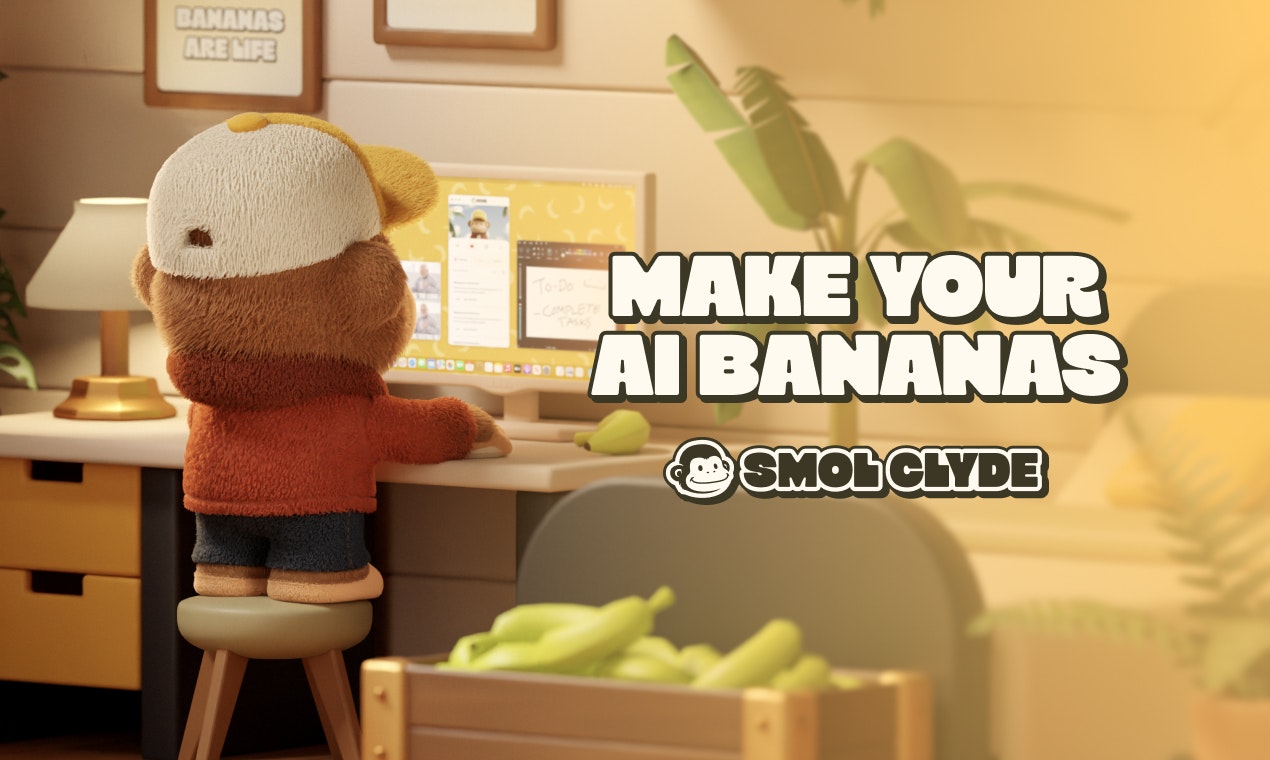
Clyde is a desktop-native AI agent (mascot: a monkey) designed to execute “real work” by interacting directly with your local file system and apps. Unlike chat-only bots, Clyde functions as an autonomous operator that can read, edit, and manage files on your computer.
What It Is
Clyde is the “monkey personification” of the agentic workflow, effectively acting as a GUI for advanced “Computer Use” capabilities. It runs as a desktop application (macOS/Windows) that bridges the gap between LLMs (likely powered by Anthropic’s Claude) and your local environment. Instead of copying code from a browser to your terminal, you give Clyde permission to access a folder, and it can perform multi-step tasks like “scaffold a React app,” “organize my Downloads folder,” or “summarize these PDFs” autonomously.
Key Features
- Local File System Access: Unlike web-based AI, Clyde has permission to read, write, and create files directly on your hard drive, making it a true “coworker.”
- App Connectors: Integrates with Notion, Figma, Airtable, and Spotify, allowing it to read documentation or control media playback.
- “Junior Developer” Mode: Evolves from the open-source “smol developer” project; can scaffold entire codebases, write config files, and refactor code in a loop.
- Action-Oriented: Focuses on execution (doing) rather than just conversation (chatting).
- Monkey Persona: Uses a friendly, gamified interface (“monkey mode”) to make complex agentic tasks feel approachable and less intimidating than a terminal.
Use Cases
- Project Scaffolding: “Create a Next.js landing page with a contact form in this folder.”
- Desktop Automation: “Organize my screenshots by date and rename them.”
- Contextual Assistance: “Read the design specs in this Notion doc and create a corresponding task list in a markdown file.”
- Personal Admin: “Check my calendar and draft an email to the team.”
Pros and Cons
- Pros: Bridges the “air gap” between AI logic and local files; eliminates copy-pasting code; “Action-first” approach saves actual manual labor; friendly UI appeals to non-technical users.
- Cons: Granting an AI full read/write access to local folders carries security risks (requires trust); currently in early beta (stability varies); relying on “Computer Use” APIs can be slower and more expensive than simple text generation.
Pricing
- Free: Limited “Beta credits” to try the agent.
- Basic ($20/mo): Standard access to agent capabilities.
- Pro ($50/mo): Higher rate limits and access to more capable models for complex tasks.
How Does It Compare?
- Raycast: The primary desktop competitor. Raycast is a launcher with AI chat and extensions. Comparison: Raycast is faster for quick, single-shot queries and system commands (toggle Wi-Fi, search files). Clyde is better for long-running, multi-step tasks that require file editing and “thinking” (e.g., “build this app”).
- Claude Desktop (Anthropic): The official app from Anthropic. Comparison: Claude Desktop (with Computer Use) is a raw interface for the model. Clyde wraps this capability in a user-friendly product with specific integrations (Notion/Spotify) and a persistent “persona,” making it easier to use for specific workflows than the raw model.
- Microsoft Copilot: OS-integrated assistant. Comparison: Copilot is restricted by corporate safety guardrails and mostly summarizes/searches. Clyde is more “unshackled” regarding file manipulation and coding tasks, acting more like a developer tool.
- OpenAI Operator: (Emerging category). Comparison: While OpenAI builds the model for agents, Clyde provides the interface and the specific tooling glue (file I/O, app connectors) that makes the agent useful for daily work.
Final Thoughts
Clyde represents the “productization” of Agentic AI. While developers have been using command-line tools like smol-developer or gpt-engineer for a while, Clyde packages this power into a consumer-friendly “Clippy 2.0” experience. By using a monkey mascot and a simple chat interface, it lowers the barrier to entry for “Computer Use” agents.
Its success will depend on trust—users must be willing to let an AI write to their hard drive—and execution speed. For developers and power users tired of copy-pasting between ChatGPT and VS Code, Clyde offers a glimpse into a future where the OS itself is the chat interface.