
Overview
Dessix is a logic-first visual workspace launched on January 7, 2026, designed to turn AI into a seamless extension of human thought. By moving away from simple prompt-based interactions and toward a “shared context” visual interface, Dessix ensures that both the user and the AI are perfectly aligned on goals, data, and logic.
Key Features
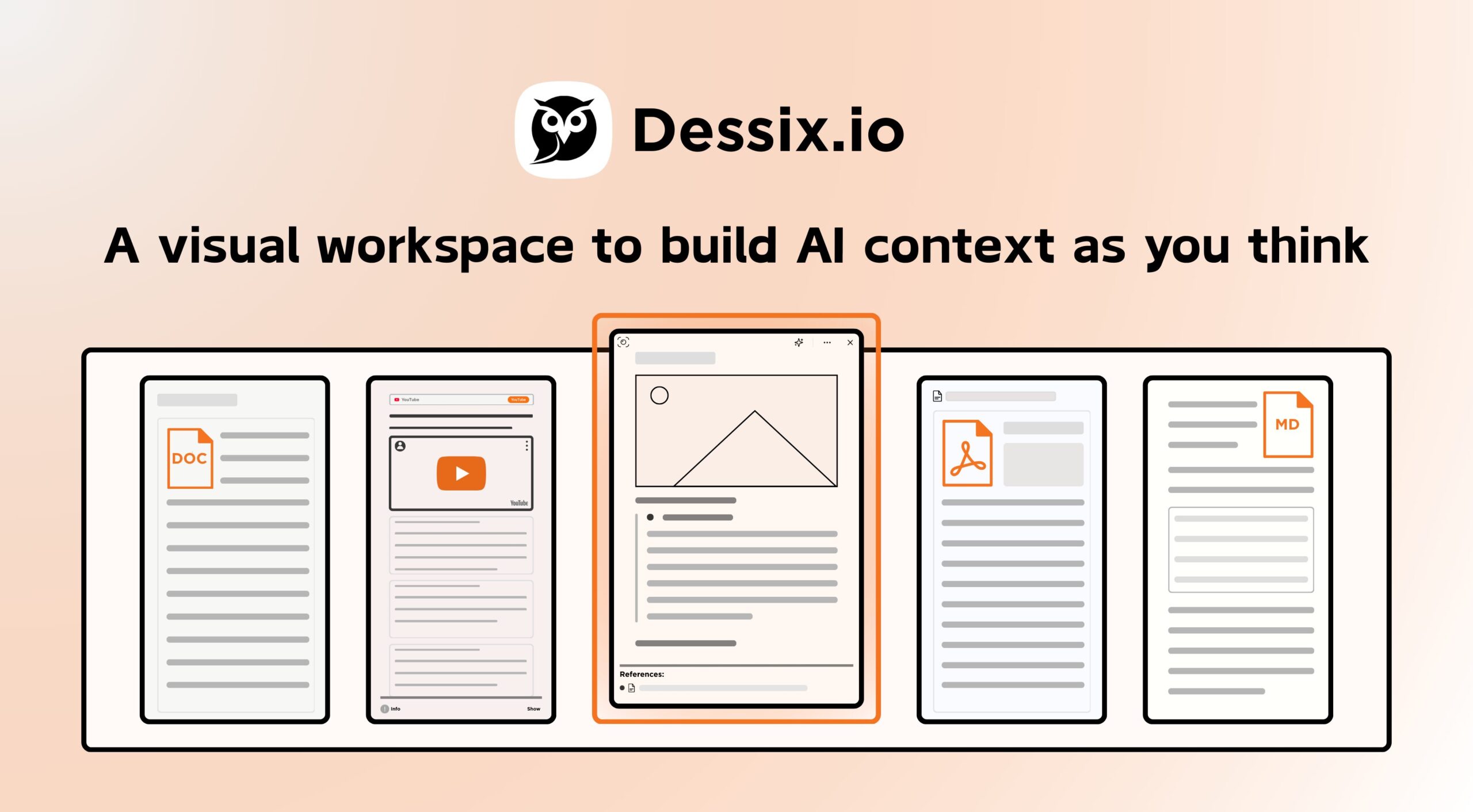
- Linear Shared Context: Uses a horizontal, linear view inspired by cognitive psychology to present information in a way that minimizes cognitive load for both humans and AI.
- “See What AI Sees” Transparency: Provides a live dashboard of exactly which notes, snippets, and documents the AI is currently prioritizing as its “working memory.”
- Visual Focus Management: Allows users to manually group and tag data on a canvas, defining the precise scope of information the AI should use for any given task.
- Logic-Driven Constraints: Reduces hallucinations by forcing the AI to work within the specific logical boundaries and structured notes established on the workspace.
- 2M-Token Context Window: Supports massive multimodal datasets, enabling deep research across hundreds of pages and media snippets simultaneously.
- Dynamic Context Adaptation: Automatically adjusts the AI’s attention based on where the user’s cursor or focus is positioned on the linear timeline.
- Browser-Integrated Capture: Includes a Chrome extension to instantly snap web pages, text, or inspirations directly into the visual logic board.
How It Works
Users begin by capturing “inspirations”—ranging from snippets of web text to personal notes—and placing them on a horizontal linear canvas. As information is added, Dessix’s AI automatically identifies clusters and connections, but the user maintains “logic-first” control by choosing which blocks the AI should focus on. When generating text or solving complex problems, the AI draws only from this curated visual context, eliminating the “black box” frustration where AI hallucinates outside of the provided data. This “what you see is what you get” alignment allows for deeper collaboration on long-form projects and research.
Pros and Cons
- Pros: Unmatched transparency in human-AI collaboration. Highly effective for visual thinkers who need to “map out” complex logic. Reduces AI errors through structured context management.
- Cons: Requires more setup and intent than simple chat-based AI. Currently limited to web browsers and Chrome extensions with no native desktop application for macOS or Windows.
Pricing
- Free Tier: $0/month. Includes 3 million tokens upon registration to explore structured thinking features.
- Daily Plan: $9.90/month. Targeted at consistent users who require daily smart insights and persistent context storage.
- Creator Plan: $19.90/month. Offers the full suite of advanced visual automation tools, larger context limits, and multimodal processing for power users.
How Does It Compare?
- Heptabase / Scrintal: These are powerful visual note-taking tools, but Dessix differentiates itself by making the AI’s understanding of that visual space the core product logic, rather than just having AI as a sidebar assistant.
- Obsidian Canvas: While great for local-first visual organization, Obsidian lacks the deep, native AI context alignment and “shared vision” architecture found in Dessix.
- Napkin.ai: Napkin focuses on turning text into visuals (diagrams). Dessix focuses on using visuals to feed context into the AI for better thinking and creation.