
Table of Contents
Overview
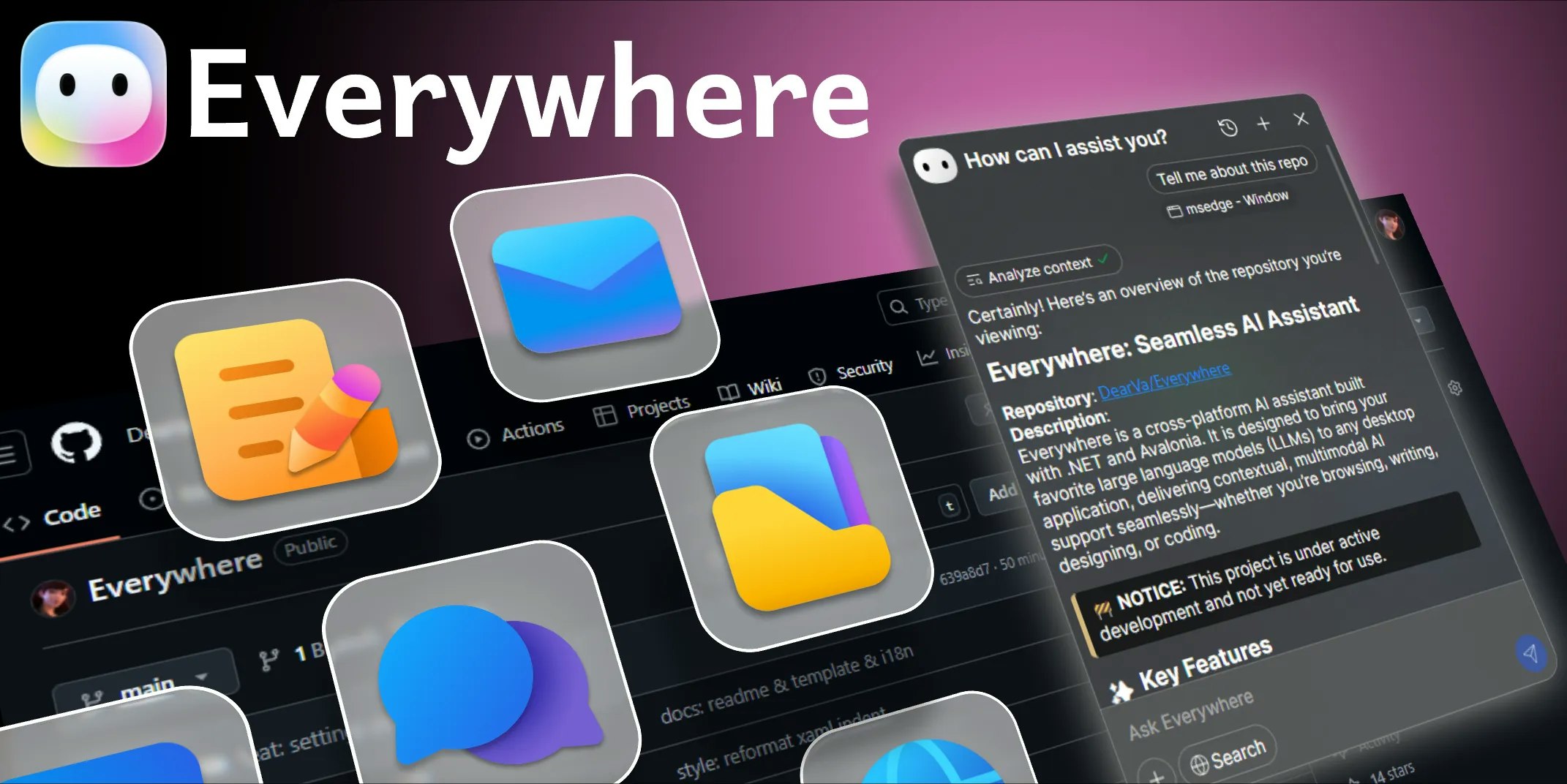
Everywhere represents an approach to integrating artificial intelligence directly into your operating system, making AI assistance accessible through keyboard shortcuts without requiring app switching, copying, or screenshots. By analyzing on-screen content in real-time, Everywhere provides contextual AI assistance precisely when and where you need it. Rather than requiring manual workflows to move between applications and AI tools, the platform brings AI to your current context.
Key Features
Everywhere delivers focused functionality designed around seamless OS-level AI integration:
- Hotkey-triggered AI access: Invoke AI assistance with a customizable keyboard shortcut, instantly analyzing screen content without leaving your current application.
- Real-time screen content analysis: The system intelligently processes visible content—text, error messages, charts, forms—regardless of which application displays it, providing immediate contextual understanding.
Native operating system integration: Operates as a background service directly integrated with your OS, eliminating the need to open separate applications, browsers, or chat interfaces.
Multi-model AI support: Works with OpenAI, Anthropic Claude, Google Gemini, DeepSeek, and other models, plus local options like Ollama for offline operation.
Cross-platform availability: Runs on Windows, macOS, and Linux with consistent functionality across all platforms.
How It Works
Everywhere operates as a background desktop service that listens for your configured hotkey. When activated, the application captures on-screen content around your cursor position and sends it to your selected AI model along with your question or request. The AI processes this context and returns a response displayed in a frosted-glass overlay that doesn’t block your underlying work. This architecture enables you to ask questions like “What does this error mean?” or “Summarize this article” without manual copying or app switching.
The tool intelligently recognizes application context—whether you’re in a code editor, web browser, email client, or document viewer—and tailors its understanding accordingly. Responses support markdown formatting, code syntax highlighting, and can integrate with web search for questions requiring current information.
Use Cases
Everywhere addresses specific workflow friction points:
- Rapid code debugging: When encountering error messages or stack traces, invoke Everywhere to get immediate explanations and fix suggestions without leaving your editor.
Content summarization and extraction: Ask Everywhere to extract key points from lengthy articles, emails, or documents visible on your screen, saving time on reading and comprehension.
Document and email assistance: Draft emails or review documents with in-place AI assistance for grammar, tone, and clarity improvements without opening separate writing tools.
Quick research and translation: Translate text, get explanations of concepts, or ask questions about visible content without interrupting your workflow or switching applications.
Reducing context-switching friction: Minimize the productivity cost of moving between applications by bringing AI assistance directly to your current task.
Pros & Cons
Advantages
Everywhere offers meaningful benefits for workflows centered on rapid information access:
- Eliminates app-switching overhead: Keeping AI assistance always accessible via hotkey removes the friction of opening browser tabs, chat windows, or separate applications.
Context-aware assistance: The system understands what you’re currently working on, providing more relevant suggestions than generic chat interfaces that lack context.
Cross-platform consistency: Works identically on Windows, macOS, and Linux, providing the same workflow regardless of operating system or application.
Flexible AI model selection: Support for multiple models allows you to choose the best tool for each task—faster models for quick answers, more capable models for complex analysis.
Disadvantages
While effective for its focused purpose, Everywhere has meaningful limitations:
- Screen content dependency: The tool can only analyze content that’s visually rendered on screen. Content in protected applications, encrypted interfaces, or custom-rendered elements may not be fully accessible.
Privacy and data considerations: Continuous background operation and screen analysis raise valid privacy concerns. Users should understand that visible screen content is sent to configured AI services (or kept local if using Ollama).
Platform-specific limitations: Certain applications with proprietary rendering or security restrictions may not expose their content through accessibility APIs that Everywhere relies on.
Learning curve for optimization: Getting maximum value requires configuring hotkeys, selecting appropriate AI models, and understanding how to structure requests for different scenarios.
How Does It Compare?
Desktop AI tools have evolved significantly throughout 2025, with different approaches addressing OS-level AI integration. Understanding these distinctions clarifies which tools fit specific needs.
Raycast functions as a comprehensive command launcher that integrates AI alongside application search, file access, and system commands. Unlike Everywhere’s singular focus on screen understanding, Raycast provides a broader productivity platform where AI is one component among many. Raycast emphasizes customization through extensions and workflows, appealing to power users building complex automation. Raycast remains macOS-exclusive, whereas Everywhere supports Windows and Linux equally.
MacGPT provides ChatGPT access directly from the macOS menu bar with features like inline text field integration and voice conversation mode. While similar in providing hotkey-triggered AI assistance, MacGPT focuses specifically on ChatGPT integration rather than supporting multiple models. MacGPT is also exclusively macOS-focused and emphasizes ChatGPT’s specific capabilities rather than general screen understanding.
Microsoft Copilot Vision represents a different positioning as part of Windows’ native AI layer. Available in Windows 11, Copilot Vision analyzes screen content to provide assistance with applications, tips, and explanations. Unlike Everywhere’s agnostic approach to AI models, Copilot Vision is tied to Microsoft’s AI infrastructure. Copilot Vision is built into Windows itself rather than being a third-party tool.
MindPortal takes a fundamentally different approach, focusing on thought-to-text interfaces through neurotechnology research rather than traditional screen analysis. MindPortal represents early-stage technology for brain-computer interfaces, not yet a practical desktop AI assistant comparable to Everywhere.
Spotlight with AI (macOS built-in) and Windows Search with AI represent OS-native implementations of AI-powered search and assistance. These benefit from deep system integration but lack the flexibility of third-party tools and offer more limited AI model choices.
Everywhere’s distinguishing characteristics include true cross-platform support (Windows/macOS/Linux equally), support for multiple AI models including local Ollama instances, and focus specifically on real-time screen content analysis without requiring additional configuration complexity. Where Raycast excels through customization depth, Everywhere prioritizes simplicity and speed of deployment. Where MacGPT specializes in ChatGPT integration, Everywhere provides flexibility across models. Everywhere positions itself as a lightweight, model-agnostic screen understanding tool rather than a comprehensive launcher or ChatGPT wrapper.
Final Thoughts
Everywhere addresses a genuine inefficiency in current workflows: the friction of moving between applications and AI tools. By making AI assistance available through a simple hotkey without requiring copying, screenshots, or app switching, it streamlines how professionals interact with AI throughout their day.
The platform works best for users who value simplicity and speed of deployment, work across multiple applications, and need AI assistance frequently but briefly. Users investing heavily in specific AI models or requiring the broader productivity features of comprehensive launchers should evaluate alternatives like Raycast. Teams prioritizing privacy may particularly appreciate Ollama integration for local, offline operation.
For professionals seeking to eliminate workflow friction through quick, context-aware AI assistance, Everywhere offers a practical foundation for AI integration at the operating system level.