Table of Contents
Overview
Communicating browser bugs to AI coding assistants is often more time-consuming than fixing them manually. Describing the steps to reproduce, copying console errors, and explaining the state of the application can turn a quick fix into an extended back-and-forth. FlowLens is a Chrome extension designed to eliminate this context gap by capturing complete browser debugging context with a single click. Rather than manually assembling screenshots, logs, and descriptions, FlowLens records everything an AI coding agent needs to understand and debug web application issues, packaging it in a machine-readable format through MCP (Model Context Protocol) integration.
Key Features
FlowLens is built specifically for developers working with AI coding tools:
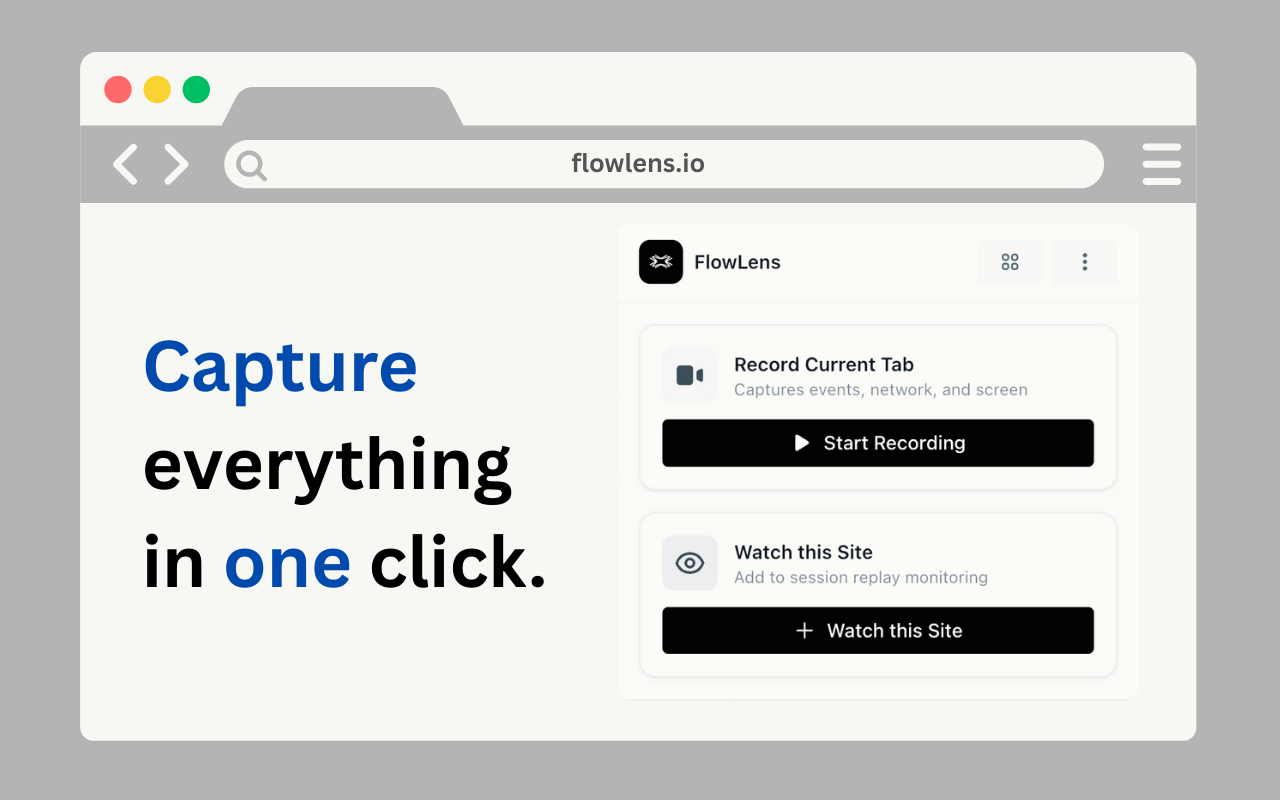
One-Click Recording: Start capturing a bug session instantly through the Chrome extension. FlowLens runs in the background while you reproduce the issue.
Comprehensive Context Capture: Beyond simple screenshots, FlowLens records multiple layers of technical data simultaneously: screen video synchronized with technical events, console output including errors, warnings, debug logs, and stack traces, full network request and response data with filtering options, user interactions including clicks, inputs, selectors, and timestamps, storage state covering localStorage, sessionStorage, and cookies, navigation events that are SPA-friendly (History API, hash changes), and system information such as browser, OS, screen resolution, and timezone.
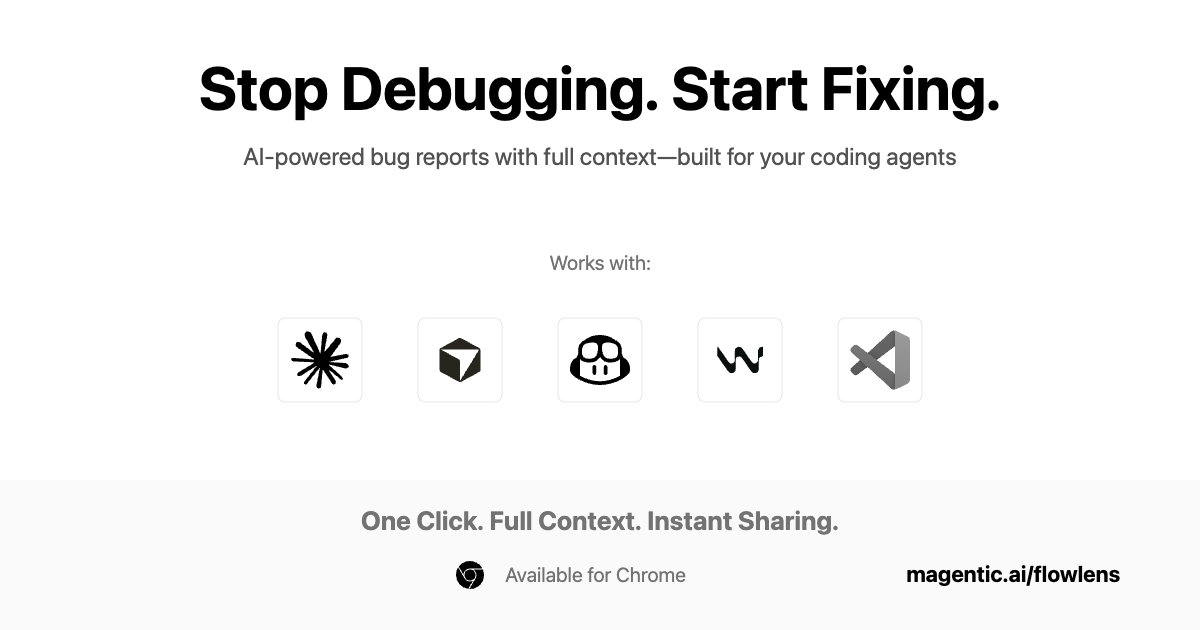
MCP Server Integration: FlowLens integrates with MCP-compatible AI coding agents including Claude Code, Cursor, GitHub Copilot, and Windsurf. The MCP integration provides structured access to full flow data, enabling AI agents to debug with complete browser context rather than requiring manual copy-paste of logs and descriptions.
Privacy-First Design: PII redaction is applied locally on your machine before any data leaves the browser. The platform is SOC 2 Type 1 compliant, and built-in filtering allows you to control what gets captured. All recordings are encrypted, and sharing requires explicit approval.
One-Minute Setup: Install the Chrome extension and MCP server in approximately one minute according to the platform documentation.
Team Collaboration: Create projects, invite team members, and share flows via links. The same bug link works for both AI agents and human team members.
How It Works
The FlowLens workflow is designed to be minimal friction for developers. When you encounter a bug, click the FlowLens extension to begin recording. Reproduce the issue as you normally would while FlowLens captures video, logs, network requests, user actions, and system state in the background.
When you stop recording, FlowLens packages this data into a shareable format. You can share a single link that both human teammates and AI coding agents can understand. For AI agents, the MCP connection provides structured, machine-readable context that allows the agent to analyze the full technical picture without requiring you to write explanations or manually copy-paste error messages.
The Chrome extension handles capture and sharing. For AI-powered debugging, you also install the MCP server, which creates the direct connection to compatible coding agents.
Use Cases
FlowLens is suited for several development scenarios where browser context is critical:
AI-Assisted Debugging: Feed complete bug context to MCP-compatible agents like Claude Code, Cursor, or GitHub Copilot. The agent receives the full technical picture and can suggest fixes without requiring you to describe the issue manually.
Documenting Intermittent or Hard-to-Reproduce Bugs: For issues that are difficult to describe or inconsistent, a FlowLens capture provides an undeniable record of what happened, including the underlying network and console data that may reveal the root cause.
Team Collaboration Across Time Zones: Share detailed bug captures with teammates working asynchronously. The shareable link includes all technical context, reducing back-and-forth communication about environment details or reproduction steps.
Frontend QA and Testing Workflows: Capture test failures or UI issues during QA processes with full technical context for developers to analyze later.
Pros and Cons
Advantages
FlowLens addresses the context gap that makes AI-assisted debugging inefficient. Rather than spending time describing problems or manually assembling logs, developers get a single-click capture that produces AI-ready context. The structured data format saves tokens compared to pasting raw, unformatted logs into chat interfaces. Privacy controls and local PII redaction address security concerns for teams handling sensitive user data.
Disadvantages
Full benefits require MCP-compatible AI agents. While the platform works with Claude Code, Cursor, GitHub Copilot, and Windsurf, teams using other coding tools may have limited integration options. FlowLens is specialized for web application debugging and AI-assisted development workflows, not general-purpose bug tracking or QA reporting for non-technical stakeholders.
How Does It Compare?
The bug capture and reporting space includes several tools with different primary audiences and integration approaches:
Jam.dev
- Type: Visual bug reporting and screen capture tool
- Primary Focus: Human-to-human bug communication for teams and clients
- Key Features: One-click screen recording, console and network log capture, automatic device metadata, AI-generated titles and reproduction steps, integrations with Jira, Linear, Asana, GitHub, and others
- Pricing: Free Starter tier (30 Jams/month), Team \$14/creator/month, Enterprise custom pricing
- How It Differs from FlowLens: Jam.dev is optimized for creating shareable bug reports for human reviewers and project management systems. FlowLens is specifically designed for MCP-compatible AI coding agents, with machine-readable context as the primary output format.
Bird Eats Bug
- Type: Browser-based bug capture with technical logging
- Primary Focus: QA and development team bug documentation
- Key Features: Screen recording with console and network logs, unlimited replays, web SDK for capturing bugs from users, E2E test generator on premium plans, integrations with Jira, GitHub, and other tools
- Pricing: Free tier (30 session slots), Starter \$10/user/month, Premium \$20/user/month, Enterprise custom
- How It Differs from FlowLens: Bird Eats Bug focuses on traditional bug reporting workflows between humans. It does not include MCP integration or AI-agent-specific formatting, making it better suited for teams using conventional issue tracking rather than AI-assisted debugging.
Marker.io
- Type: Visual feedback and bug reporting widget
- Primary Focus: Client feedback collection and website bug tracking
- Key Features: Screenshot annotation, session replay, console log capture, two-way sync with Jira, Trello, Asana, and GitHub, white-label options for agencies
- Pricing: Starter \$39/month (3 seats), Team \$149/month (two-way sync), custom Enterprise
- How It Differs from FlowLens: Marker.io is designed primarily for collecting visual feedback from clients and stakeholders on websites, with strong project management integrations. It focuses on human-readable reports rather than AI-agent consumption.
Replay.io
- Type: Time-travel debugging platform for web applications
- Primary Focus: Deep code-level debugging with deterministic browser recording
- Key Features: Records browser execution (not just DOM), allows stepping backward and forward through code, variable and state inspection, integration with Playwright and Cypress for test debugging
- Pricing: Free tier available, paid plans for teams
- How It Differs from FlowLens: Replay.io provides deeper code-level debugging capabilities with time-travel inspection, but requires more involved setup and is more complex than FlowLens’s one-click capture approach. Replay.io recently launched Nut.new, integrating with AI code writers like Bolt.new to help debug AI-generated code.
Loom (for Bug Reporting)
- Type: General-purpose screen recording with engineering workflows
- Primary Focus: Async video communication, including bug documentation
- Key Features: Screen and camera recording, Loom AI for generating summaries and tickets, integrations with Jira, Linear, GitHub, and other tools
- Pricing: Free tier available, Business plans start around \$12.50/creator/month
- How It Differs from FlowLens: Loom is a general-purpose video tool that can be used for bug reporting but does not automatically capture technical context like console logs, network requests, or storage state. It is better for explaining bugs visually to humans than for providing machine-readable data to AI agents.
FlowLens’s Position
FlowLens differentiates itself through its exclusive focus on AI-agent consumption via MCP integration. While tools like Jam.dev and Bird Eats Bug create excellent human-readable bug reports for project management workflows, FlowLens packages technical context specifically for machine consumption. The combination of comprehensive capture (video, console, network, user actions, storage, system info) with MCP-formatted output makes it purpose-built for developers integrating AI coding assistants into their debugging workflow. The free tier and SOC 2 Type 1 compliance make it accessible for teams wanting to experiment with AI-assisted debugging without significant investment or security concerns.
Final Thoughts
FlowLens addresses a genuine friction point in AI-assisted web development: the time and effort required to communicate browser context to AI coding agents. By capturing complete technical context with a single click and delivering it in a machine-readable format through MCP, FlowLens removes the manual work of describing problems, copying logs, and assembling screenshots.
The tool is best suited for developers already using MCP-compatible coding agents like Claude Code, Cursor, GitHub Copilot, or Windsurf who find themselves spending more time explaining bugs than fixing them. Teams using other AI tools or those primarily focused on human-to-human bug communication may find traditional tools like Jam.dev or Marker.io more aligned with their workflows.
For its intended audience, FlowLens offers a focused solution to a specific problem. The free tier, one-minute setup, and SOC 2 compliance lower the barrier to experimentation, making it worth evaluating for any development team looking to improve the efficiency of their AI-assisted debugging process.