Table of Contents
Overview
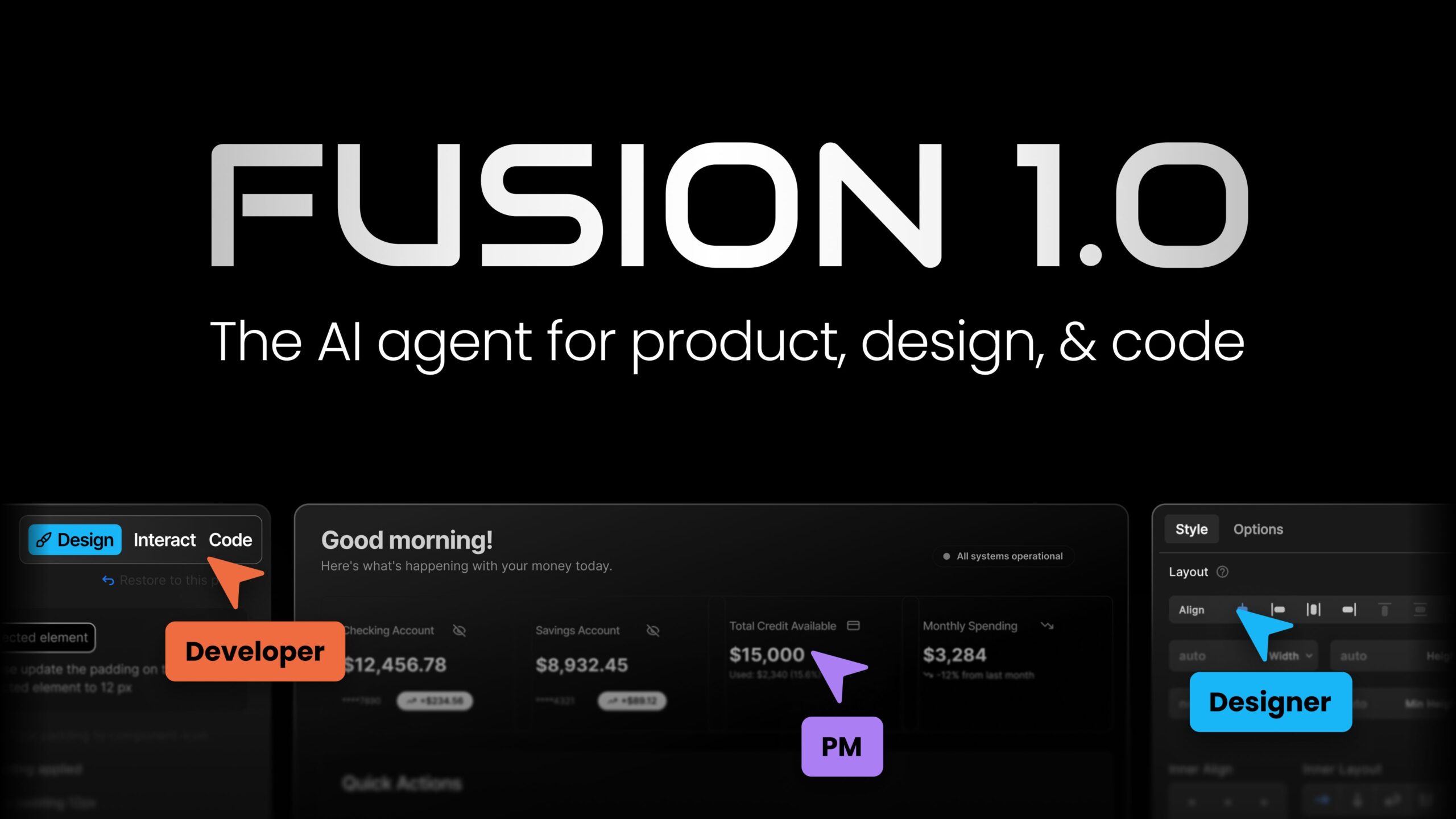
Fusion 1.0 is an AI agent developed by Builder.io designed to unify product requirements, design specifications, and code implementation into a continuous workflow. Rather than replacing development tools, Fusion integrates with existing platforms (Slack, Jira, Figma, GitHub, GitLab, Azure DevOps) to orchestrate collaboration across product, design, and engineering teams. The platform emphasizes bidirectional synchronization between design and code, design system intelligence, and automated handling of pull requests and feedback loops to reduce handoff friction throughout the development lifecycle.
Key Features
Fusion delivers focused capabilities for design-to-code workflows and cross-team coordination:
- Integrated workspace connectivity: Connects Slack, Jira, Figma, GitHub, GitLab, Azure DevOps, and Bitbucket into a unified AI-orchestrated workflow for communication, project management, design, and code repositories.
- Bidirectional design-code synchronization: Enables changes in designs to reflect in code and vice versa through Figma integration, ensuring design and code remain aligned throughout the development process.
Visual editing with design system intelligence: The platform understands your design system tokens, components, and coding conventions, enabling designers to make changes visually that generate code following your established patterns.
AI-powered PR and code review automation: Handles pull request creation, responds to review feedback, fixes build failures, and incorporates product feedback through continuous integration with your code repositories.
Design system memory: Indexes your design system documentation and components to ensure AI-generated code adheres to design guidelines and uses proper components throughout.
Granular permission controls: Enables role-based access management allowing designers to modify UI without touching backend logic, and controlling which files and configurations are accessible to different team members.
Multi-model support: Works with AI models from Anthropic, OpenAI, and Google, enabling teams to choose based on compliance requirements, performance needs, or organizational preferences.
How It Works
Fusion operates as a coordination layer across your existing development tools. First, you connect your workspace: Slack for discussion, Jira for requirements, Figma for designs, and your code repository for implementation. When team members mention @Builder.io in Slack or assign tickets to the Builder bot in Jira, Fusion reads the context and requirements.
The AI then analyzes your design system, components, and codebase patterns to understand how your team builds. It generates code that follows your established conventions, synchronizes changes between design files and code, and creates pull requests with implementation. As reviewers provide feedback, the bot iterates on the code, fixes failures, and incorporates suggestions without requiring manual handoffs between team members.
The bidirectional design-code sync ensures updates in either design or code propagate to the other, maintaining consistency throughout the development cycle.
Use Cases
Fusion addresses specific challenges in product development workflows:
- Feature development lifecycle automation: Automate the entire journey from Jira ticket or Slack request through design import, code generation, pull request creation, and feedback integration.
Design system consistency enforcement: Ensure all generated code uses proper components and design tokens from your design system, preventing drift between design specifications and implementation.
Reducing design-to-development handoff friction: Eliminate manual specification documents and unclear requirements by providing direct context from Jira, Figma, and Slack to the code generation process.
Cross-functional team coordination: Enable seamless collaboration where product managers request features in Slack, designers provide designs in Figma, and the AI orchestrates implementation without context-switching.
Pros & Cons
Advantages
Fusion offers meaningful benefits for established development teams:
- Unified workflow across tools: Integrates existing tools rather than requiring replacement, enabling adoption within established development processes.
Reduces handoff friction: Direct design-to-code synchronization and centralized feedback loops minimize miscommunication and delays.
Design system enforcement: AI understands and respects your design system, generating code that adheres to established patterns and components.
Continuous feedback loop: Automatically responds to pull request comments, build failures, and product feedback without requiring developer attention for routine tasks.
Flexible AI model choice: Support for multiple AI providers enables compliance with organizational requirements or preferences.
Disadvantages
While offering significant advantages, Fusion has meaningful limitations:
- Integration complexity: Requires properly configured connections across multiple tools and repositories, necessitating technical setup rather than instant activation.
Design system prerequisite: Effectiveness depends on having a well-documented design system with clear conventionsâteams without established design systems may see less benefit.
Advanced teams primarily: Best suited for established development teams with existing workflows rather than small teams or non-technical organizations new to structured development.
Reliance on context quality: AI-generated code quality depends on clear requirements from Jira, Slack messages, or Figma designsâambiguous input produces less useful output.
How Does It Compare?
The design-to-code and product development automation landscape includes tools serving different specific purposes.
Framer is a design-to-prototype tool emphasizing interactive prototyping and design system management within a unified canvas. While Framer can export code, it’s fundamentally a design tool focused on creating high-fidelity prototypes. Fusion, by contrast, integrates with existing design tools (Figma) and focuses on orchestrating the entire development lifecycle including project management, code generation, and continuous feedback.
Supernova specializes in design system management and documentation, automating the connection between design systems and code generation. Supernova excels when your primary challenge is maintaining consistency between design specifications and code. Fusion tackles a broader problemâorchestrating the entire feature development process from requirement to deployment, using design systems as one component within that workflow.
Anima provides design-to-code generation specifically, converting Figma prototypes into React, Vue, or HTML code. Anima focuses solely on translating designs into responsive code. Fusion encompasses Anima’s capability as one component while adding project management integration, PR automation, and continuous feedback loops throughout the development cycle.
GitHub Copilot and code assistants help developers write code faster through AI-powered suggestions within the editor. These tools optimize the coding phase specifically. Fusion operates at a higher abstraction layer, orchestrating requirements, design, and code generation together rather than assisting developers writing code manually.
Fusion’s distinctive positioning centers on orchestrating the entire product development lifecycle (requirements through deployment) with AI coordination across tools, rather than optimizing a single phase like design-to-code conversion or code-writing assistance. For teams seeking end-to-end AI coordination across product, design, and engineering, Fusion represents a distinct approach compared to tools optimizing specific phases.
Final Thoughts
Fusion 1.0 represents a platform-agnostic approach to AI-driven development workflow orchestration, connecting existing tools rather than requiring adoption of a monolithic platform. By integrating Slack, Jira, Figma, and code repositories, it enables product teams to maintain their established tools while gaining AI coordination benefits.
The platform works best for established development teams with clear processes, well-documented design systems, and multiple tool integrations already in place. Teams just starting their development infrastructure or lacking design system documentation should focus first on establishing those foundations before adopting orchestration tools.
For organizations seeking to reduce handoff friction, automate routine development tasks, and maintain design-code consistency across their workflow, Fusion merits evaluation as a coordination layer for existing development stacks.