Table of Contents
Overview
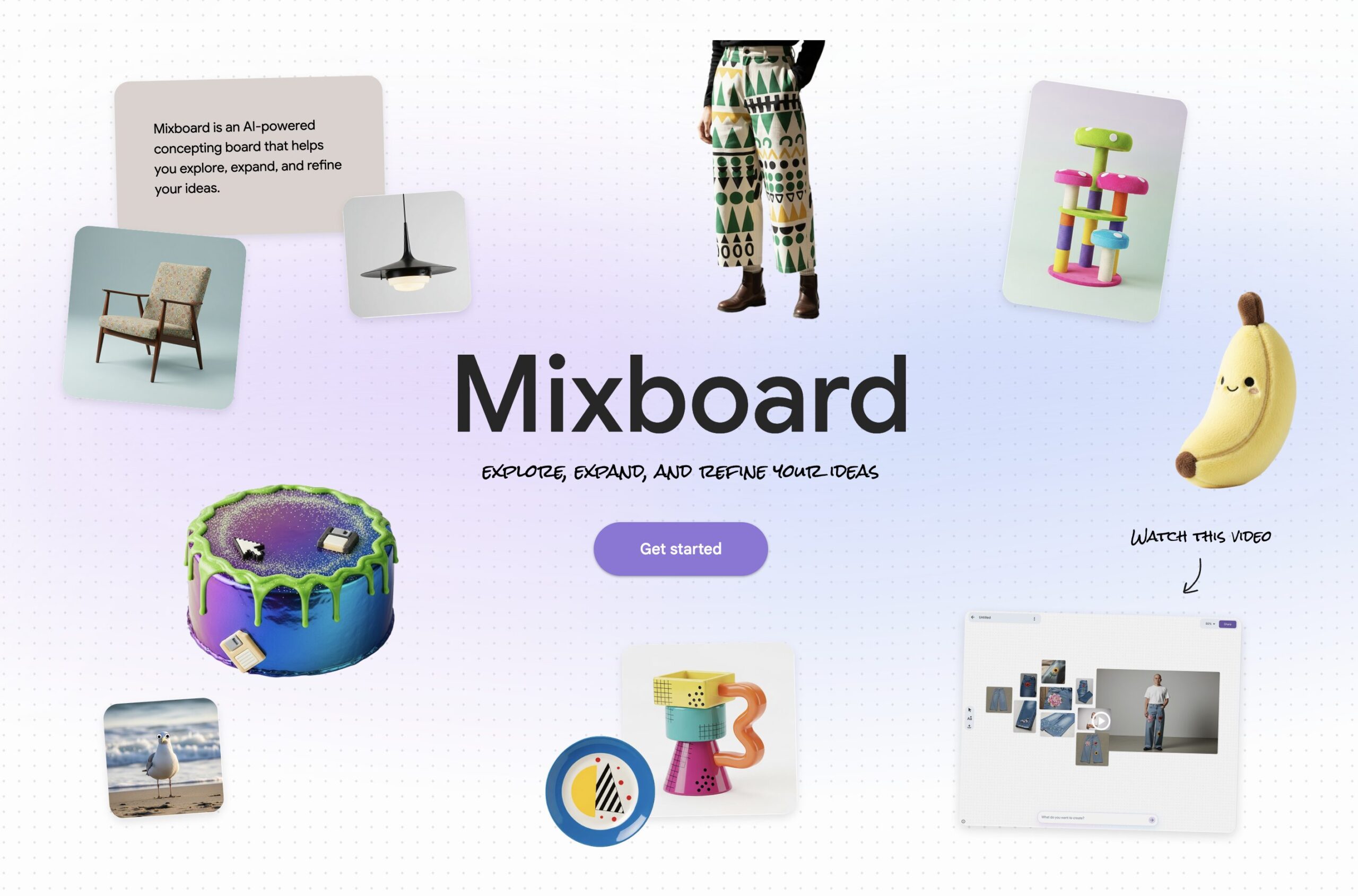
Google Mixboard is an experimental AI-powered visual collaboration platform that transforms scattered ideas into polished presentations. Launched in September 2025 through Google Labs, Mixboard addresses the common challenge of moving from unstructured brainstorming to professional deliverables. The December 2025 update introduces Nano Banana Pro, Google’s advanced image generation model, enabling users to create presentations directly from visual boards. The platform supports PDF, HEIC, and TIFF file formats alongside existing image support, and allows management of multiple interconnected boards within a single project.
Key Features
- Presentation Generation with Nano Banana Pro: Transform visual boards into structured slides using AI that analyzes board content, user input, format preferences, and visual style to generate high-fidelity presentations.
- Expanded File Support: Import PDF documents, HEIC images from iOS devices, and TIFF files alongside standard image formats, eliminating conversion steps.
- Multi-board Projects: Organize complex ideas by managing multiple boards within one project, maintaining contextual relationships between different concept areas.
- Polished Output Focus: Streamlined workflow designed to move from brainstorming to finalized deliverables with efficiency and clarity.
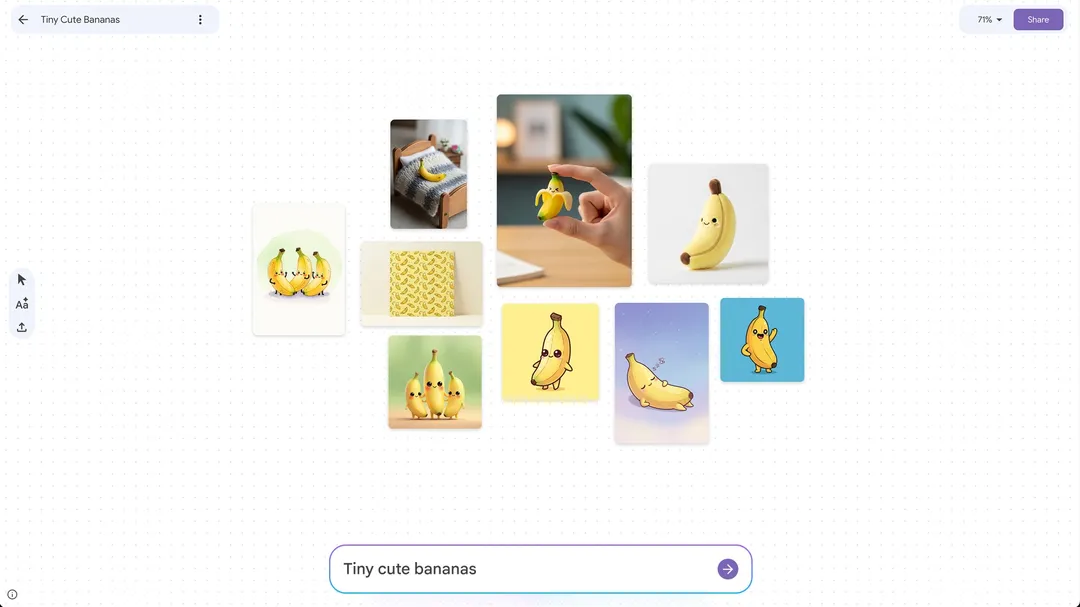
- AI-Powered Visual Generation: Nano Banana Pro creates visuals, color palettes, text snippets, and initial layouts based on text prompts like “cozy minimalist home office” or “retro space-themed board game.”
How It Works
Users upload files—images, PDFs, or other supported formats—onto Mixboard’s whiteboard-style canvas. After arranging assets, the integrated Nano Banana Pro AI analyzes the board’s content and automatically generates structured presentations or polished outputs. The system provides text suggestions matching visual elements and allows natural language editing commands such as “make the lighting softer” or “combine these two images.” The Transform button initiates presentation generation, automatically citing board content including notes, PDFs, web copies, and uploaded images.
Use Cases
- Creative Brainstorming \& Mood Boarding: Visually capture and organize inspiration, concepts, and ideas for creative projects with AI-generated visual variations.
- Quick Design Feedback Sessions: Share visual concepts and gather targeted feedback efficiently on a collaborative canvas.
- Turning Rough Research into Client Decks: Transform research notes and visual assets into professional client-ready presentations.
- Organizing Visual Assets for Projects: Keep project-related images, mockups, and inspiration neatly organized and accessible.
- DIY Project Planning: Plan home improvement projects, holiday party menus and decor, or product designs with visual organization.
Pros \& Cons
Advantages
- Seamless Bridge from “Messy Thinking” to “Polished Slides”: Excels at transforming unrefined ideas into professional presentations.
- Deep Google Ecosystem Integration: Smooth integration with Google Workspace tools enhances productivity.
- Rapid Idea Exploration: Experiment with concepts quickly using AI-generated variations without starting from scratch.
- Natural Language Editing: Adjust compositions, lighting, and mood through simple text commands.
Disadvantages
- Still Experimental (Labs): Functionality may change or undergo further development without notice.
- Limited Advanced Design Controls: Does not match the granular design capabilities of dedicated tools like Figma or Canva.
- No Real-Time Collaboration: Currently lacks simultaneous multi-user editing features.
- Generation Limits: Presentation and image generation limits fluctuate based on server load and network traffic.
- U.S.-Only Access: Currently restricted to U.S. users as an experimental beta.
How Does It Compare?
Milanote
- Key Features: Visual canvas for moodboards, storyboards, and creative planning with drag-and-drop cards, web clipper, and aesthetic layouts.
- Strengths: Minimalist interface, low learning curve, strong visual storytelling capabilities, unlimited board size on paid plans.
- Limitations: Finite board size on free tier, limited real-time collaboration, basic diagramming tools, not scalable for large structured workflows.
- Differentiation: Mixboard offers AI-powered presentation generation and natural language editing; Milanote focuses on manual visual organization and aesthetic-first design.
Muse
- Key Features: Audio/MIDI collaboration platform with real-time file sharing, DAW integration, screen control, and instrument connectivity.
- Strengths: High-quality audio streaming, cross-platform support, built-in community for finding collaborators, plugins for direct DAW integration.
- Limitations: Music-specific focus only, requires technical audio production knowledge, no visual content creation or presentation features.
- Differentiation: Mixboard handles visual and presentation content; Muse specializes exclusively in remote music collaboration with audio fidelity.
- Key Features: Visual discovery and inspiration collection, pinning system, personalized feeds, shopping integration.
- Strengths: Massive content library, excellent recommendation algorithm, social sharing features, established creator ecosystem.
- Limitations: No AI presentation generation, limited editing capabilities, primarily for inspiration gathering not creation, no collaborative workspace features.
- Differentiation: Mixboard creates original content through AI; Pinterest aggregates existing content for inspiration and discovery.
Canva
- Key Features: Comprehensive design platform with templates, Magic Design AI, background removal, brand kit management, video editing, and extensive asset library.
- Strengths: Mature feature set, professional-grade design controls, extensive template library, robust collaboration tools, established user base.
- Limitations: Can feel overwhelming for simple brainstorming, steeper learning curve for advanced features, subscription required for premium assets.
- Differentiation: Canva offers more granular design control and established workflows; Mixboard provides faster AI-driven transition from concept to presentation with natural language interaction.
Kosmik
- Key Features: Infinite canvas with native multi-format support (PDFs, videos, images), AI auto-tagging, built-in browser, web clipper, and visual connectors.
- Strengths: No app-switching for research-heavy work, unlimited canvas, direct manipulation of diverse content types, real-time collaboration.
- Limitations: Smaller user community, fewer integrations compared to Miro, newer platform with less proven scalability.
- Differentiation: Kosmik emphasizes content integration and research capture; Mixboard focuses on AI-powered transformation from brainstorming to deliverables.
Final Thoughts
Google Mixboard represents a significant advancement in AI-assisted creative workflows, particularly for users invested in the Google ecosystem. The integration of Nano Banana Pro for presentation generation addresses a genuine pain point in moving from visual brainstorming to polished deliverables. While the platform’s experimental status means features may evolve, its core value proposition—reducing friction between idea generation and presentation creation—is compelling.
The platform is best suited for individual creators, small teams, and professionals who frequently transform visual concepts into presentations. Users requiring advanced design control, real-time collaboration, or enterprise-grade features may find dedicated tools like Canva or Figma more appropriate. As Mixboard matures beyond Labs, additions like real-time collaboration and expanded file format support would strengthen its competitive position.
Organizations should consider their existing tool stack and workflow complexity when evaluating Mixboard. For teams already using Google Workspace heavily, the integration benefits are substantial. However, the current U.S.-only availability and experimental nature warrant a measured approach for enterprise adoption.