Table of Contents
Overview
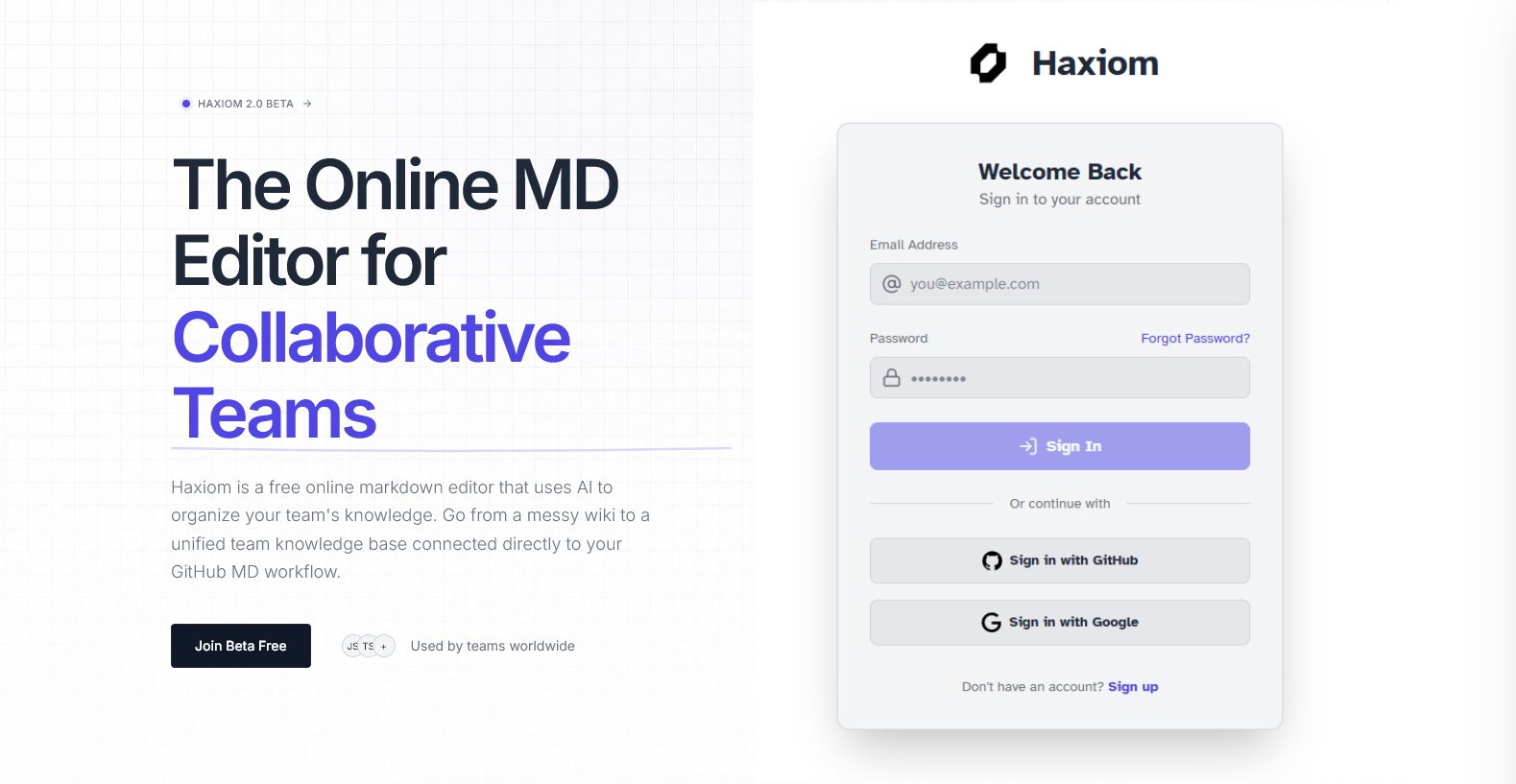
In the fast-paced world of software development, team documentation often devolves into a “wiki rot” of outdated files, duplicate information, and scattered knowledge. Haxiom (launched in November 2025) solves this by offering a collaborative, AI-powered Markdown workspace designed specifically for technical teams. Unlike generic editors, it actively manages your knowledge base—detecting duplicates, organizing content semantically, and syncing directly with GitHub—allowing engineers to maintain a “Docs-as-Code” workflow without the chaos.
Key Features
Haxiom is packed with features specifically tailored for engineering and product teams. Here’s what makes it stand out:
- Real-Time Collaborative Markdown: Work together in a shared environment with low-latency multiplayer editing, live cursors, and conflict-free syncing (powered by CRDTs), offering a Google Docs-like experience for Markdown users.
- Semantic Duplicate Detection: Haxiom’s AI analyzes content at the “chunk” level to understand meaning. It proactively flags duplicate or conflicting information before you save, ensuring your knowledge base remains a single source of truth.
- First-Class GitHub Sync: Keep your documentation perfectly aligned with your codebase. Haxiom supports bidirectional syncing with GitHub repositories, allowing you to manage docs alongside commits and branches.
- Typst Math & Technical Support: Uniquely, Haxiom integrates Typst for rendering beautiful mathematical notations and technical diagrams directly within Markdown, offering a modern alternative to complex LaTeX.
- AI Templates & Publishing: The built-in AI assistant helps draft PRDs, RFCs, and READMEs using smart context-aware templates. You can also instantly publish your workspace as a public-facing site or internal blog with a single click.
How It Works
Getting started with Haxiom is designed to fit smoothly into a developer’s workflow. You can import existing Markdown files or connect a GitHub repository to populate your workspace. As you write, Haxiom’s semantic AI runs in the background, automatically categorizing your documents and suggesting relevant links. If you attempt to write something that already exists, the Duplication Detector warns you, prompting you to merge or update the existing file instead. This proactive approach prevents the “stale data” problem common in traditional wikis.
Use Cases
Haxiom is built to solve specific documentation challenges. Here are some of the ideal scenarios where it truly shines:
- Engineering Specifications (RFCs/ADRs): Perfect for drafting technical design docs where version control, math rendering, and collaborative review are critical.
- “Docs-as-Code” Workflows: Teams can edit documentation in a friendly UI while keeping the underlying data synced to git repositories for audit trails and CI/CD integration.
- Clean Knowledge Bases: Organizations that want to prevent their internal wiki from becoming a dumping ground of duplicate pages will benefit from the AI’s automated housekeeping.
Pros & Cons
No tool is perfect for everyone. Here’s a balanced look at Haxiom’s strengths and potential limitations.
Advantages
- Prevents Wiki Rot: The proactive duplicate detection is a standout feature that solves a massive pain point for growing teams.
- Developer Native: With GitHub sync, Typst support, and pure Markdown portability, it fits perfectly into engineering toolchains without vendor lock-in.
- Fast & Lightweight: The UI is optimized for speed and performance, avoiding the bloat often associated with heavy all-in-one workspaces.
Disadvantages
- Niche Audience: It is unapologetically designed for technical users who love Markdown; marketing or sales teams used to visual drag-and-drop tools may find it less intuitive.
- New Ecosystem: As a newer entrant (2025), it may lack the extensive third-party integration marketplace found in mature platforms like Atlassian Confluence.
- Formatting Limits: Strict adherence to Markdown means you have less visual design flexibility compared to free-form canvas tools like Notion.
How Does It Compare?
Haxiom fits into a specific niche for technical collaboration, distinct from general-purpose tools.
- vs. HackMD:
- HackMD: A long-standing favorite for real-time Markdown. Great for quick notes but lacks deep semantic organization features.
- Haxiom: positioning itself as the “next-generation” alternative with AI-driven organization (duplicate detection) and tighter GitHub integration for managing entire knowledge bases, not just single files.
- vs. Notion:
- Notion: An all-in-one workspace with databases and powerful visual blocks. It uses a proprietary block format that can be hard to export cleanly to Markdown/Git.
- Haxiom: Focuses on pure Markdown and Git sync. It doesn’t try to be a project manager or database; it tries to be the best possible technical writing environment.
- vs. Obsidian:
- Obsidian: A local-first, offline tool great for personal knowledge management. Collaboration requires paid add-ons or complex git setups.
- Haxiom: Cloud-native and collaborative by default. It is built for teams to edit together in real-time without configuring syncing services manually.
Final Thoughts
Haxiom is a thoughtfully designed tool that directly addresses the chaos of modern technical documentation. Its blend of a clean, collaborative Markdown editor with powerful AI-driven organization makes it a compelling choice for engineering teams tired of “write-only” wikis. If your team lives in Markdown, struggles with duplicate docs, and wants a knowledge base that respects your Git workflow, Haxiom is a top-tier contender well worth exploring.