Jotform AI Chatbot for Canva
The Native AI Agent for Your Designs
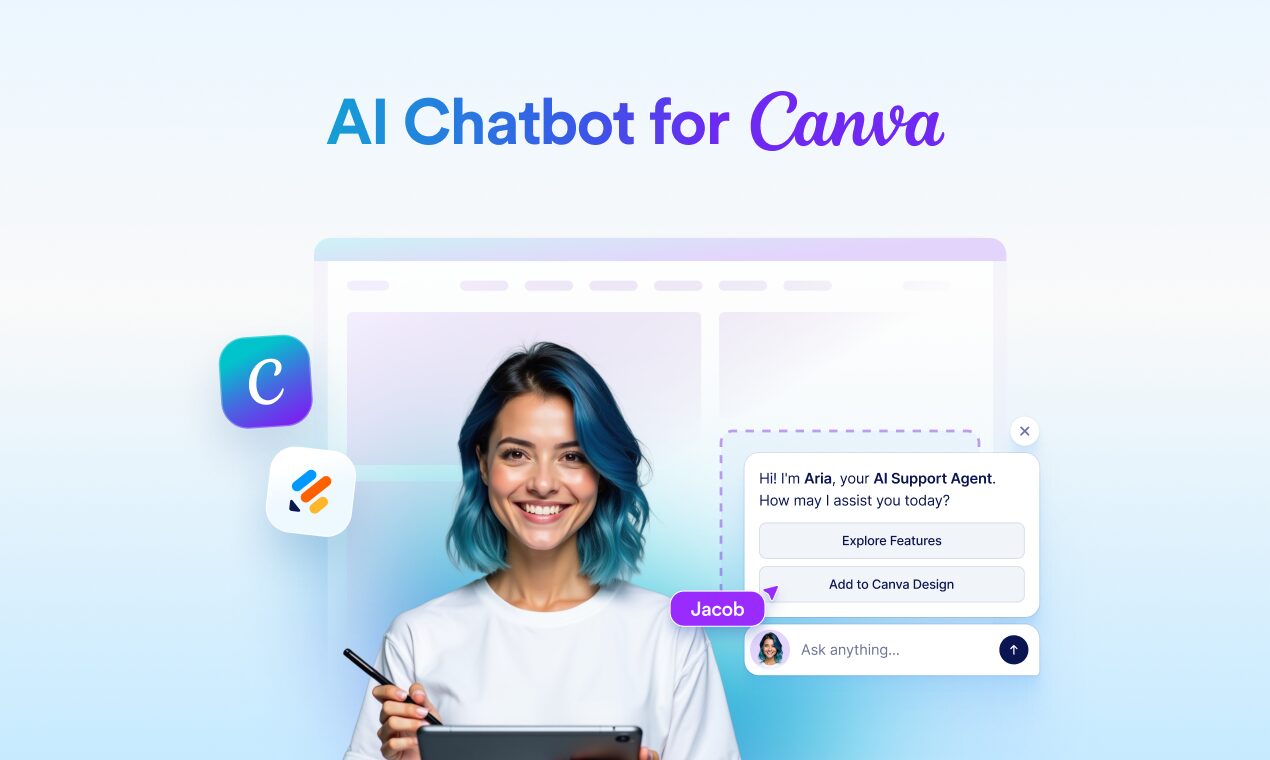
Jotform AI Chatbot for Canva transforms static visuals into two-way conversations. Instead of just viewing a presentation or browsing a digital brochure, your audience can now “chat” with the design itself. By adding this widget, you embed a fully functional AI agent that automatically learns from the text and images on your Canva page to answer visitor questions. It doesn’t just talk; it can trigger real actions—like booking appointments, collecting leads, or processing orders—directly within the Canva interface, turning passive viewers into active customers.
Key Features
- Design-Aware Knowledge: The AI automatically scans your Canva design (text and visuals) to build its knowledge base, so it answers questions accurately based on your specific content.
- Visual Camouflage: The chatbot widget analyzes your design’s color palette and style, automatically customizing its appearance to blend perfectly with your brand.
- In-Design Actions: Beyond answering questions, the agent can launch Jotform flows to collect data, schedule meetings, or sell products without the user leaving the slide/page.
- Cross-Format Support: Works seamlessly across Canva Websites, Presentations, Whiteboards, and Documents.
User Workflow
- Install: Open a design in Canva, go to “Apps,” and select “Jotform AI Chatbot.”
- Train: The agent instantly reads the current design to understand the context (e.g., a pricing slide or event details).
- Deploy: Publish the design (as a website or view-only link); the chatbot appears as an interactive bubble for the viewer.
Use Cases
- Interactive Presentations: Allow audiences to ask “What’s the pricing for Enterprise?” during a pitch deck review and get an instant answer.
- Digital Brochures: Real estate agents can embed agents into property listings to book viewings directly from the flyer.
- Customer Engagement Prototypes: UX designers can mock up “live” support experiences within their design files.
- Event Invitations: Guests can chat with the invite to ask about dress code or parking and RSVP instantly.
Pros & Cons
- Pros: Zero-code setup (it “reads” the design), instant visual matching (no CSS needed), turns static content into a lead-gen machine.
- Cons: Deep features require a Jotform account, conversation limits on the free plan can be reached quickly for viral content.
Pricing
- Free: 5 Agents, 100 Conversations/month (Jotform Starter Plan).
- Bronze: ~$34/month (Includes higher limits and removal of branding).
- Enterprise: Custom pricing for unlimited scale.
How Does It Compare?
vs. Typeform (Typeform Chat)
Typeform is excellent for structured data collection. It feels like a conversation, but it follows a rigid script you write. Jotform for Canva is generative and contextual—it answers questions you didn’t script by reading your design. If you need a survey, use Typeform. If you need a support agent on a slide, use Jotform.
vs. Chatbase / CustomGPT
These tools are powerful for creating Knowledge Base Chatbots from PDFs or websites. However, integrating them into Canva requires awkward workarounds (like iframes or QR codes). Jotform is native, meaning it lives inside the Canva editor and automatically syncs with your design updates.
vs. HeyGen (Interactive Avatars)
HeyGen creates video avatars that speak. While visually impressive for “presenting,” they are often slower and more expensive for simple Q&A. Jotform is text-based (chat bubble), making it faster, cheaper, and less intrusive for a user who just wants to check a price or a date.
Final Thoughts
Jotform AI Chatbot for Canva bridges the gap between “Design” and “Function.” For years, Canva has been about making things look good; this tool makes them work. For freelancers, real estate agents, and marketers who use Canva websites, this is an immediate upgrade that turns a static portfolio into an active 24/7 salesperson.