Table of Contents
Overview
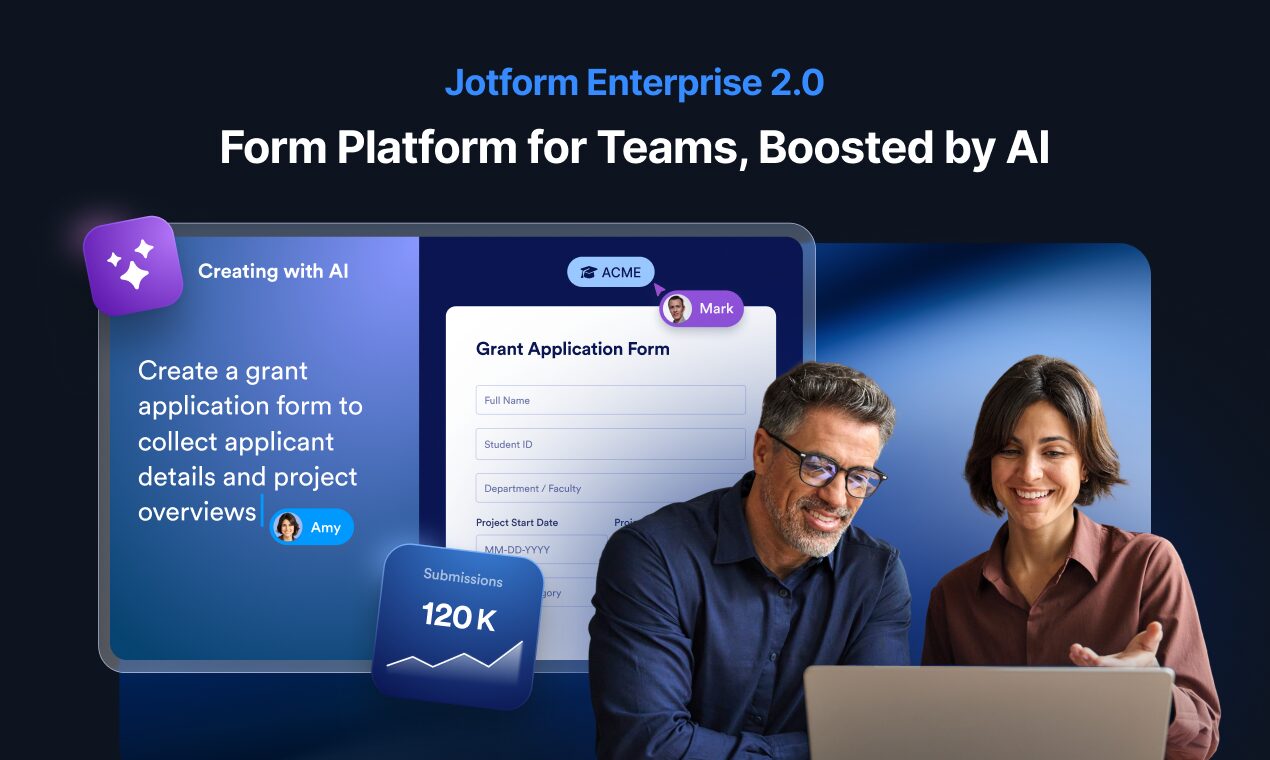
In the dynamic landscape of enterprise operations, efficiency, security, and centralized control are paramount for organizational success. Jotform, a leader in no-code form building and digital operations, elevated its enterprise offering with the November 2025 introduction of Jotform Enterprise 2.0. This significant platform evolution centralizes enterprise management through a redesigned Admin Console, comprehensive cross-product analytics through Jotform Insights, and highly customizable workspaces, providing organizations with unprecedented command over users, digital assets, and data within one secure, unified platform. It’s designed to streamline operations, empower teams with AI-powered assistance, and transform complex data management into simple, secure workflows.
Key Features
Jotform Enterprise 2.0 delivers a comprehensive suite of seven major innovations designed to empower administrators and teams throughout organizations.
New Admin Console with Centralized Controls: Access a redesigned, intuitive command center providing single point of truth for managing all enterprise account aspects, from user permissions and team management to asset deployment, security settings, and billing oversight across the entire Jotform ecosystem.
Cross-Product Analytics with Jotform Insights: Monitor performance and usage across all Jotform products including Forms, Workflows, Sign documents, Apps, and AI Agents from one unified analytics dashboard. Track traffic, completion rates, audience breakdowns by device and location, workflow success rates, and custom metrics through visually rich dashboards.
Customizable Workspaces (My Workspace): Tailor work environments for different teams, projects, or departments, ensuring relevant tools, templates, and resources are organized and easily accessible. Manage individual and team assets with enhanced organization features supporting both personal and shared workspace configurations.
Draft and Publish Workflow: Implement robust testing and approval process for forms and applications before live deployment. Switch forms to draft mode, make changes in staging environment, preview modifications, and publish intentionally without disrupting active data collection or user experience.
Server-Wide Template Directory: Create and share standardized, brand-consistent templates across entire organizations through centralized library. AI-powered template generation enables rapid template creation from text descriptions, promoting consistency and accelerating development across teams.
AI Assistant: Leverage artificial intelligence throughout the platform to assist with form creation, workflow design, troubleshooting, resource searching, and question answering. Available in Admin Console for administrators and within My Workspace for users, enhancing productivity and reducing manual effort.
Jotform Insights Analytics: Dive deep into performance of forms, e-sign documents, apps, workflows, and AI agents with advanced analytical tools. Built-in dashboards provide single source of truth with custom filters, exports for shareable reports, and side-by-side performance comparisons.
Widget Management: Centralize control over custom widgets from Admin Console, ensuring security, consistency, and compliance across all forms organization-wide, eliminating scattered widget implementations.
Security Controls: Implement granular security settings including Single Sign-On (SSO), Two-Factor Authentication (2FA), IP restrictions, and compliance measures managed from centralized interface to protect sensitive data and meet regulatory requirements.
Seat Usage Tracking: Easily monitor and manage user licenses, track active seats, oversee AI voice minutes and messages consumption, ensuring optimal resource allocation and cost efficiency for enterprise subscriptions.
Global Submission Search: Search across all form submissions from single interface rather than hunting through individual forms, particularly useful for organizations managing hundreds of forms with ability to filter and generate reports based on search results.
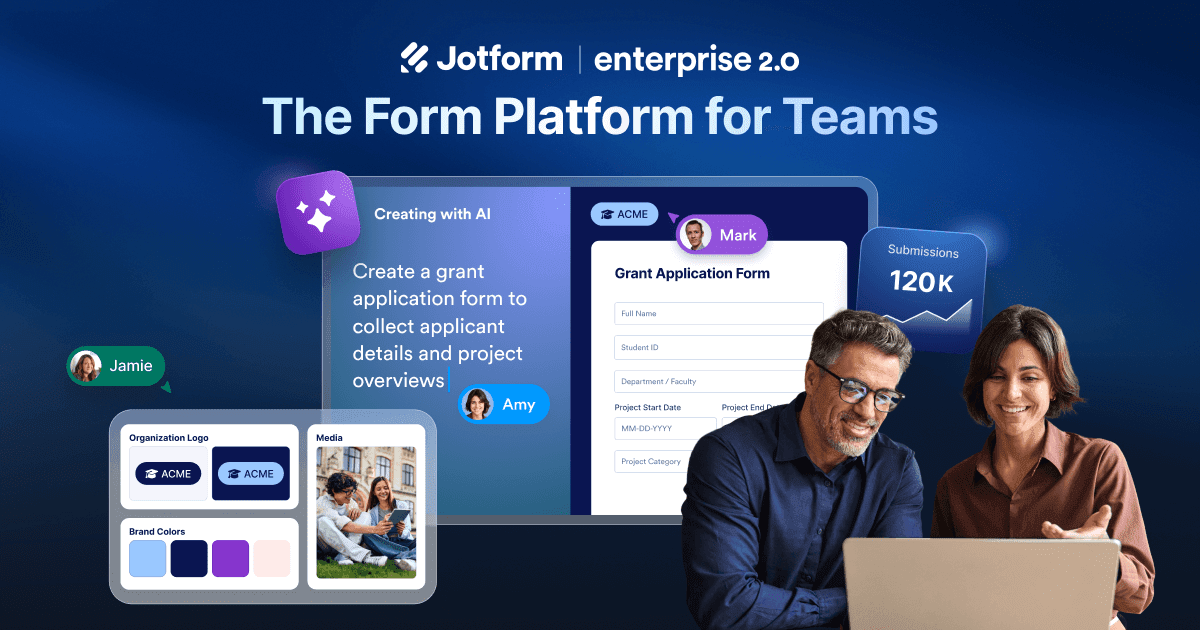
AI-Powered Brand Kit: Automatically generate and apply organization branding across every workspace and resource by providing logo or URL. AI extracts colors, fonts, and design elements for consistent brand identity without manual styling.
Help Center: Access enhanced support resources including comprehensive guides, e-books, user documentation, and direct customer success manager support via Zoom calls or ticket system for seamless problem resolution.
How It Works
Jotform Enterprise 2.0 simplifies complex organizational processes through clear, intuitive workflow architecture designed for administrators and end users.
At its foundation, administrators access the redesigned Admin Console, which serves as the centralized command center with four main sections: Usage (dashboards and analytics), People \& Access (user and team management), Connections (integrations and configurations), and Administration (security, support, billing). From this hub, they efficiently manage users, define permissions, configure security settings like SSO and 2FA, oversee billing and seat usage, and monitor performance across all digital assets spanning the entire organization.
Individual teams and users operate within their customizable My Workspace environments, where they create forms, build automated workflows with drag-and-drop interfaces, deploy AI agents for various business processes, develop custom applications without coding, and collect e-signatures for contracts and agreements. The platform’s no-code approach makes powerful capabilities accessible to non-technical team members.
The Draft and Publish system provides controlled environment for teams to thoroughly test creations in staging mode before official deployment. Users switch forms to draft, make modifications, preview changes, and publish intentionally, ensuring everything functions perfectly without disrupting live forms or active data collection.
Throughout workflows, the cross-product analytics dashboard through Jotform Insights continuously tracks performance metrics across all asset types, providing valuable insights into usage patterns, completion rates, drop-off points, and workflow effectiveness. Custom dashboards enable visual comparisons and data-driven optimization decisions.
The integrated AI Assistant remains available throughout the platform, helping with asset creation through natural language prompts, answering questions about features and capabilities, searching for resources and help guides, and routing complex inquiries to support teams when needed, making the entire experience smoother and more intelligent.
For brand consistency, the AI-powered Brand Kit automatically applies organizational styling across all workspaces and templates, while the server-wide template directory enables teams to share standardized forms, reducing redundant creation work and maintaining organizational standards.
Use Cases
Jotform Enterprise 2.0 serves versatile organizational needs, streamlining operations across departments and addressing diverse business challenges.
Enterprise Form Management: Centralize creation, deployment, lifecycle management, and archiving of all organizational forms spanning HR applications, customer feedback surveys, service requests, registration forms, and compliance documentation.
Workflow Automation: Automate complex multi-step business processes including approval flows, employee onboarding sequences, data routing between systems, triggered notifications, and conditional logic paths, reducing manual intervention and human error.
Digital Signature Collection: Securely collect legally binding digital signatures for contracts, employment agreements, NDAs, compliance acknowledgments, and approval documents through Jotform Sign integration with audit trails.
No-Code App Building: Empower teams to build custom web and mobile applications quickly without programming knowledge through Jotform Apps, creating client portals, internal tools, data collection apps, and business process applications.
AI Agent Deployment: Integrate AI-powered agents to assist with automated data processing, customer support conversations, internal knowledge management, FAQ responses, and intelligent workflow routing.
Team Collaboration: Facilitate seamless collaboration on projects, forms, and workflows across different departments and teams with shared workspaces, permission management, and real-time co-editing capabilities.
Compliance Management: Ensure adherence to industry regulations (HIPAA, GDPR, CCPA) and internal policies through robust security controls, audit trails, data residency options, and access management features.
Data Collection at Scale: Efficiently gather and manage large volumes of data from various sources including online forms, mobile submissions, API integrations, and bulk imports, ensuring accuracy, integrity, and centralized storage.
Cross-Departmental Processes: Standardize and automate business processes spanning multiple departments like procurement approval flows, incident reporting systems, and customer onboarding journeys, improving inter-departmental communication and operational efficiency.
Customer Onboarding: Create smooth, automated onboarding experiences for new customers through progressive forms, welcome workflows, account setup processes, and automated communication sequences collecting necessary information efficiently.
Employee Offboarding: Manage systematic employee exit processes including IT equipment returns, access revocation workflows, exit interviews, and documentation collection through coordinated forms and approvals.
Event Registration Management: Handle large-scale event registrations, attendee management, ticket sales with payment processing, waitlist management, and post-event feedback collection.
Field Data Collection: Enable mobile workforce to collect data offline through Jotform Mobile Apps with automatic synchronization when connectivity restored, supporting inspections, audits, and field service workflows.
Pricing
Jotform Enterprise 2.0 pricing follows custom quote model based on organizational requirements, user counts, and feature needs.
Enterprise Plan: Custom pricing tailored to organization size and requirements. Contact Jotform sales for detailed quotes. Includes all features of Jotform Enterprise 2.0 including redesigned Admin Console, Jotform Insights analytics, Draft and Publish, AI Assistant, server-wide templates, unlimited forms and submissions, unlimited storage, white labeling capabilities, Single Sign-On (SSO), Two-Factor Authentication (2FA), local data residency options, dedicated customer success manager, priority Zoom support, Service Level Agreements (SLA), API access, and advanced integrations.
Key Pricing Factors: Pricing varies based on number of user seats required, monthly submission volumes, storage needs, specific compliance requirements (HIPAA, GDPR), data residency preferences, integration complexity, and support level requirements.
Standard Jotform Plans: For organizations not requiring full Enterprise features, Jotform offers tiered plans including Bronze (\$39/month for 1 user, 100,000 monthly submissions), Silver (\$49/month for 1 user, 1 million submissions), Gold (\$129/month for 3 users, 10 million submissions), and Enterprise (custom pricing). However, Enterprise 2.0 features like the redesigned Admin Console, Jotform Insights, Draft and Publish, and AI Assistant are exclusive to Enterprise tier.
Note: All Enterprise plans include SOC 2 Type II certification, GDPR compliance, HIPAA-compliant options, and enterprise-grade security. Free trials or pilot programs may be available through sales consultation. Annual contracts typically offer discounted rates compared to monthly billing.
Pros and Cons
Understanding both advantages and limitations provides clarity for evaluating Jotform Enterprise 2.0’s fit for organizational needs.
Advantages
Centralized Enterprise Control: Redesigned Admin Console provides unified management hub for all users, teams, assets, security settings, integrations, and billing from single interface, eliminating scattered administration across multiple sections.
Comprehensive Analytics Across All Products: Jotform Insights delivers deep visibility into performance and usage across forms, workflows, apps, sign documents, and AI agents with custom dashboards, real-time metrics, and exportable reports for data-driven optimization.
True No-Code Platform: Empowers non-technical users to create powerful forms, automate workflows, build applications, and deploy AI agents without coding knowledge, accelerating development cycles and reducing IT dependency.
AI-Powered Assistance Throughout Platform: Integrated AI Assistant enhances productivity by helping with asset creation, answering questions, troubleshooting issues, and simplifying complex tasks, acting as always-available support resource.
Robust Security and Compliance Features: Enterprise-grade controls ensure data protection through SSO, 2FA, IP restrictions, encryption, audit trails, data residency options, and compliance certifications (HIPAA, GDPR, SOC 2 Type II).
Scalable for Large Organizations: Architecture designed to meet demands of extensive user bases, high data volumes, complex workflows, and global deployments with performance at scale.
Draft and Publish Environment: Provides safe testing environment for form modifications without disrupting live data collection, addressing pain point of editing active forms.
Global Submission Search: Dramatically improves productivity for large organizations by enabling cross-form search capabilities rather than hunting through individual forms.
Unified Product Suite: Single platform combining Forms, Workflows, Sign, Apps, Tables, AI Agents, and Report Builder eliminates need for multiple disconnected tools and complex integrations.
Disadvantages
Custom Enterprise Pricing: Advanced features and scalability come with premium cost requiring custom quotes, likely higher than standard plans, which may represent significant investment for budget-conscious organizations.
Training Required for Full Utilization: To leverage seven major innovations and extensive feature set effectively, administrators and users benefit from dedicated training time, onboarding sessions, and learning resources to maximize ROI.
Complexity May Overwhelm Small Teams: Extensive enterprise feature set including Admin Console, Insights analytics, team management, and workflow automation may exceed needs of smaller organizations with simpler requirements, representing potential feature overkill.
Learning Curve for New Users: Feature-rich interface with depth and breadth of functionalities presents initial learning curve for users unfamiliar with platform, requiring time investment before achieving full productivity.
Draft Mode Limitations: While Draft and Publish solves basic problem, it lacks full sandboxing with proper version control, branching, and sophisticated workflow management that some enterprise teams might expect from enterprise-grade staging environments.
Global Search Encryption Caveat: If using encrypted forms for sensitive data, global submission search may not work across that content, as feature depends on submissions being indexed and readable, potentially conflicting with end-to-end encryption requirements.
How Does It Compare?
The enterprise form builder and workflow automation landscape in 2025 features diverse solutions serving various organizational scales and requirements. Understanding Jotform Enterprise 2.0’s positioning requires examining specific competitors and their distinct approaches.
Microsoft Forms
Microsoft Forms provides straightforward form and survey creation integrated within Microsoft 365 ecosystem. Included in Business Basic, Standard, Premium, and Enterprise plans (E1, E3, E5, F3) without additional cost for existing Microsoft 365 subscribers. Offers seamless integration with Excel, OneDrive, SharePoint, Teams, and Outlook for data collection and sharing within Microsoft-centric environments.
Jotform Enterprise 2.0 differentiates through comprehensive unified platform extending beyond basic forms to workflows, apps, e-signatures, AI agents, and advanced analytics. While Microsoft Forms excels for organizations deeply embedded in Microsoft ecosystem requiring simple surveys and polls, Jotform provides dedicated form-centric platform with sophisticated features including conditional logic, payment processing, offline mobile collection, and extensive third-party integrations (150+) beyond Microsoft’s walled garden. Jotform’s Admin Console offers more granular enterprise control than Microsoft Forms’ basic sharing settings. Organizations requiring only simple forms within existing Microsoft 365 investments find Microsoft Forms adequate and cost-effective, while those needing comprehensive digital operations platform benefit from Jotform’s specialized depth.
Google Forms
Google Forms delivers free, accessible form creation tool integrated with Google Workspace. Included at no additional cost for Google Workspace subscribers. Provides automatic data collection to Google Sheets, real-time collaboration, and integration with Google ecosystem (Drive, Calendar, Docs).
Jotform Enterprise 2.0 offers significantly more sophisticated capabilities than Google Forms’ intentionally simple approach. While Google Forms serves basic data collection needs efficiently within Google-centric organizations, Jotform provides enterprise-grade features including advanced conditional logic, payment processing, e-signature collection, workflow automation, mobile apps, and centralized admin controls absent in Google Forms. Google Forms’ strength lies in simplicity, free access, and Google Workspace integration, making it ideal for basic surveys and lightweight data collection. Jotform Enterprise 2.0 targets organizations requiring professional forms, complex workflows, compliance features, and comprehensive analytics beyond Google Forms’ capabilities.
Typeform
Typeform specializes in conversational, engaging form experiences with one-question-at-a-time interface increasing response rates. Plans include Free, Plus (\$50/month for 3 users, 1,000 responses), Business (\$83/month for 5 users, 10,000 responses), and Enterprise (custom pricing with 20,000+ responses, unlimited viewers, SSO, custom domains). Known for beautiful, interactive forms that guide respondents through engaging conversation-like experiences.
Jotform Enterprise 2.0 and Typeform serve different primary use cases. Typeform optimizes for response experience and engagement, particularly valuable for marketing surveys, customer feedback, and lead qualification where completion rates critically impact success. Jotform emphasizes comprehensive enterprise operations including workflow automation, app building, document signing, and centralized management across entire digital operations lifecycle. Typeform’s Creator AI generates forms, but Jotform’s platform encompasses broader AI assistance across workflows and troubleshooting. Organizations prioritizing beautiful, conversion-optimized surveys find Typeform compelling, while those requiring end-to-end business process management benefit from Jotform’s operational breadth and Admin Console control.
SurveyMonkey Enterprise
SurveyMonkey Enterprise focuses on market research, customer feedback, and employee engagement surveys with advanced analytics and reporting. Custom pricing with features including unlimited responses, advanced branching, multilingual surveys, HIPAA compliance, SSO, and dedicated support. Strength lies in sophisticated survey design, statistical analysis, and research-focused workflows.
Jotform Enterprise 2.0 provides broader operational scope beyond pure survey research. While SurveyMonkey specializes in survey intelligence with powerful analytics and benchmarking, Jotform encompasses forms, workflows, apps, signatures, and automation for complete business process management. SurveyMonkey targets market researchers, customer experience teams, and organizations prioritizing advanced survey analytics. Jotform serves organizations needing versatile digital operations platform where surveys represent one component among many operational needs including payments, approvals, mobile collection, and app development.
Formstack (now Intellistack/Streamline)
Formstack rebranded as Intellistack with Streamline suite in 2025, providing enterprise workflow automation platform combining forms, documents, and signatures. Emphasizes compliance-heavy environments (healthcare, finance, government) with HIPAA compliance, end-to-end encryption, and audit trails. Pricing starts at \$59/month for basic tier, scaling to custom enterprise pricing.
Both platforms serve enterprise workflow automation needs with different architectural approaches. Formstack/Intellistack evolved toward end-to-end process orchestration emphasizing document generation and complex approval workflows. Jotform Enterprise 2.0 maintains form-centric foundation expanding into workflows, apps, and AI agents. Formstack’s strength in regulated industries with sophisticated document automation appeals to healthcare and finance organizations. Jotform’s no-code accessibility and unified Admin Console provide easier team adoption and management. Choice depends on priority: document-heavy workflows with compliance (Formstack) versus accessible, unified digital operations platform (Jotform).
Nintex
Nintex delivers enterprise-grade workflow automation and process management with document-driven form workflows. Features agentic AI for automatic form creation from instructions, advanced enterprise field types, complete version control with audit trails, and pre-built connectors for SAP, Oracle, SQL Server. Targets large enterprises requiring sophisticated business process automation.
Nintex and Jotform Enterprise 2.0 overlap in enterprise workflow automation but differ in target users and complexity. Nintex emphasizes enterprise resource planning (ERP) integration and complex business process management for IT-led implementations requiring technical configuration. Jotform prioritizes no-code accessibility enabling business users to create and manage forms and workflows without IT dependency. Nintex’s strength in enterprise system integration and process mining serves organizations with complex ERP landscapes. Jotform’s intuitive interface and rapid deployment appeal to organizations prioritizing business user empowerment and faster time-to-value.
Cognito Forms
Cognito Forms offers middle-ground solution with enterprise features at lower price points than Jotform or Formstack. Starting at \$15/month for Pro plan (unlimited forms and entries), \$24/month for Team plan, and \$99/month for Enterprise plan with SSO and advanced permissions. Provides conditional logic, calculations, e-signatures, payment processing, and reasonable integrations.
Cognito Forms serves budget-conscious organizations needing more than basic forms but not requiring full enterprise platform investment. While offering solid feature set including calculations, repeating sections, and workflow capabilities, it lacks Jotform Enterprise 2.0’s unified Admin Console, cross-product analytics, AI Assistant, and comprehensive product suite (Apps, AI Agents). Cognito Forms provides value for mid-market organizations with moderate complexity needs. Jotform Enterprise 2.0 targets larger organizations requiring centralized management, advanced analytics, and complete digital operations ecosystem beyond forms alone.
GoFormz
GoFormz specializes in mobile-first, offline-capable digital forms replicating paper forms exactly. Designed for field teams and industries requiring offline functionality with automatic synchronization when connectivity restored. Strong integrations with Salesforce, Procore, Acumatica for construction, field service, and logistics industries. Enterprise-grade security with HIPAA compliance.
GoFormz and Jotform Enterprise 2.0 address different primary use cases. GoFormz optimizes for mobile field workers requiring offline forms replicating existing paper processes, particularly valuable in construction, utilities, and field service industries with connectivity challenges. Jotform provides broader operational scope including web-based workflows, automated approvals, app building, and centralized management assuming reliable connectivity. GoFormz excels for organizations replacing paper forms in field operations. Jotform serves organizations digitalizing complete business operations from customer-facing to internal workflows.
Fillout
Fillout emerged as modern form builder emphasizing speed, simplicity, and fair pricing. Offers form versioning with revision history, conditional logic, payment integration, and reasonable pricing tiers. Forms updates aren’t pushed live automatically by default, providing built-in staging capability without complex draft systems.
Fillout represents newer generation of form builders prioritizing user experience and transparent pricing versus legacy platforms. While providing solid feature set for small to mid-market organizations, it lacks enterprise management infrastructure of Jotform Enterprise 2.0 including centralized Admin Console, cross-product analytics, and comprehensive product suite. Fillout appeals to startups and growing businesses seeking modern, affordable form solution. Jotform Enterprise 2.0 serves large organizations requiring centralized control, advanced analytics, and unified platform for diverse digital operations.
Key Differentiators
Jotform Enterprise 2.0’s unique positioning centers on several breakthrough capabilities. The redesigned Admin Console providing truly unified management across users, teams, assets, security, integrations, and billing represents level of centralized control absent in competitors requiring scattered administration.
Cross-product analytics through Jotform Insights delivering holistic view across Forms, Workflows, Apps, Sign, and AI Agents within single analytics platform distinguishes it from competitors offering product-specific reporting requiring separate tools for comprehensive insights.
The complete no-code product suite encompassing forms, workflows, apps, e-signatures, AI agents, tables, and report builder within single platform eliminates multi-vendor complexity. Competitors typically excel in one area (Microsoft Forms in integration, Typeform in engagement, Formstack in document automation) requiring supplementary tools for complete operations.
AI Assistant availability throughout platform for creation, troubleshooting, and support represents more comprehensive AI integration than competitors offering AI primarily for form generation alone.
Enterprise-grade security combined with true no-code accessibility bridges traditional gap between powerful enterprise platforms requiring technical expertise and accessible tools lacking enterprise controls.
For pure Microsoft 365 integration requiring basic forms, Microsoft Forms delivers sufficient value at no additional cost. For beautiful, conversion-optimized surveys, Typeform excels. For document-heavy compliance workflows, Formstack/Intellistack provides specialized depth. For mobile field operations, GoFormz optimizes offline capabilities.
However, for large organizations seeking unified, no-code platform with centralized administration, comprehensive analytics, and complete digital operations suite (forms, workflows, apps, signatures, AI) within accessible interface empowering business users while providing IT-grade control, Jotform Enterprise 2.0 presents compelling integrated solution bridging ease of use with enterprise requirements.
Final Thoughts
Jotform Enterprise 2.0 represents significant advancement in enterprise digital operations management, particularly for organizations seeking to consolidate disparate tools into unified, accessible platform. By introducing the redesigned Admin Console, comprehensive Jotform Insights analytics, Draft and Publish staging, AI Assistant integration, and server-wide template sharing, it addresses complex needs of large organizations while maintaining no-code accessibility empowering business users.
The November 2025 launch demonstrates Jotform’s commitment to customer-driven development, with seven major innovations directly responding to enterprise user feedback. While requiring custom pricing investment and initial training for comprehensive utilization, the benefits of centralized management, holistic analytics, and AI-powered assistance make it compelling for enterprises managing hundreds of users and thousands of forms across diverse operations.
The extensive feature set designed for large organizations may represent overkill for small teams with simple needs, and organizations deeply embedded in Microsoft or Google ecosystems may find native form tools sufficient for basic requirements. However, for IT leaders and operations managers seeking to empower teams, eliminate shadow IT through approved platform adoption, ensure compliance through centralized controls, and gain visibility into digital operations through unified analytics, Jotform Enterprise 2.0 delivers robust solution.
Whether managing customer onboarding workflows, employee processes, compliance documentation, or cross-departmental approvals, Jotform Enterprise 2.0 provides comprehensive platform transforming complex data management into streamlined, secure operations. It’s purpose-built for the modern enterprise ready to consolidate tools, accelerate digital transformation, and empower teams to build and innovate without technical barriers or loss of centralized control.