Table of Contents
Melina Studio
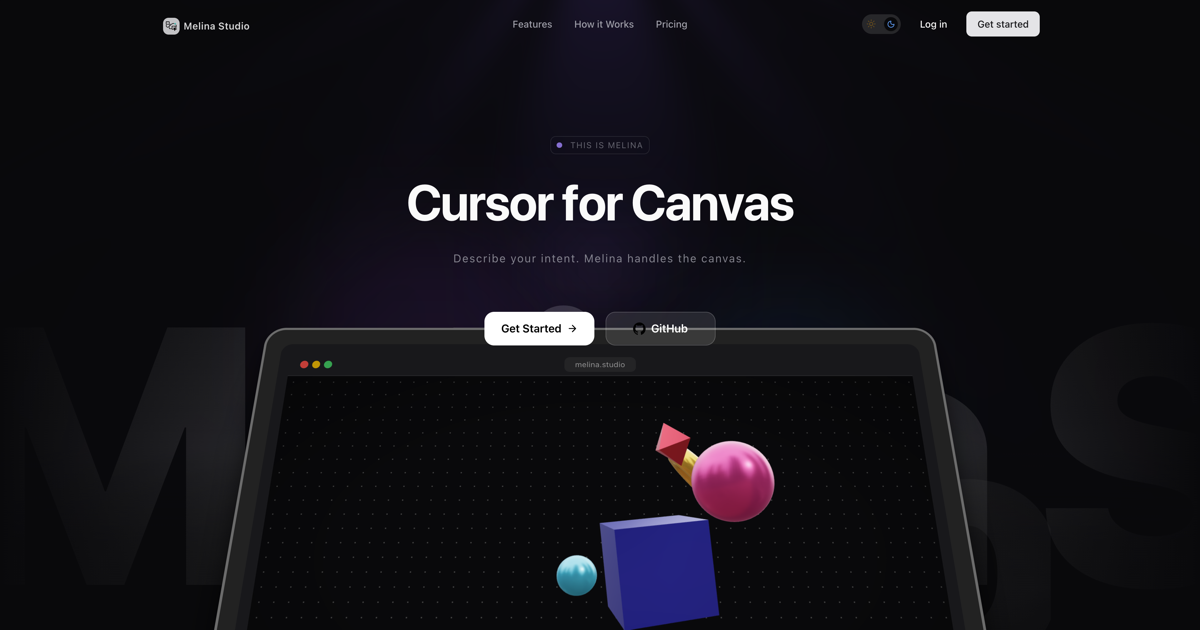
Melina Studio is an AI-powered “thinking canvas” that acts as a design partner for whiteboarding and diagramming. Described as “Cursor for Canvas,” it allows users to build, edit, and refine visual ideas through natural language conversation. Unlike standard image generators that create static pixels, Melina understands the structural context of shapes, text, and connectors on your board, allowing it to intelligently manipulate existing elements and expand upon ideas in real-time using multiple state-of-the-art LLMs.
- Canvas-Aware Intelligence: The AI “sees” and understands the spatial relationships and context of every element on your board
- Multi-Model Support: Switch between Claude, GPT-5.1, Gemini, DeepSeek, and Llama to find the best reasoning engine for your specific task
- Real-Time Canvas Manipulation: AI directly adds, moves, and modifies vector shapes and text without page refreshes
- Contextual Iteration: Select specific sub-sections of a diagram and ask Melina to “expand this flow” or “refactor this logic”
- Visual Reasoning: capable of turning abstract text descriptions into structured flowcharts, mind maps, and wireframes instantly
How It Works
Users start with a blank canvas or existing elements. Through a chat interface, you describe your intent (e.g., “Create a user authentication flow”). Melina generates the diagram on the infinite canvas. You can then select specific elements and refine them conversationally (e.g., “Add an error state here” or “Change the style to be more minimal”), with the AI maintaining the logical structure of your diagram.
- System Architecture: Mapping out complex software infrastructure and data flows
- User Flow Diagrams: Visualizing UX journeys and logic branches
- Strategic Planning: Creating mind maps and organizational charts from brain dumps
- Rapid Wireframing: Generating low-fidelity layout concepts instantly
Pros:
– “Cursor for Canvas” experience brings code-like AI assistance to visual thinking
– No vendor lock-in on intelligence; users can choose their preferred LLM
– Eliminates the manual drudgery of dragging and aligning boxes and arrows
Cons:
– Currently in early beta with potential for “hallucinations” in complex logic
– Lacks the deep ecosystem of integrations found in mature tools like Miro or Figma
– No built-in version history for the canvas (currently)
Pricing
Free (During Beta)
How Does It Compare?
vs. Miro (with Miro Assist)
- Melina Studio: Built as an AI-native canvas where the primary interaction is conversation. The AI has deep control over the board’s structure.
- Miro: A manual-first whiteboard where AI is an add-on feature. Miro excels at collaboration and enterprise integrations but feels less “agentic” in creating complex structures from scratch.
vs. Figma (FigJam)
- Melina Studio: Focuses on logic and structure. It is better for “thinking” through a problem and generating architectures.
- FigJam: Focuses on design and polish. FigJam is superior for visual flair, stickers, and high-fidelity design work, but its AI is generally limited to generating simple templates or summarizing stickies.
vs. Eraser
- Melina Studio: Visual-first approach. You see and manipulate shapes on a boundless canvas, making it better for freeform exploration.
- Eraser: Code-first approach (Diagram-as-Code). Eraser generates diagrams from markdown/code, which offers precision but less creative flexibility for non-technical brainstorming.
Final Thoughts
Melina Studio represents the next evolution of digital whiteboards—moving from “drawing tools” to “thinking tools.” By applying the “Cursor” model (chat-driven editing) to a visual canvas, it significantly lowers the barrier to creating professional diagrams and architectures. It is an ideal tool for product managers, engineers, and founders who want to get ideas out of their heads and into a visual format without fighting with UI controls. While it may not yet replace heavy-duty tools like Figma for final polish, it is a powerful companion for the ideation and architecture phase of development.