Table of Contents
Overview
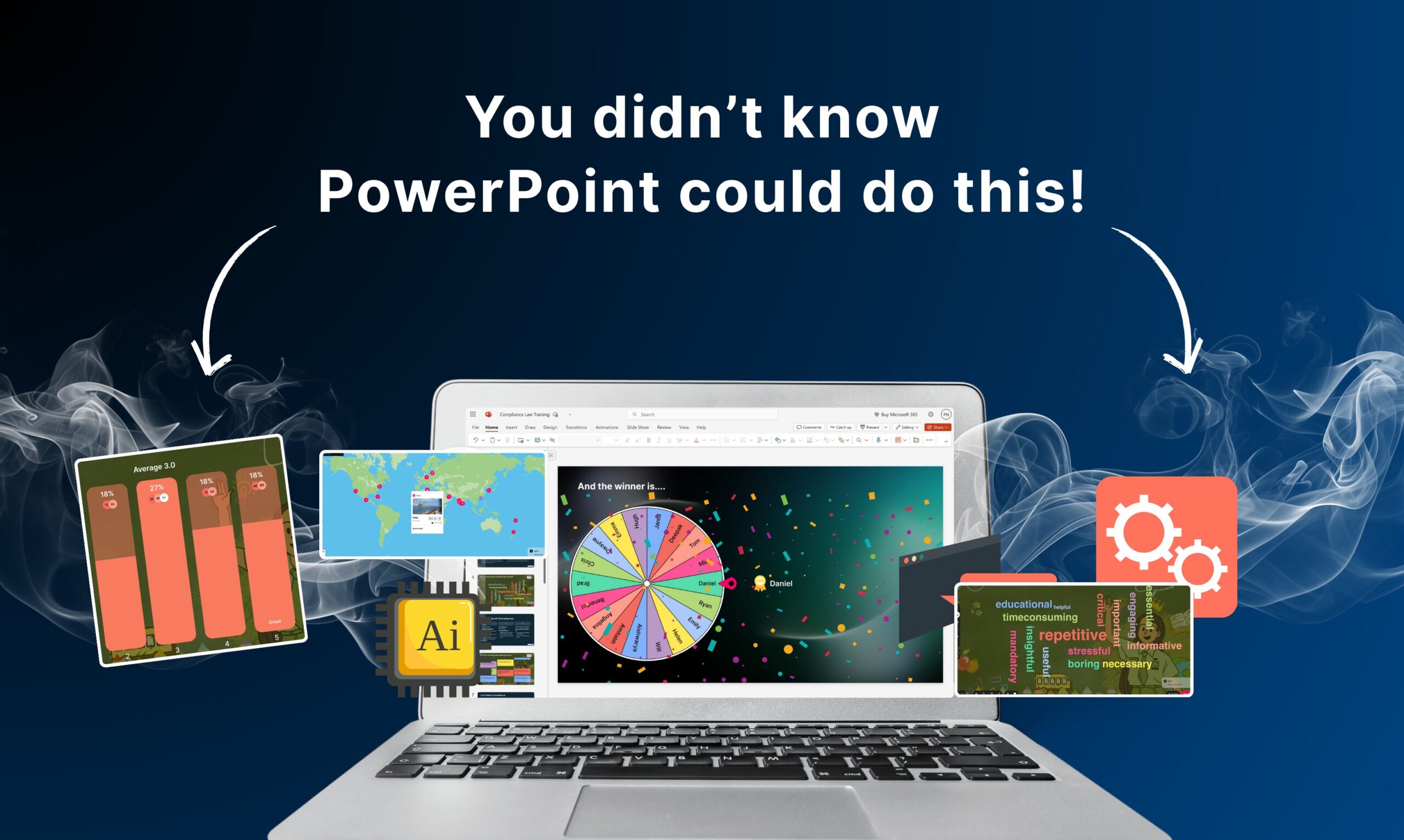
StreamAlive is an audience engagement platform that transforms PowerPoint presentations into interactive, chat-driven experiences. The recently launched PowerPoint add-in enables presenters to embed live interactive features including polls, quizzes, word clouds, spinner wheels, and interactive maps directly into existing slides. Audience members participate simply by typing responses in the chat of Zoom, Microsoft Teams, Google Meet, or other meeting platforms, with results updating slides in real-time without requiring QR codes, second screens, or additional applications.
Key Features
- Chat-Powered Interactions: Transforms meeting platform chat into interactive slide elements with polls, quizzes, word clouds, spinner wheels, and maps
- PowerPoint Native Integration: Operates directly within PowerPoint slides without external windows or tab switching
- Multi-Platform Compatibility: Works with Zoom, Microsoft Teams, Google Meet, YouTube Live, Twitch, and other meeting/streaming platforms
- Real-Time Slide Updates: Audience input automatically updates slide visuals instantaneously
- No Extra Tools Required: Participants use existing meeting platform chat without installing additional apps
- Analytics Dashboard: Provides engagement metrics, audience demographics, and session performance data
- Customizable Interactions: Tailor poll questions, quiz content, word cloud prompts, and spinner wheel options
- Branded Themes: Customize visual appearance of interactions to match brand guidelines
How It Works
Presenters install the StreamAlive PowerPoint add-in from Microsoft AppSource and create interactive elements within their presentation slides. When presenting via Zoom, Teams, Google Meet, or other platforms, the presenter shares the StreamAlive live presentation view with the audience. Audience members type responses directly into the meeting chat (e.g., “yes,” “option A,” or custom text). StreamAlive monitors the chat, processes responses in real-time, and instantly updates the corresponding slide visual (pie chart for polls, word cloud entries, spinner wheel outcomes). The presenter controls interaction flow from a separate control panel while the audience views results populate their shared slides.
Use Cases
- Webinars: Collect real-time feedback, test audience comprehension, and maintain engagement during extended presentations
- Classroom Teaching: Gather student responses to quiz questions, create word clouds from class contributions, and make lectures interactive
- Corporate Training: Assess learning, gather feedback on training modules, and increase participant engagement during mandatory training
- Product Launches: Generate excitement through interactive product reveals, gather real-time feedback from multiple launch events simultaneously
- Conference Presentations: Allow attendees to participate in live polls and Q\&A sessions without breaking presentation flow
- Virtual Events: Enable large-scale participation with clear, integrated interaction elements
Pros \& Cons
Advantages
- Increases Engagement: Transforms passive viewing into active participation, improving retention and session impact
- Stays in PowerPoint: Native integration eliminates context switching and technical complexity
- Chat-Based Participation: Leverages existing meeting platform chat, ensuring high participation rates without additional setup
- Real-Time Results: Instant visual updates of audience input create immediate feedback loops
- Multi-Platform Support: Works across all major meeting platforms without special configuration
- Free Plan Available: Allows testing with up to 25 commenters per session and 3 sessions monthly
Disadvantages
- Requires Audience Participation: Features only work if participants actively engage; passive audiences produce limited data
- Platform Dependency: Relies on meeting platform chat functionality; limitations or changes affect availability
- Moderation Complexity: Chat-based input requires monitoring for off-topic content or disruptions
- Limited Customization (Free Tier): Advanced features like branded themes require paid plans
- Commenter Limits: Free and lower-tier plans restrict simultaneous participants, limiting scalability
How Does It Compare?
Slido
- Key Features: Interactive polls, quizzes, word clouds, surveys, live Q\&A, real-time results, audience leaderboards
- Strengths: Comprehensive feature set, proven in enterprise events, extensive analytics, strong brand reputation (Cisco acquisition)
- Limitations: Requires separate platform/interface (not native PowerPoint), participants access via website or app, paid plans start at \$200+/month
- Differentiation: Slido is a comprehensive event platform with separate audience interface; StreamAlive is PowerPoint-native with chat-only participation
Mentimeter
- Key Features: Interactive presentations, quizzes, polls, word clouds, surveys, live voting, leaderboards
- Strengths: User-friendly interface, beautiful visualization, strong educator adoption, affordable starting plans
- Limitations: Requires separate presentation interface (not PowerPoint native), participants need to access via website/app, pricing starts at \$71/month
- Differentiation: Mentimeter is a standalone presentation tool; StreamAlive embeds interactions directly into existing PowerPoint slides
Polls Everywhere (AKA Turning Technologies)
- Key Features: Mobile polling, real-time response collection, data visualization, learning analytics
- Strengths: Mobile-first approach, strong in education, deep analytics, proven platform
- Limitations: Primarily mobile device-focused (not chat-based), limited integration with modern meeting platforms, fewer interaction types
- Differentiation: Polls Everywhere emphasizes mobile devices; StreamAlive uses meeting platform chat for participation
Microsoft Forms
- Key Features: Free surveys and quizzes integrated with Microsoft 365, basic analytics, Teams integration
- Strengths: Free, native to Microsoft ecosystem, deep Teams integration
- Limitations: Basic feature set, limited real-time presentation capabilities, no custom branding options
- Differentiation: Microsoft Forms is a survey tool; StreamAlive is an interactive presentation platform with chat-driven slides
Google Forms
- Key Features: Free survey and quiz creation, basic analytics, Google Workspace integration
- Strengths: Free, accessible, integrates with Google Suite, easy to use
- Limitations: Primarily survey-focused (not presentation), limited interactivity during live sessions, basic visualization
- Differentiation: Google Forms is a data collection tool; StreamAlive is an engagement platform for live presentations
Final Thoughts
StreamAlive’s PowerPoint add-in represents a meaningful innovation in presentation interactivity. By operating natively within PowerPoint and leveraging existing meeting platform chat, the platform dramatically lowers barriers to adoption compared to separate polling tools. The “38 years” messaging effectively communicates that PowerPoint itself hasn’t fundamentally changed how audiences participate, and StreamAlive addresses this gap.
The platform is particularly valuable for educators, trainers, and presenters who want to increase engagement without adding technical complexity. The chat-based participation model is elegant—audiences don’t need to switch applications or scan QR codes. The real-time slide updates create visible, immediate engagement.
However, the effectiveness depends entirely on audience willingness to participate. Passive audiences will generate limited data, so presenters should frame participation expectations clearly. The pricing scale also accommodates various use cases, from occasional presenters on the free plan to large-scale events requiring higher commenter limits.
For organizations investing heavily in PowerPoint-based training, webinars, or presentations, StreamAlive offers a cost-effective engagement layer without forcing wholesale platform changes. The platform is best suited for interactive presentation formats where audience feedback directly shapes the presentation experience.