Yavy
Yavy transforms any public website into a Model Context Protocol (MCP) server, enabling AI tools like Claude Desktop, Cursor, and Windsurf to directly “read” and cite your documentation. Instead of manually copy-pasting URLs or relying on outdated training data, Yavy crawls your site, indexes it with semantic vectors, and serves it as a live API endpoint. This ensures your AI assistants always have access to the latest version of your docs, blogs, or help center without hallucinations.
Key Features
- Zero-Code MCP Server: Instantly creates a standardized MCP endpoint from any URL, requiring no server setup or coding.
- Semantic Search Indexing: Uses vector embeddings to understand the meaning of your content, not just keyword matching, for more accurate AI retrieval.
- Live Content Sync: Automatically detects changes on your website (e.g., updated API parameters) and refreshes the AI’s knowledge base in near real-time.
- Universal Compatibility: Works out-of-the-box with any MCP-compliant client, including Claude Desktop, Cursor, and Windsurf.
- Structured JSON Output: Delivers clean, parsed data optimized for LLM consumption, stripping away HTML noise.
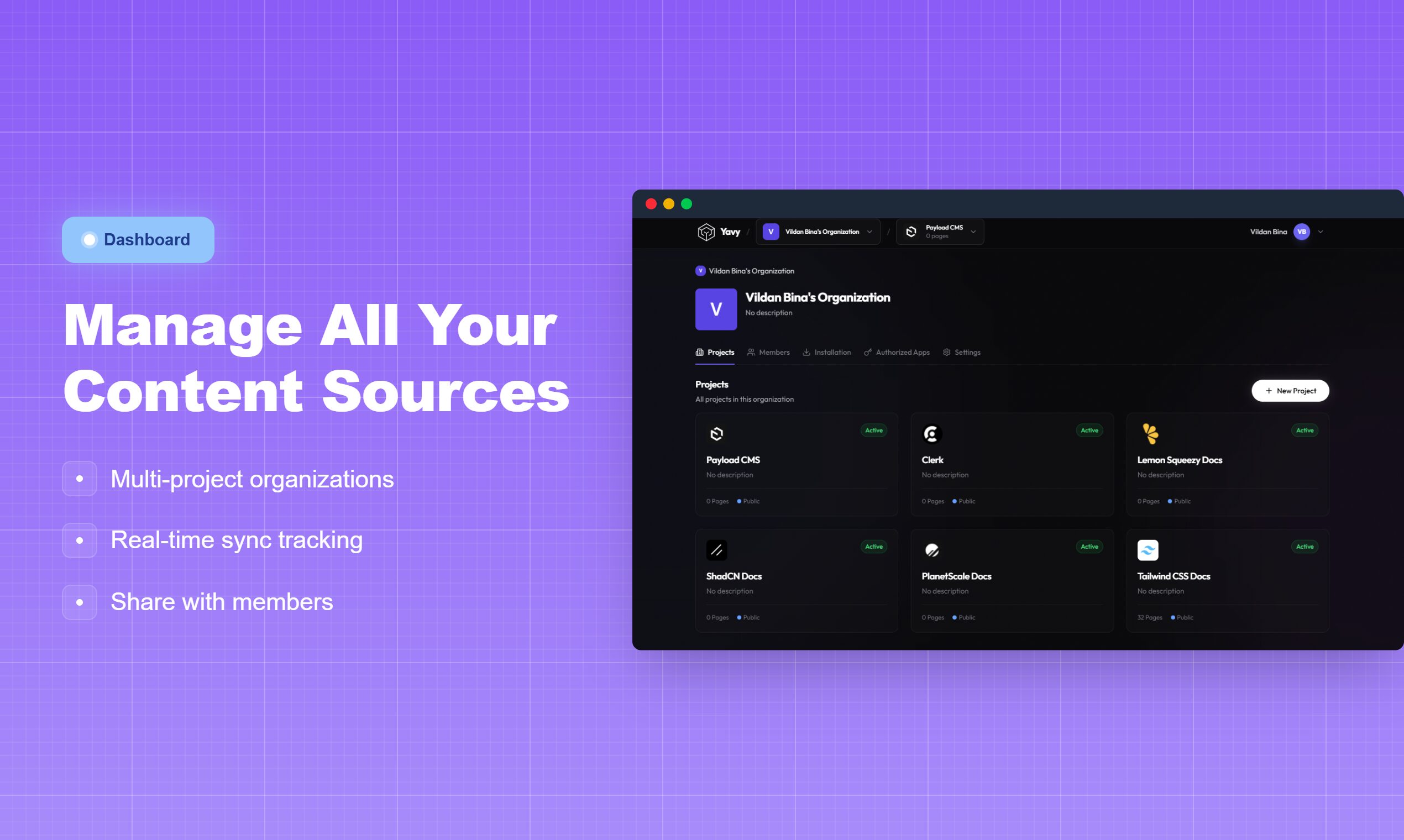
- Team Sharing: Allows teams to manage multiple documentation sources in one dashboard and share access keys securely.
How It Works
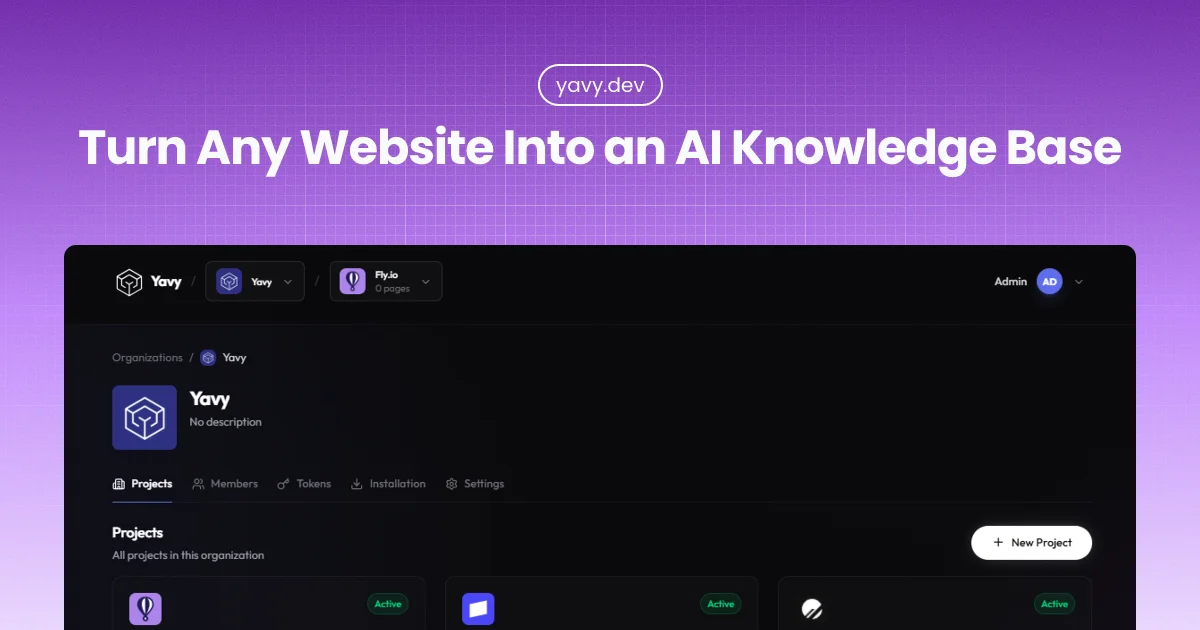
Users simply paste a target URL (like a documentation site or company blog) into Yavy’s dashboard. Yavy’s crawler maps the site using sitemap.xml and recursive link following, then scrapes and embeds the text into a vector database.
The platform generates a unique MCP server URL. The user adds this URL to their AI tool’s configuration file (e.g., claude_desktop_config.json). Now, when the user asks Claude “How do I use the new API feature?”, Claude queries the Yavy MCP server, retrieves the specific paragraph from the live documentation, and answers accurately with a citation.
Use Cases
- Coding Assistants: Giving Cursor or Windsurf instant access to a library’s latest documentation that isn’t in their training data yet.
- Customer Support: Enabling support agents to query a verified “Help Center” knowledge base directly within their chat interface.
- Competitor Analysis: Monitoring a competitor’s pricing page or blog by turning it into a queryable data source.
- Internal Knowledge: rapidly making public-facing team wikis accessible to internal AI workflows without building a custom RAG pipeline.
Pros & Cons
Pros:
– Speed: Sets up a RAG (Retrieval-Augmented Generation) pipeline in seconds compared to building one from scratch.
– Accuracy: Drastically reduces hallucinations by grounding answers in live data.
– Standardization: Uses the open standard MCP, preventing vendor lock-in to a specific AI model.
– Maintenance-Free: Handles the scraping, chunking, and embedding infrastructure automatically.
Cons:
– Public Only: Currently designed for public-facing websites; may not support behind-login content (though OAuth support is on the roadmap).
– Dependency: If Yavy’s server goes down, your AI loses access to the documentation.
– Pricing: Likely a subscription model, adding recurring costs compared to running a local scraper.
– Rate Limits: Heavy crawling might be blocked by some target websites’ security settings (WAFs).
Pricing
Pricing is not explicitly detailed on the public landing page but follows a typical SaaS structure for API tools:
– Free Tier: Likely available for a single source or limited pages to test the functionality.
– Pro Tier: Estimated at $20-$30/month for multiple projects, higher page limits, and faster sync frequencies.
– Team/Enterprise: Custom pricing for shared workspaces, higher rate limits, and priority support.
How Does It Compare?
Yavy competes in the emerging “Data-to-MCP” space, distinct from traditional scrapers.
- vs. Firecrawl (MCP Server)
- Firecrawl: An open-source friendly scraper that developers often host themselves. It is powerful but requires more technical configuration to run as a persistent MCP server.
- Yavy: A fully managed “SaaS” version. You don’t manage the crawler infrastructure; you just get the endpoint.
- vs. Apify
- Apify: A heavy-duty web scraping platform. It extracts data effectively but delivers it as raw datasets (JSON/CSV) that you must then feed into an AI.
- Yavy: Native MCP integration means the data is served on-demand to the AI agent during the conversation, skipping the “dataset download” step.
- vs. Mendable / IngestAI
- Mendable: primarily focuses on building “Chatbots” that sit on your website (customer facing).
- Yavy: Focuses on the backend pipe to your own AI tools (developer facing). It brings the data to your Claude, rather than putting a bot on your site.
- vs. Custom GPTs (OpenAI)
- Custom GPTs: Can browse the web, but often fail to index deep documentation or specific pages reliably.
- Yavy: Provides a deterministic index of the entire site map, ensuring the AI has “read” every page, not just the ones it chooses to search for.
Final Thoughts
Yavy represents the next logic step in the “AI Stack”—middleware that connects static web content to dynamic AI reasoning. By adopting the Model Context Protocol, it future-proofs your data; you only need to index your documentation once to make it available to Claude, Cursor, and whatever tool comes next. For developers tired of pasting API docs into chat windows, Yavy is an immediate productivity booster.