
Table of Contents
Overview
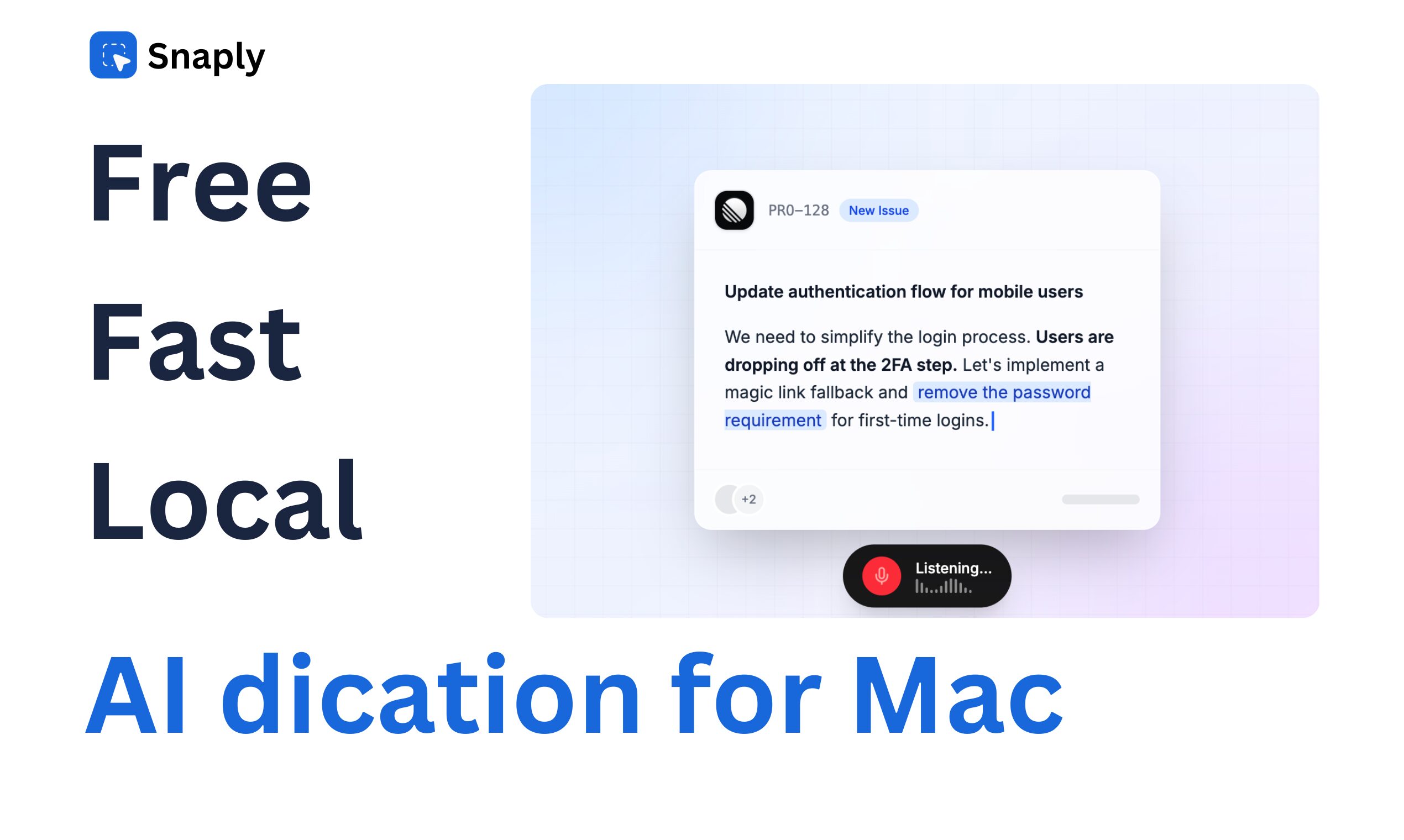
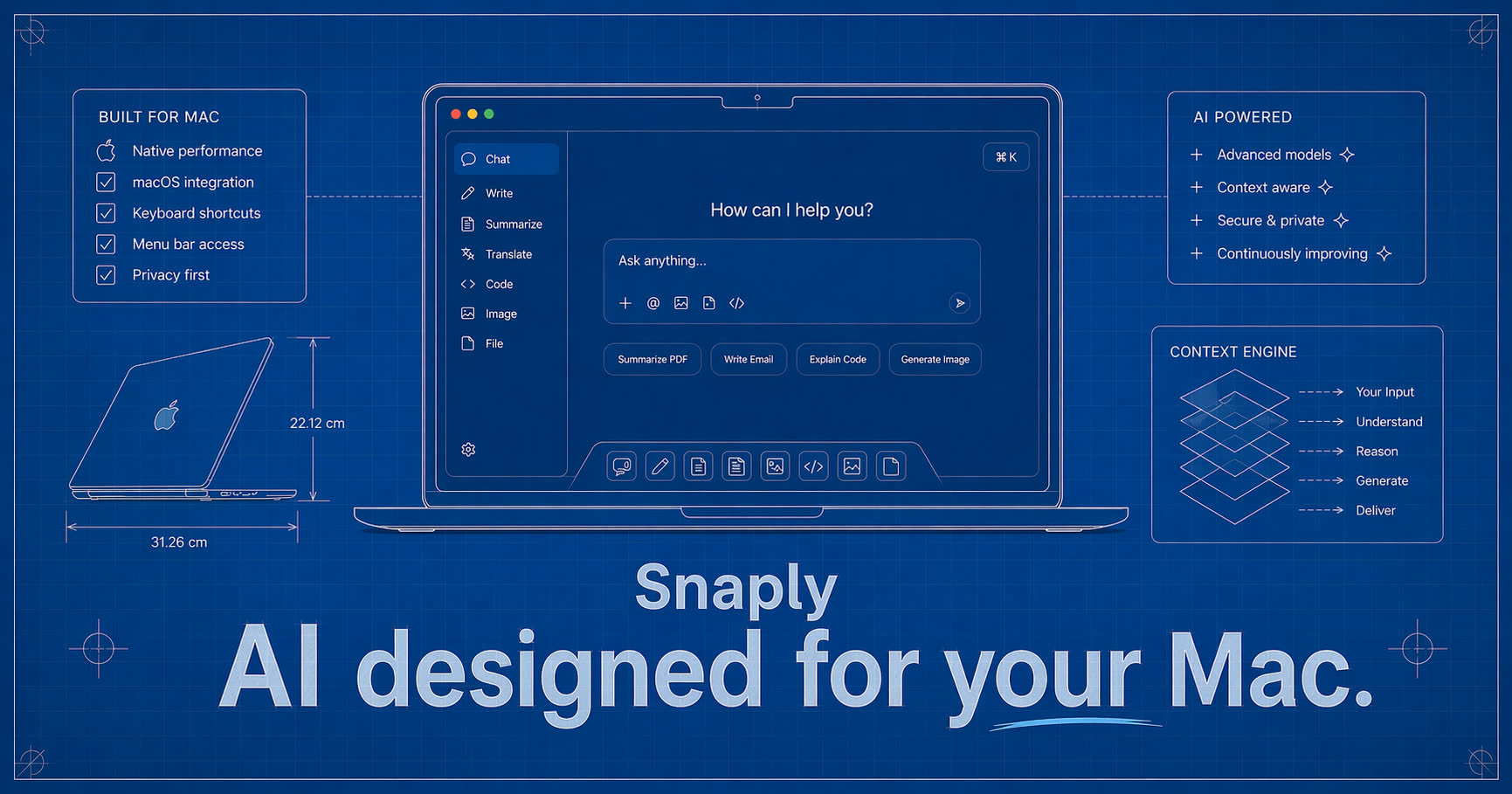
AI Dictation by Snaply is a privacy-first productivity tool designed exclusively for macOS. It replaces standard typing with instant, high-accuracy voice dictation that works in any application—from Slack and Notion to your IDE. Unlike most voice tools that send your audio to the cloud, Snaply processes everything 100% locally on your Mac using advanced Whisper models. This ensures zero latency and absolute data privacy. It also functions as an AI writing assistant, automatically polishing your grammar, adjusting tone, and even translating languages in real-time as you speak.
Key Features
Snaply combines dictation with AI enhancement on the edge:
- Local-First Architecture: All voice processing runs directly on your Mac’s Apple Silicon chip. Your voice recordings and transcripts never leave your device.
- Universal Dictation: Works in every text field on your computer. Just hold a shortcut key, speak, and watch text appear 4x faster than typing.
- AI Refinement: Instead of raw speech-to-text, you can instruct Snaply to “make this email more professional” or “fix the grammar” as it transcribes.
- Multilingual Support: Dictate in your native language and have it instantly translated and typed out in over 100 other languages.
- Smart Assistant (Coming Soon): Future updates promise “Automatic Meeting Notes” that will listen to calendar events and generate summaries without a bot joining the call.
Use Cases
This tool is optimized for privacy-conscious professionals:
- Medical & Legal: Doctors and lawyers can dictate sensitive patient or client notes directly into their secure software without risking HIPAA/GDPR violations via cloud APIs.
- High-Volume Email: Executives can “talk through” their inbox, drafting replies in seconds while walking around the office.
- Writers & Coders: Overcoming writer’s block by speaking rough ideas and having the AI clean them up into structured prose or comments.
Pros & Cons
A balanced look at the tool’s strengths and limitations.
Advantages
- Zero Privacy Risk: Because it works offline and local-only, it is safe for highly confidential corporate or personal data.
- Unbeatable Price: The “Individual” plan is completely free for unlimited dictation, a rarity in the AI space.
- Speed: Removing the cloud “round-trip” means text appears almost instantly, feeling snappier than Siri or cloud dictation.
Disadvantages
- Mac Only: It is strictly built for the macOS ecosystem, leaving Windows and Linux users without access.
- Hardware Dependent: Performance relies on your machine’s power; older Intel Macs may struggle compared to newer M1/M2/M3 chips.
- Feature Gaps: Advanced features like “Meeting Notes” are currently in “Coming Soon” status, meaning it is primarily a dictation tool right now.
How Does It Compare?
Snaply sits in the “Local AI” category. Here is how it stacks up:
- Vs. Superwhisper:
Superwhisper is the closest direct competitor (also Mac-only, local Whisper). Snaply differentiates itself by offering a generous Free Tier for individuals (Superwhisper has a more limited free version) and bundling “AI Grammar/Rewrite” features more aggressively into the core flow. - Vs. Otter.ai:
Otter is a Meeting tool first. It excels at recording hour-long Zoom calls and tagging speakers. Snaply is a Writing tool first. It is better for drafting an email or Slack message now, whereas Otter is better for archiving a past conversation. Also, Otter stores data in the cloud; Snaply keeps it local. - Vs. Apple Dictation:
Apple’s built-in dictation is free but often inaccurate and lacks “smart” features. It types exactly what you say, including “umms.” Snaply uses LLMs to clean up the text, add punctuation intelligently, and rewrite awkward phrasing on the fly.
Final Thoughts
Snaply is a no-brainer for Mac users who want the speed of AI dictation without the privacy nightmare of sending their voice to a third-party server. By making the “Pro” features accessible and the privacy absolute, it sets a new standard for local-first productivity tools.
Disclaimer: Pricing and feature availability (especially “Meeting Notes”) are based on the current release as of January 2026. Always check the official site for the latest updates.