

Table of Contents
AutoBandStudio
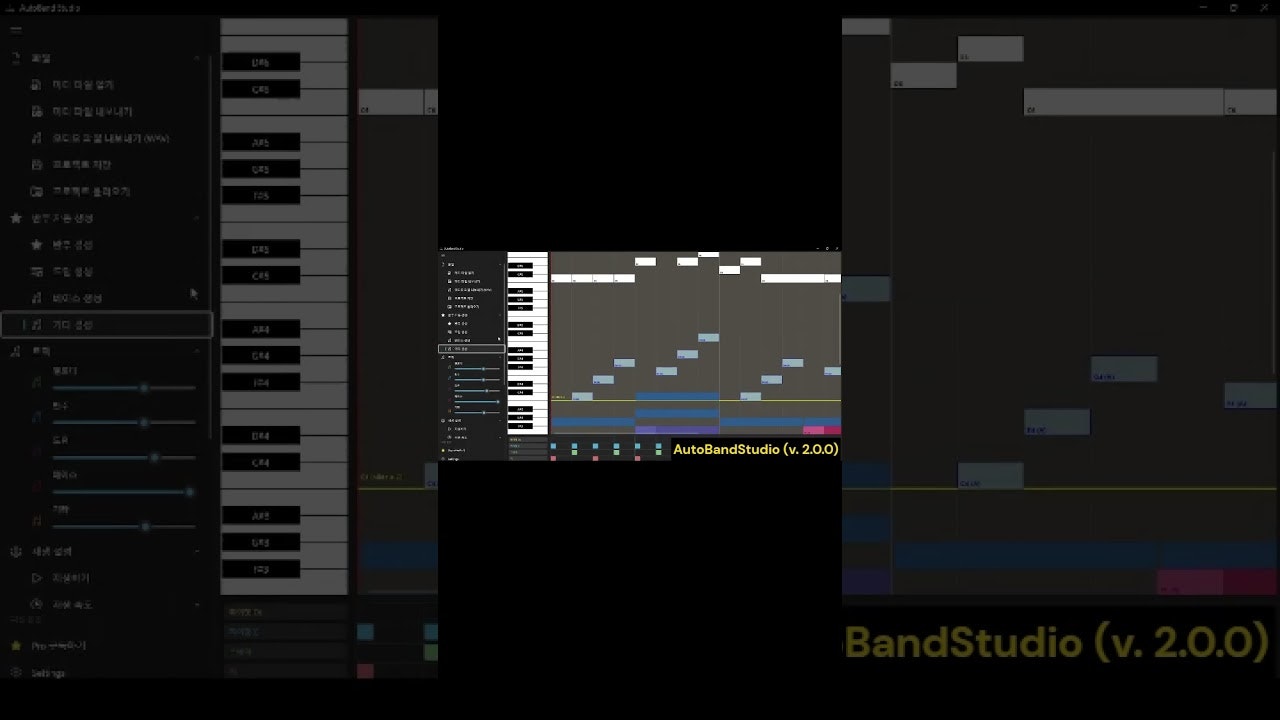
AutoBandStudio is a free Windows app that turns your simple melody into a full musical arrangement with AI. Unlike “black box” generators like Suno that create songs from text prompts, AutoBandStudio respects your creative intent: you sketch the lead melody on a piano roll, and the AI builds the band around you, filling in harmonically correct chords, drums, bass, and guitar parts.
Key Features
- Melody-First Generation: You draw the notes; the AI analyzes your melody to predict natural chord progressions that fit your style.
- Intelligent Accompaniment: Automatically generates multi-track backing including Drums, Bass, and Guitar based on the predicted chords.
- Guitar Style Engine: Select from 4 distinct guitar playing styles (e.g., Arpeggio, Strumming) to match the genre of your track.
- Editable Drum Roll: Unlike static audio loops, the generated drums are fully editable MIDI notes that you can tweak, delete, or rewrite.
- Section Regeneration: Don’t like the bass line in the bridge? Select just that section and hit regenerate without losing the rest of the song.
- Standard Export: Exports your project as MIDI (for further production in any DAW) or WAV audio.
How It Works
Users launch the desktop app and use the mouse to draw a melody line on the piano roll grid. With one click, the AI analyzes the tonal center and rhythm of the melody, generating a full backing track. Users can then audition different chord progressions suggested by the AI, switch the guitar style from “Power Chords” to “Acoustic Fingerpicking,” and adjust the tempo. Once satisfied, the arrangement can be exported as a multi-track MIDI file to be finished in professional software like Ableton Live or FL Studio.
Use Cases
- Songwriting Sketchpad: Quickly testing if a melody idea works with a full band context before recording real instruments.
- Beat Making: Generating a unique, royalty-free chord and drum progression to use as a foundation for a hip-hop beat.
- Music Theory Learning: Seeing how the AI harmonizes a melody can help beginners understand which chords work well together.
- Content Creation: Creating simple, custom background music for videos where you want control over the melody but don’t know how to program drums.
Pros and Cons
- Pros: Preserves User Agency (it accompanies your melody, doesn’t replace it); Editability (generated parts are MIDI, not fixed audio); Offline/Local (Windows desktop app); Free Tier allows full experimentation; MIDI Export ensures it fits into professional workflows.
- Cons: Windows Only (no Mac/Mobile version); Weekly Export Limits for free users (3/week); Limited Styles (currently focused on standard band instruments); Sound Quality is General MIDI/Synth-based (meant for sketching, not final production).
Pricing
- Free: Unlimited generation, access to all instruments, 3 exports per week.
- Pro: Subscription (price varies globally) unlocks Unlimited Exports, Project Save/Load, and Commercial Use license.
How Does It Compare?
AutoBandStudio occupies the “Musician’s Assistant” niche rather than the “Song Generator” niche.
- Suno / Udio: These are “Prompt-to-Song” tools. You type “sad song about rain” and get a finished audio file. You have zero control over the melody or notes. AutoBandStudio is for creators who want to write the music themselves but need help with the backing track.
- BandLab SongStarter: A similar concept, but often focused on generating the seed idea for you. AutoBandStudio assumes you already have the melody and want to build around it.
- AIVA: A powerful AI composer, but often complex and cloud-based. AutoBandStudio is a lightweight, local desktop app focused on a specific “Melody -> Band” workflow.
- DAW Chord Plugins (Scaler, Orb Producer): These are pro tools that cost money and require a host DAW. AutoBandStudio is a standalone, free entry point for beginners or quick sketching.
Final Thoughts
AutoBandStudio is a refreshing return to “AI as a Tool” rather than “AI as a Replacement.” It brings the magic of auto-accompaniment keyboards (like the old Casio arrangers) into the modern AI era. For songwriters who are tired of typing prompts into a slot machine and want to actually compose music again, this is a fantastic, no-risk playground to spark new ideas. It puts the “Human” back in the loop of AI music.