
Table of Contents
Overview
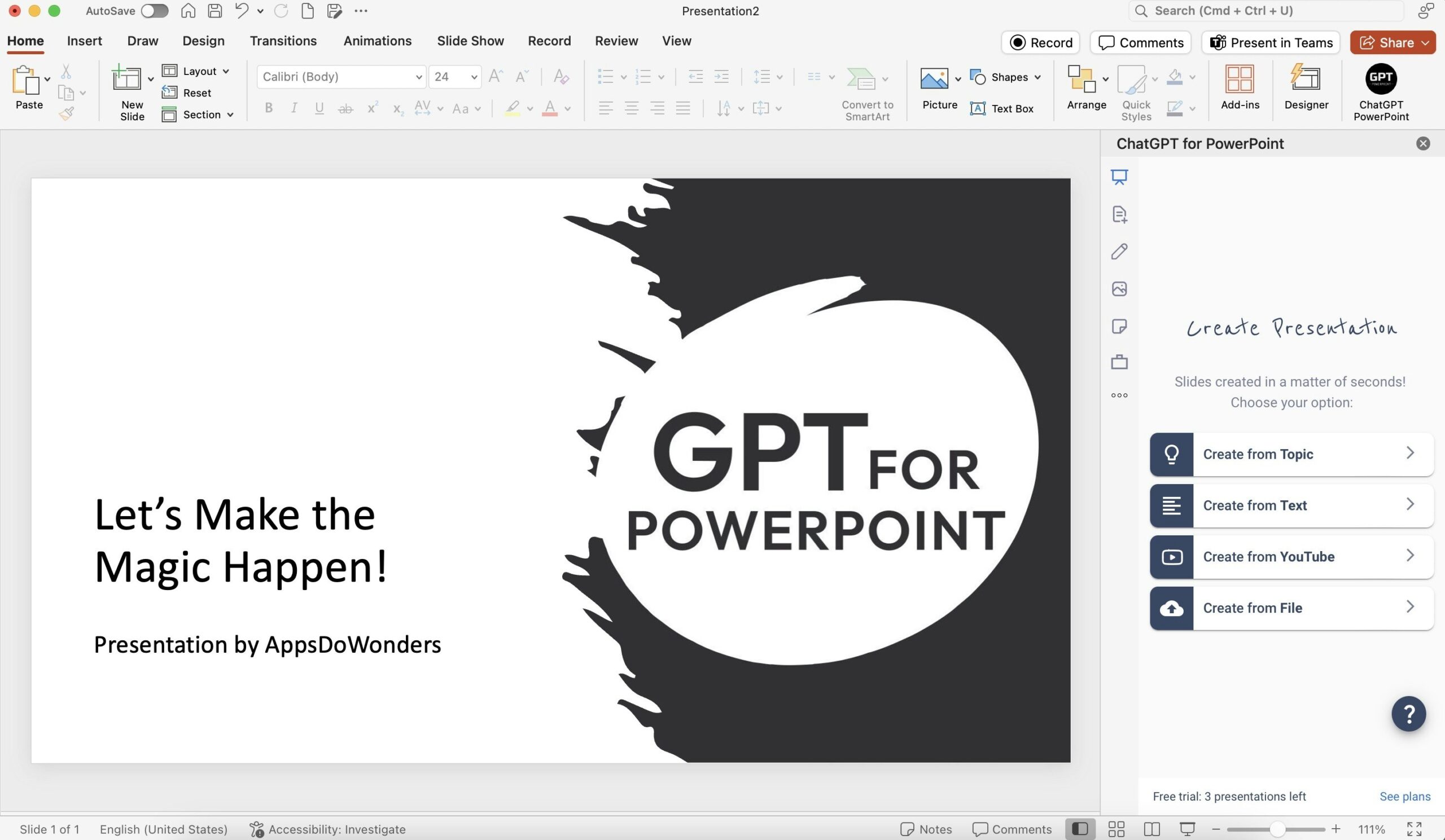
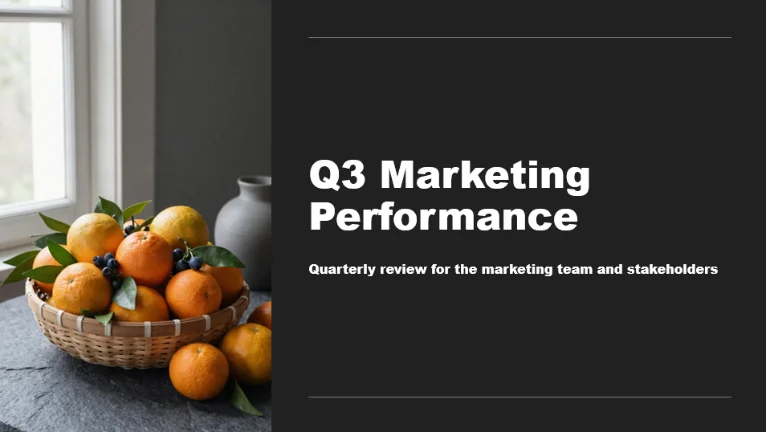
Staring at a blank PowerPoint presentation can be daunting, especially when you’re short on time. Enter ChatGPT for PowerPoint by Twistly, an AI-powered add-in designed to transform your ideas into stunning slides in minutes. This tool seamlessly integrates with Microsoft PowerPoint, offering a fast and efficient way to create professional presentations from text, topics, or even YouTube links. Let’s dive into what makes this add-in a game-changer for anyone who needs to create compelling presentations quickly.
Key Features
ChatGPT for PowerPoint by Twistly boasts a range of features designed to streamline the presentation creation process:
- AI-generated slides from topics, text, or YouTube links: Simply provide a topic, paste in your text, or share a YouTube link, and the AI will generate a complete set of slides.
- Pre-designed templates with automatic formatting: Choose from a variety of professionally designed templates that automatically format your content for a polished look.
- Speaker notes and image suggestions: Enhance your presentation with AI-generated speaker notes and relevant image suggestions to keep your audience engaged.
- Multilingual support and translation: Reach a global audience with multilingual support and translation capabilities.
- Integration via Microsoft AppSource: Easily install and integrate the add-in directly from the Microsoft AppSource.
How It Works
Getting started with ChatGPT for PowerPoint is straightforward. First, install the add-in from the Microsoft AppSource. Once installed, open PowerPoint (desktop or web version) and locate the Twistly add-in. Input your content – whether it’s a topic, a block of text, or a YouTube link. The AI then analyzes your input and generates a full set of slides, complete with visuals, formatting, and optional speaker notes. It’s a simple, intuitive process that significantly reduces the time spent on presentation design.
Use Cases
ChatGPT for PowerPoint is versatile and can be used in a variety of scenarios:
- Business presentations: Quickly create compelling presentations for meetings, conferences, and client pitches.
- Academic lectures: Generate engaging slides for lectures and seminars, saving valuable preparation time.
- Marketing pitches: Craft persuasive marketing presentations with visually appealing slides and concise messaging.
- Quick drafts from online content: Easily transform online articles and videos into presentation-ready content.
Pros & Cons
Like any tool, ChatGPT for PowerPoint has its strengths and weaknesses. Let’s take a closer look:
Advantages
- Fast slide generation: Significantly reduces the time required to create presentations.
- Professional formatting: Ensures a polished and consistent look across all slides.
- Supports various content types: Works with topics, text, and YouTube links, offering flexibility in content creation.
Disadvantages
- Limited to PowerPoint platform: Only works within Microsoft PowerPoint, which might not suit users who prefer other presentation software.
- Dependent on input quality: The quality of the generated slides depends on the quality of the input content.
- Requires Office integration: Requires a Microsoft Office subscription and integration.
How Does It Compare?
While ChatGPT for PowerPoint offers a convenient way to generate slides within PowerPoint, it’s worth considering alternatives. Beautiful.ai is a standalone platform that provides more control over design and customization. Tome, on the other hand, focuses on broader storytelling with a web-first design approach, making it suitable for collaborative presentations.
Final Thoughts
ChatGPT for PowerPoint by Twistly is a valuable tool for anyone looking to streamline their presentation creation process. Its ability to quickly generate professional-looking slides from various content types makes it a time-saving solution for business professionals, educators, and marketers alike. While it has its limitations, the convenience and efficiency it offers make it a worthwhile addition to your presentation toolkit.