Table of Contents
SessionCast
SessionCast lets you remotely access Claude Code running on your local machine from any web browser. While Claude Code typically requires you to be glued to your terminal, SessionCast installs a lightweight agent that streams your session securely to the web. This allows you to monitor long-running refactors from your phone, approve agent prompts from a tablet, or switch between multiple active sessions without needing complex VPNs, SSH tunnels, or tmux mastery.
Key Features
- Browser-Based Remote Access: Control your local CLI tools from Chrome/Safari on iOS, Android, or any laptop. No app installation required.
- Zero-Config Networking: Bypasses the need for port forwarding, static IPs, or VPNs using a secure outbound relay architecture.
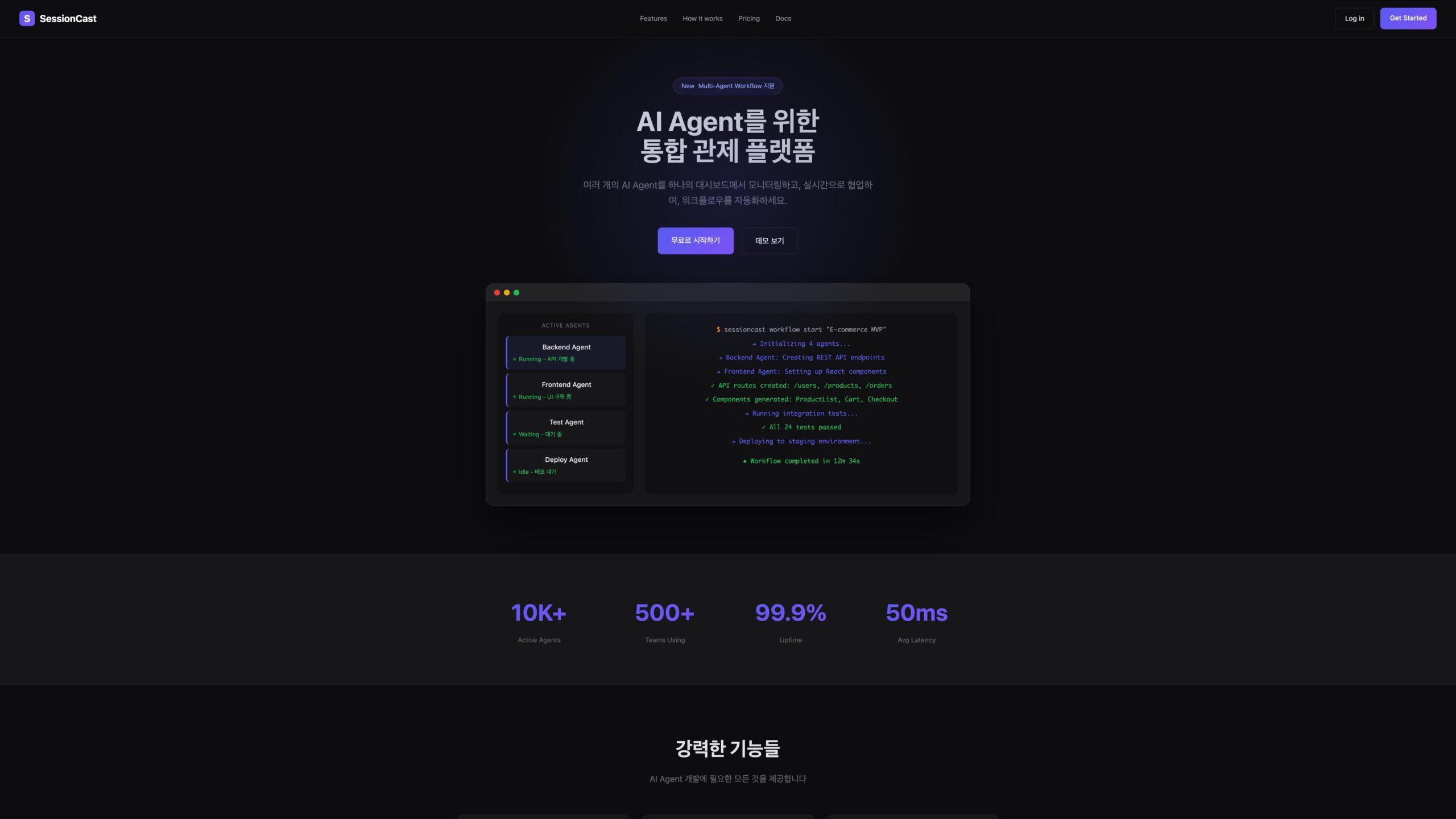
- Multi-Session Dashboard: Run multiple instances of Claude Code (e.g., “Frontend Refactor” and “Backend Tests”) and toggle between them or view them side-by-side.
- Two-Way Interaction: Full keyboard support allows you to type commands, approve prompts (
y/n), and intervene if the agent gets stuck. - Mobile-Optimized: Designed to handle terminal streams on small screens, fixing the common issue where non-ASCII characters break over standard SSH apps.
- Relay Library: Offers a developer SDK to embed this “Remote CLI” capability into your own internal developer tools.
How It Works
Users run a simple command (e.g., sessioncast start) on their dev machine. This launches a local agent that wraps the current terminal session (often leveraging tmux under the hood) and connects to SessionCast’s secure relay server via an outbound WebSocket. The user receives a unique, private URL. Opening this URL on any device provides a low-latency, real-time mirror of the terminal where they can type commands as if they were sitting at their desk.
Use Cases
- Commuter Coding: Starting a complex 20-minute migration task with Claude Code before leaving the office and monitoring its progress on the train home.
- Meeting Multi-Tasking: Checking in on a long build or test suite from your phone during a Zoom call without opening your laptop.
- Emergency Fixes: Jumping into your dev machine from an iPad to approve a deployment prompt when you are away from your keyboard.
- Pair Programming: Sharing a session URL with a colleague to let them watch or control your Claude Code agent for debugging help.
Pros and Cons
- Pros: Zero Friction (no SSH keys to manage); Device Agnostic (works on anything with a browser); Session Persistence (disconnecting the browser doesn’t kill the agent); Multi-Tasking (manage parallel agents easily).
- Cons: Relay Trust: Your terminal data passes through a relay server (though likely encrypted, enterprise policies may block this); Latency: slightly higher than a direct local terminal; CLI Only: Cannot view GUI apps or VS Code windows, only the terminal.
Pricing
- Free: Currently free to use for individual developers (Early Access / Launch phase).
- Team/Enterprise: Likely future paid tiers for private relay servers, SSO, and extended session logs.
How Does It Compare?
SessionCast fits into the “Remote Development” stack but targets the “AI Agent” niche.
- SSH / Tmux: The traditional way. It’s free and private but painful to set up on mobile (tiny keyboard, connection drops). SessionCast wraps this in a Mobile-Friendly Web UI that handles connection drops gracefully.
- Claude Remote (clauderc.com): A direct competitor offering an iPhone app. SessionCast differentiates by being Browser-Based (no app install needed) and supporting Multi-Session side-by-side views.
- Claude Code on the Web (Anthropic): Anthropic’s official cloud solution runs agents in the cloud. SessionCast lets you control the agent running on your local machine (where your secrets, keys, and local git repos live).
- Chrome Remote Desktop / TeamViewer: These stream your entire screen, consuming massive bandwidth and making text hard to read on phones. SessionCast streams only the text, making it fast and readable even on 4G.
Final Thoughts
SessionCast solves the “Baby Monitor” problem for AI Engineers. As we move from “writing code” to “supervising agents,” our workflow changes from 100% active typing to 90% passive watching. SessionCast recognizes this shift, allowing you to “step away from the machine” while keeping a digital leash on your autonomous agents. It’s the perfect tool for the developer who wants to touch grass without stopping the build.